
Stop Re-Teaching AI Every Time. Turn Your Expertise Into Its Skills.
A few days ago, a friend of mine — a marketing director — grabbed dinner with me.
A few days ago, a friend of mine — a marketing director — grabbed dinner with me.
Halfway through the meal, he sighed: "I use AI to write things every day, but every single time I have to explain my requirements all over again. Keep the tone restrained, format it this way, don't open with a question... I talk until my mouth is dry, and the next session it forgets everything anyway."
I told him: you don't need a better AI.
You need a "skill."
What Is an AI Skill?
Simply put, it's a set of reusable instructions that tells AI how to complete a specific task — consistently, the same way every time, without you having to explain it over and over.
You teach it once. It remembers forever.
A prompt tells AI what to do. A skill tells AI how to do it.
What Does a Skill Look Like?
It sounds abstract, but it's remarkably plain.
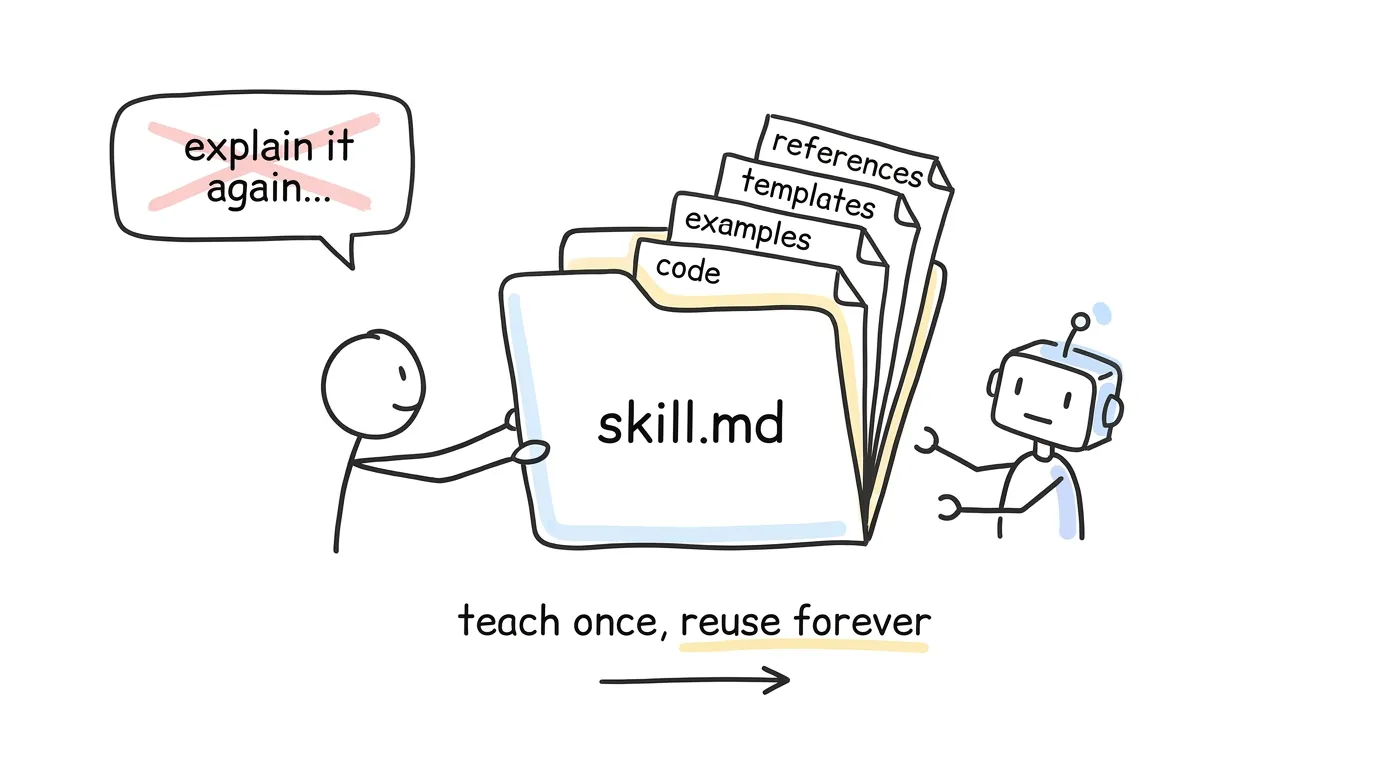
A skill is just a folder.
At the heart of the folder is a file called skill.md. It's nothing more than a plain text document, written in a lightweight format called Markdown. Don't let the term intimidate you — Markdown is simply a document format that AI reads especially well. That's all it is.
Besides this main file, what else can go in the folder?
You can include examples of work you've done brilliantly, for the AI to learn from. You can include brand guidelines and tone-of-voice guides. You can include output templates. You can even include code that automates certain steps in the workflow.
Today, quite a few agent tools support this approach, such as Claude Code, OpenAI's Codex, and ChatGPT Work.
Think about what this is equivalent to.
It's like hiring a new employee and, instead of giving verbal instructions, handing them an entire cabinet of operating manuals: how to do it, to what standard, which references to consult, what pitfalls to avoid.
They can look it up anytime. Then get to work.
Why Should Marketers Act Now?
Because a marketer's work is inherently "repetitive plus structured."
Writing newsletters, scheduling social media content, summarizing podcasts, sending email campaigns, producing monthly reports... which of these doesn't come around every week or every month?
So how are people handling this repetitive work right now?
Two ways, really.
The first: at the start of every session, explain the whole process to the AI again. By the twentieth time, you're sick of it yourself.
The second: rely on project instructions or the AI's memory features. But those only capture part of it — never the whole picture.
What's the common problem with both approaches?
Inconsistency.
Output quality depends on who's asking the questions and how many details that person still remembers. Veteran team members get good results; new hires are lost and have to learn from scratch.
Skills, on the other hand, capture the entire process — formatting, tone, templates, examples, automation code — in one documented place, once and for all.
This isn't just my speculation. The content team at SmarterX has already made many skills central to their daily operations, and they've said any company can do the same.
Do the math: spend two hours writing a skill today, and over the next two years, the time your team saves by using it every week will far exceed those two hours.
This is a compounding investment. The more you use it, the more valuable it becomes.
What Should Become a Skill — and What Shouldn't?
This is the single most important judgment when building a skill library. Not everything should become a skill.
Work that should become a skill looks like this:
- Repeatable, with stable output requirements. Think newsletters, social media content, meeting notes, email templates.
- Governed by clear formats, templates, or brand standards.
- A process you've already figured out yourself — you know what the correct steps are.
- Situations where consistency is worth more than creativity.
Work you should let the AI figure out on its own looks like this:
- Strategic, exploratory, or first-time tasks.
- Things you wouldn't do well yourself.
- Tasks where letting the AI find the optimal solution beats forcing it through your preset steps.
- Processes that change frequently. If the workflow shifts every few weeks, your skill will be obsolete as soon as you finish writing it.
So where's the sweet spot for skills?
Complex but relatively stable work that needs to be done well repeatedly, and that you don't want to burn tokens re-explaining every time.
In one sentence: a skill is an SOP written for your AI.
How Do You Build One?
You might say: "But I can't code."
You don't need to. Really.
And there's a great shortcut: just have the AI write it for you. Tell it "I want to create a reusable skill," then talk it through back and forth until it produces what you need.
A well-structured skill breaks down into four layers.
Layer one: the main instruction file, skill.md.
This is the entry point the AI reads first. Keep it short and direct — under 200 lines is a good target. It needs to answer four things: what the task's goal is, what the expected output format is, which reference files hold the details, and what hard constraints exist (tone, length, platform rules).
Layer two: supporting reference files.
Move the details out — don't cram everything into the main file. For example:
- brand-voice.md: tone, word-choice rules, expressions to avoid.
- newsletter-format.md: section structure, word-count limits, sign-off language.
- examples/: finished samples the AI can model.
This keeps the main file lean. Later, if you want to change the tone, you edit one file instead of overhauling the whole skill.
Layer three: templates and assets.
Include a blank newsletter skeleton, a social media copy structure, and link to assets the workflow might need, like a logo or an image folder.
Layer four: code for deterministic operations.
This layer is the most overlooked — and the most valuable.
What are deterministic operations? The kind of thing a simple script can complete reliably every single time: formatting dates, pulling data from a spreadsheet, assembling a table with a fixed structure.
Very often, the work you're asking the AI to do is actually work code could finish stably in one second. Push those tasks down into code: the AI runs the script, gets the result, and moves on — instead of "reinventing" the logic from scratch every time.
Saves time, saves effort, saves tokens.
Four Steps You Can Take Right Now
So where do you start?
- Inventory your most repetitive work. List the tasks your team does every week or every month with a fixed format: newsletters, social media, email sequences, meeting notes. These are your highest-value skill candidates.
- Write down one process this week. Pick a single task and describe it in plain language: the steps, the output format, the tone, what counts as "good." That document is the foundation of your first skill.
- Build a simple skill.md. Hand the AI Anthropic's Agent Skills standard and let it translate your process into a skill. Once it's built, have the AI audit it against that standard — the fastest way to surface structural problems and efficiency gaps.
- Plan to maintain it. A skill isn't "set it and forget it." Treat it like software: design it, test it, review it once a quarter. Models are updating and processes are evolving — a skill that worked six months ago may need adjusting now.
Final Thoughts
At its core, building skills does one thing: it turns "the tacit experience inside your head" into "explicit assets your whole team can reuse."
Employees leave. Memories fade. But a well-written skill.md sits quietly in a folder, ready for whoever comes next.
Every skill you write today is one repeated explanation you won't have to give tomorrow.
Stop spending your time re-explaining. Turn the explanations into skills, and give your time back to creating.
Here's to going from "AI's trainer" to "AI's boss."
Continue reading
Related articles
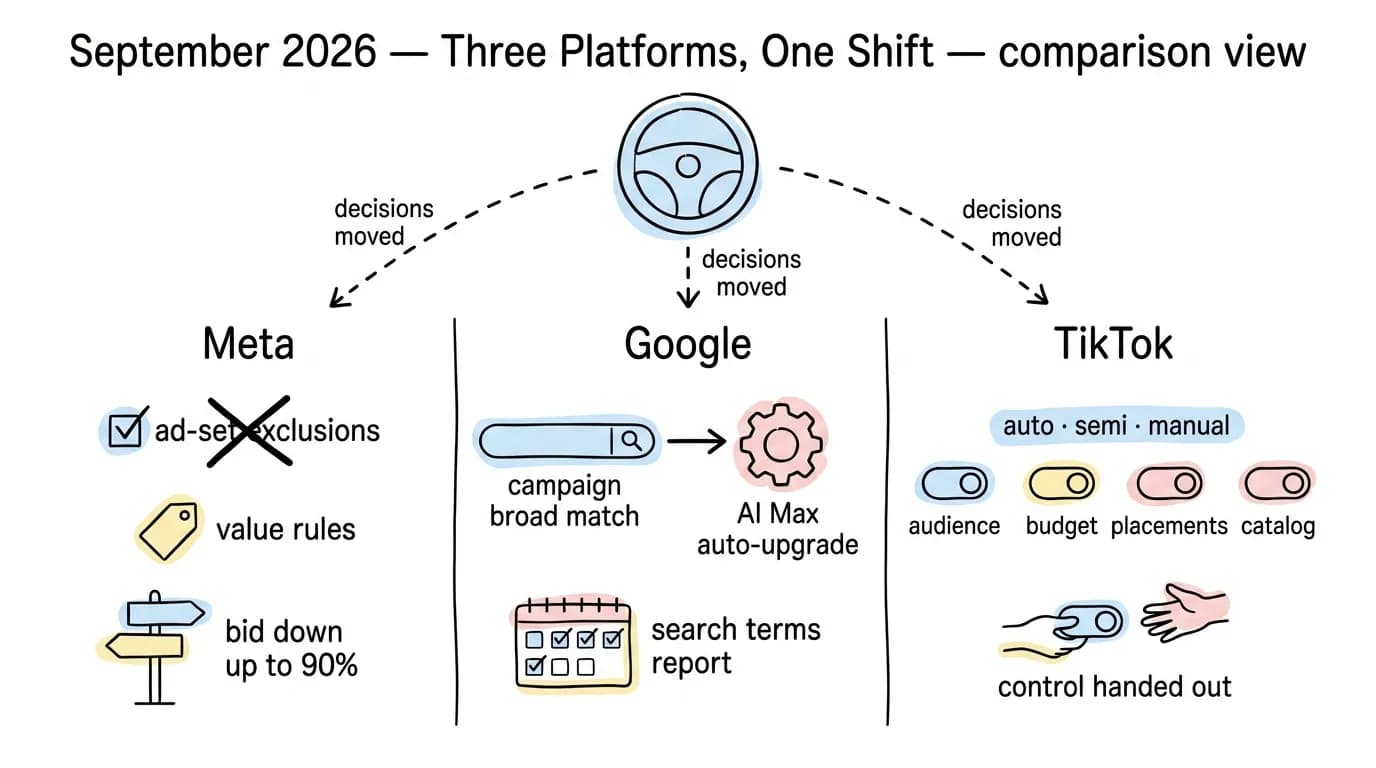
In September, Three Platforms Took Away Part of Your Steering Wheel
A few days ago, I went through everything the three big ad platforms did in September 2026. And I noticed a remarkably interesting coincidence.
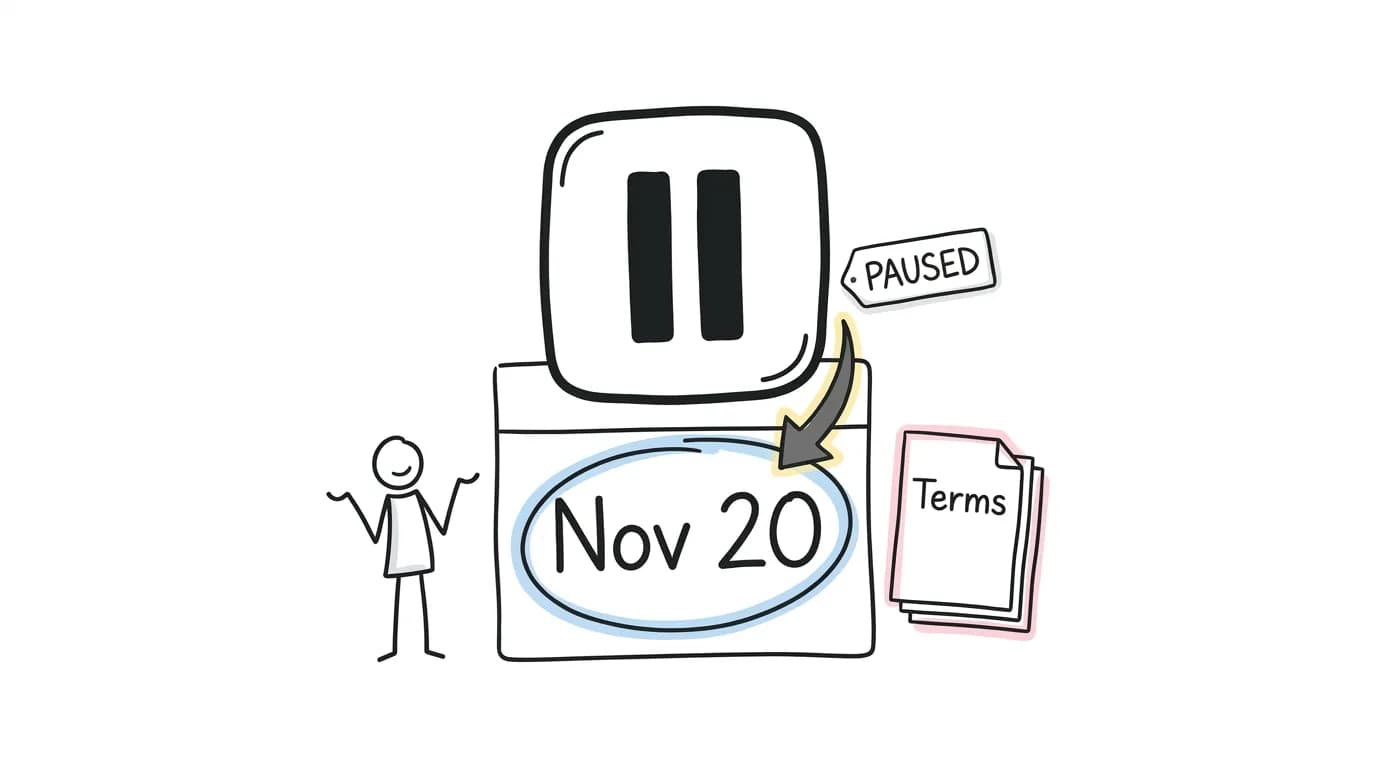
Meta's New Terms Hit the Pause Button on the Eve of the Effective Date
A while back, I was helping a friend of mine who runs a cross-border e-commerce business go through the compliance checklist for his ad account.
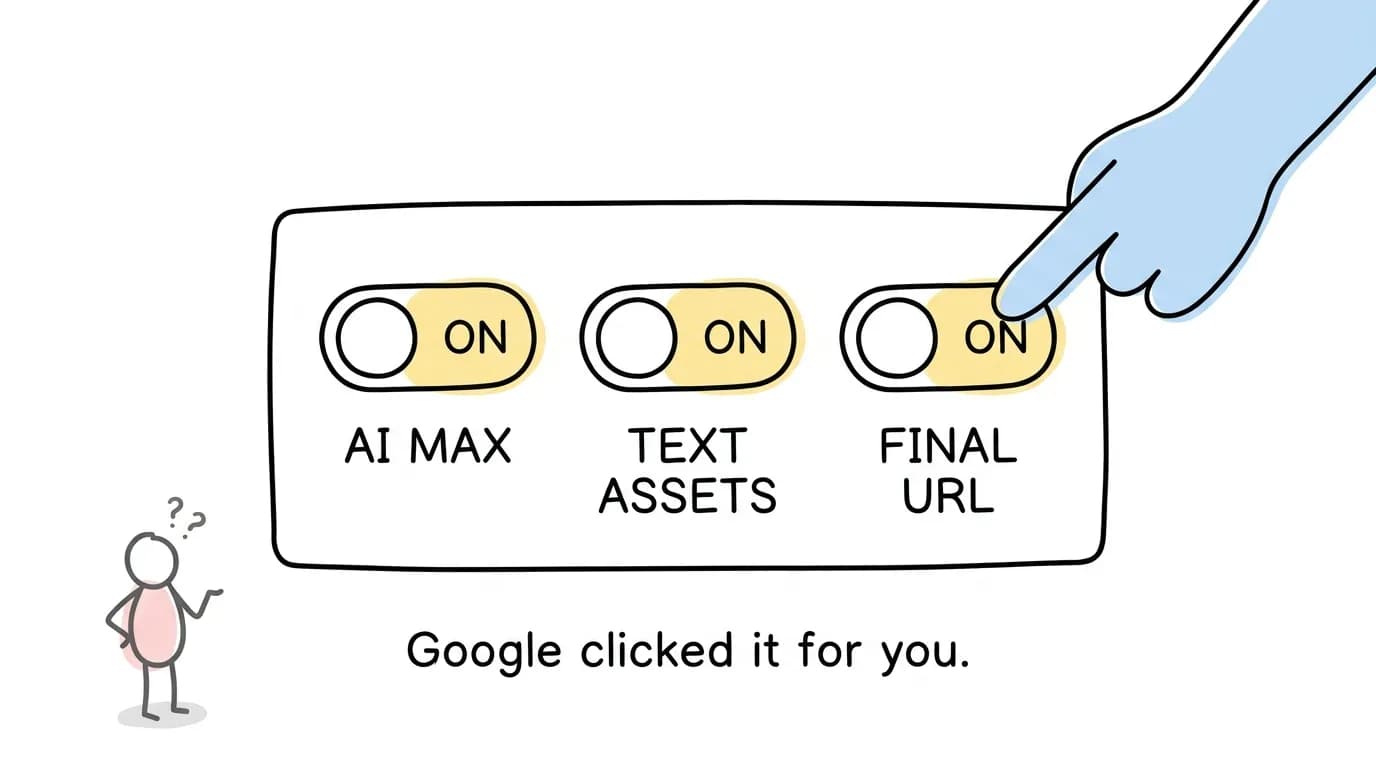
Google and Meta changed 17 ad rules this week. 6 of them need checking today.
A few days ago, I was helping a friend who runs a cross-border e-commerce business go through his ad accounts.