
Google and Meta changed 17 ad rules this week. 6 of them need checking today.
A few days ago, I was helping a friend who runs a cross-border e-commerce business go through his ad accounts.
A few days ago, I was helping a friend who runs a cross-border e-commerce business go through his ad accounts. He had just batch-built a set of Black Friday search campaigns in Google Ads Editor, and showed me the results when he was done.
I opened it up. And froze.
AI Max: on. Text asset automation: on. Final URL expansions: on.
He looked completely baffled: "I never clicked any of that."
Right. You didn't click anything. Google clicked it for you.
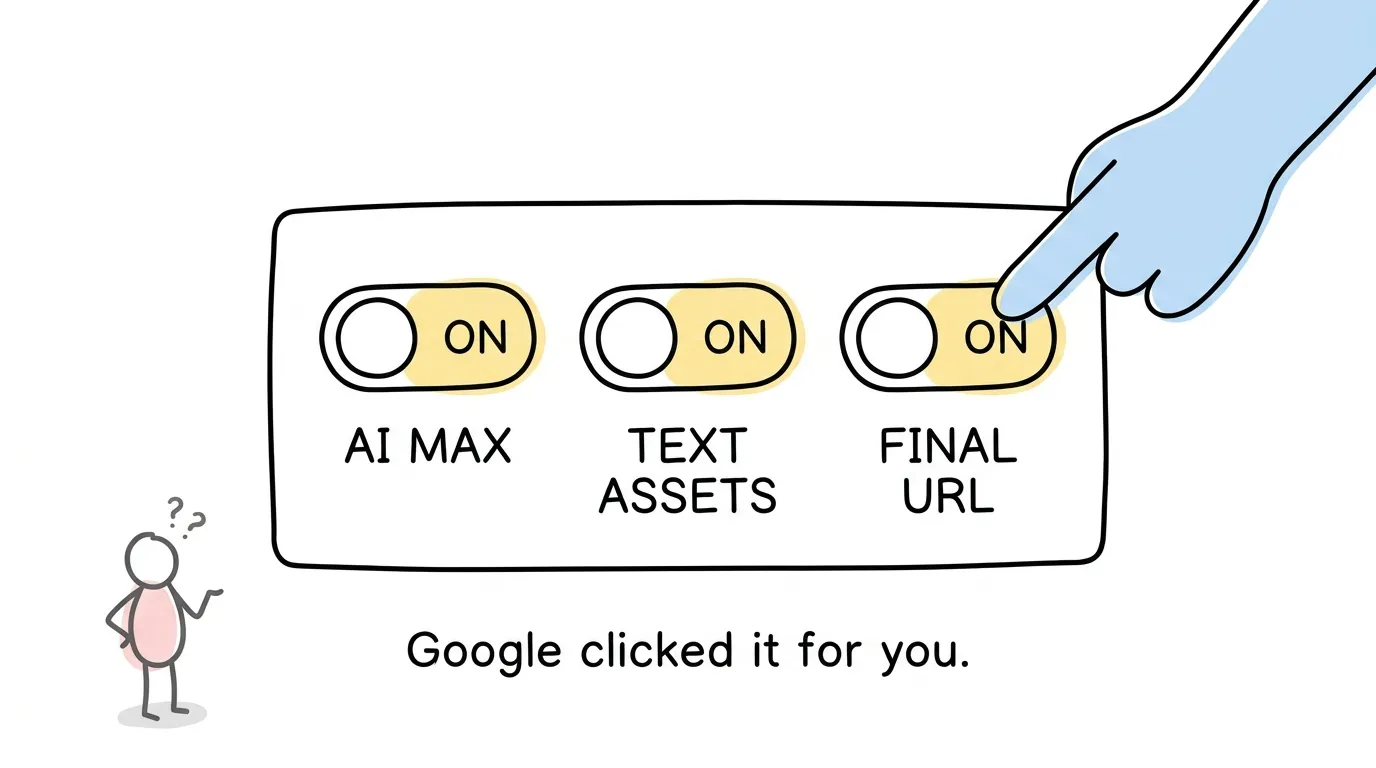
Over the past week, November 11 through 17, Google and Meta touched a total of 17 settings that matter to advertisers. I went through all of them, and 6 of them genuinely deserve a look in your account today.
Let's start with the most urgent one.
1. Google turned on AI Max for you
Google Ads Editor updated to version 2.14. From this version on, when you create a new search campaign in Editor, AI Max, text asset automation, and Final URL expansions are all enabled by default. Existing campaigns are unaffected.
What is AI Max? Simply put: Google writes your ads for you, picks your landing pages for you, and matches your search terms for you. You hand it a final URL, and the rest is up to it.
Sounds worry-free. But.
Final URL expansions mean Google can send your clicks to other pages on your site. The headline you pinned so carefully is no longer guaranteed to stay pinned.
For anyone selling standardized products online, this may not matter. But if your copy has to pass compliance review, or you've locked in a line of promo text, this is a disaster.
What to do? Check the AI Max settings on every newly created campaign, one by one. If a landing page must stay fixed, turn it off, or add a URL exclusion.
By the way, version 2.14 also packed in a pile of account-level new settings: new customer acquisition and retention, bidding only on lapsed customers, channel priorities, budget caps. Local inventory ads in Shopping also became always-on, and there's no longer a way to turn them off inside Editor.
So who should actually be nervous? Anyone about to batch-build holiday campaigns.
Like my friend.
2. To stop it, you need to know how to write exclusions
Sticking with AI Max, there's an even easier trap to step in.
This week Google published the matching rules for URL exclusions in AI Max: a rule like "URL contains" matches whole words, not partial words.
What does that mean? You write "sale", intending to block every promo page. Turns out a page like "wholesale" doesn't get blocked. Because the rule only recognizes the complete word "sale".
Two more details, each sneakier than the last. Underscores don't count as separators. And a space acts as AND: if your rule contains two words, both words must appear as complete words in the page URL for the rule to fire.
Also, these exclusion rules only take effect when both "text customization" and "Final URL expansions" are on. If you upgraded an old Dynamic Search Ads (DSA) campaign to AI Max, the old rules become read-only: you can delete them, but not edit them, and not add new ones either.
Read those three sentences word by word. They decide where your money goes.
3. The "ending soon" badge can be shown once per quarter
Under the price in Google Shopping ads, there's a small badge that says things like "3 days left". It has now officially graduated from experiment to standard feature.
And along with graduation, the rules are spelled out in strict terms. From October 15 to January 5, to light up this badge, all of the following must hold: a discount of at least 10%; the lowest price for that product in the past 60 days; ending within 7 days; and the badge must not have been shown for that product in the past 60 days.
Let's do the math. The last condition is the harshest: once per 60 days, and Black Friday–Cyber Monday through New Year's falls right inside that window. Which means for the entire promo season, each product gets exactly one shot at showing the badge.
Urgency only has value the first time you shout it. Shout it too often, and Google confiscates the megaphone for you.
So don't put the badge on your entire store's catalog. Pick the products — the ones that genuinely need that final push.
Oh, and India has joined the "not shown" list, lining up alongside the European Economic Area, Switzerland, and the UK.
4. Stop putting dates in your promotion titles
Merchant Center's promotion rules changed too: redemption dates can no longer appear in titles, in any format. Dates belong in the date field. The only exception is month abbreviations, like "Jan".
If you've already drafted your Black Friday–Cyber Monday promotions, go through them one by one. A title like "Save 20% before Nov 30" won't pass review now.
Keep only the offer in the title. Dates go in the field.
5. Meta's scale got a new reading
This one took effect on November 12.
Meta Pixel has a setting called "on-device conversion measurement", and starting November 12 it's on by default for eligible Pixels. What it does: match an ad view with an order that same customer later places on their own device. The matching relies on information people already gave your website, like their email. Meta announced this back in October — no ambush. Users in the EU and UK are excluded, and attribution windows stay unchanged.
Here's the problem: over the coming weeks, the purchase numbers Meta reports will drift upward, but your actual orders won't.
The scale was swapped, the reading changed, and the goods on the scale haven't gained a single gram.
So before you scale up Black Friday budgets, do one thing first: compare Ads Manager purchases, Shopify orders, and hybrid MER — two weeks before and two weeks after the change. If you want peace of mind, you can also flip the setting off per Pixel in Events Manager.
6. AI-generated celebrity faces: labels don't save you
This week Google clarified a policy: ads that use AI to impersonate public figures are not allowed. Even if you label the ad "this content was AI-generated", still not allowed.
This isn't a new rule — it's a user manual for an old one. Enforcement has worked this way all along.
But the manual is worth reading. Before the promo season, go through the AI avatars, AI voiceovers, and UGC-style short videos across your YouTube, Demand Gen, and PMAX campaigns. If any face or any voice could be recognized as a celebrity, influencer, or athlete, and you don't have written authorization, don't run it.
"AI-generated" is a disclaimer, not a permission slip.
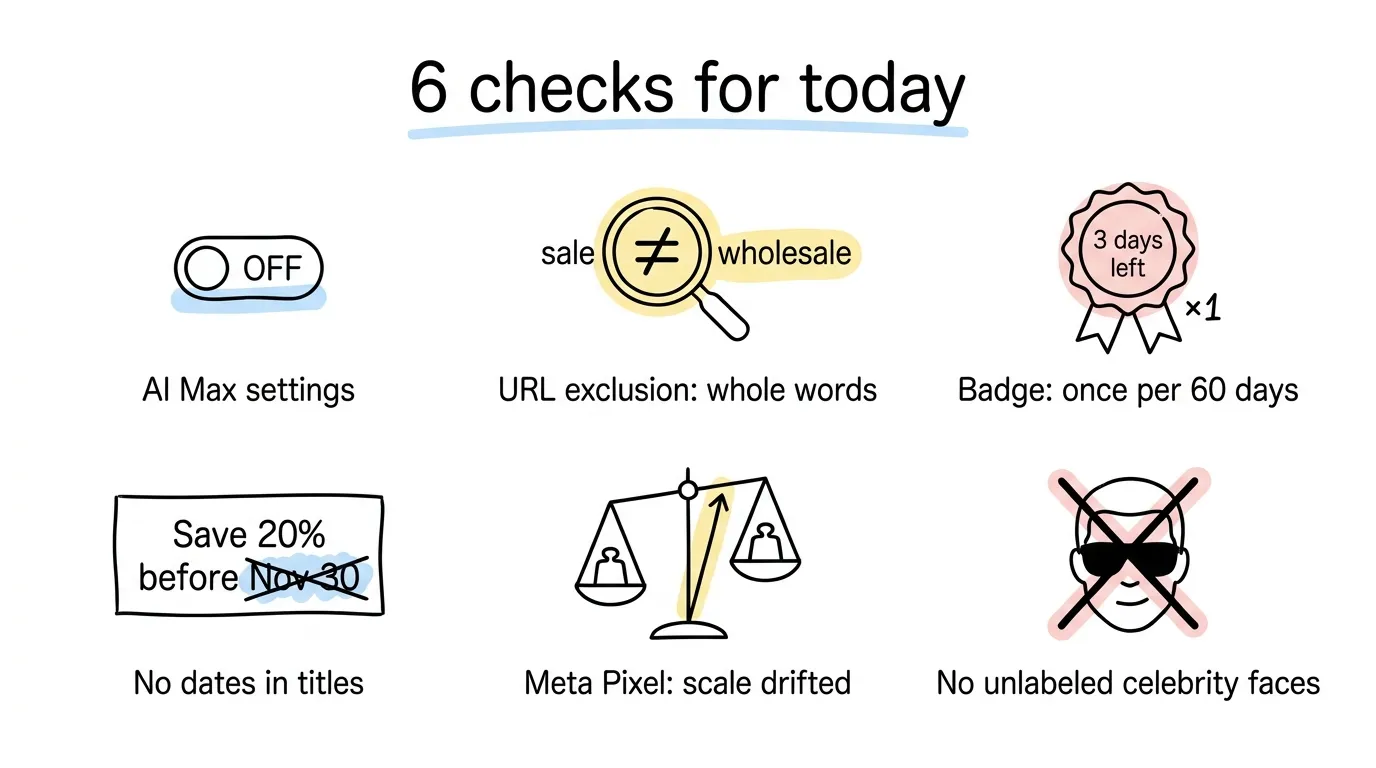
That's the six that need hands-on action. The remaining 11 don't need anything today, but they're worth knowing. Here are the highlights.
Smart Bidding's Learning status now lasts at most 7 days. And changes to budgets, bid targets, assets, and targeting no longer trigger Learning at all. Only three things still trigger it: creating or re-enabling a bidding strategy, campaign structure changes, and major conversion goal overhauls. Worse, the initial ramp-up for PMAX and Demand Gen was extended from a maximum of 5 days to 7. So stop treating "the Learning label is gone" as proof that performance is stable. Google says to look at 2 conversion cycles or 2 weeks, whichever is longer. Changing a holiday budget won't restart learning, but delivery still needs watching.
Smart Bidding has started peeking at the conversions you don't bid on. Google published a new help page called Search Journey Awareness. It takes conversion actions you aren't optimizing — signups, add-to-carts — and uses them to predict the conversion you actually bid on. Automatic, no opt-in. It covers search campaigns (including AI Max) and the search inventory within PMAX, across Target CPA, Target ROAS, and maximize conversions bidding. That's good news for you, and a reminder: secondary conversion actions now feed the bidding system, so clean out the duplicates and the broken ones. And if you do lead gen, push your CRM lead stages back into Google Ads.
For invalid traffic, Google built itself a dashboard. The new card shows two things: invalid traffic blocked before billing, and invalid activity found after the fact and credited back. Google also says that so far this year, invalid leads reaching advertisers are down 30% on average. Look at it, sure — by campaign is better — and cross-check it against the junk leads in your CRM. But remember, Google is grading its own homework. A clean card doesn't mean every lead you bought is a real person.
The data strength lift metric is live. Under "Goals > Overview", it estimates how many conversions you recovered over the past 14 days thanks to enhanced conversions, Google tag gateway, multi-source Data Manager, and similar setups — anywhere from +1% to over 50%. For it to show, the conversion action must be Active, adopted for at least 30 days, with 100 web conversions or 20 offline conversions in the last 14 days. This number is a measurement metric, not proof of sales — don't go reporting it as "performance is up".
Remarketing may be burning money right now. Someone posted a new setting on social platforms called "Limit audience reach", with three options: no reach limit, limit by age and gender only, and must match all audiences. No official announcement yet. But if you're running remarketing or customer list campaigns, go confirm right now that "match all audiences" is selected. Otherwise your budget may be getting spent on people who have never visited your site.
Want to run a Conversion Lift study? The bar is higher. The new setup docs spell it out plainly: website conversions imported from GA4 aren't supported; importing offline conversions by GCLID alone isn't enough — you need enhanced conversions with first-party data. You need 7 to 14 days of continuous conversion data before the study starts, dynamic values need a valid currency, and roughly 75% to 80% of website conversion traffic has to flow through Google tag gateway. If you've already run a study, go back and check which conversion action it actually measured.
The rest, one line each: ValueTrack added a new parameter, {search_term_matchtype}, where a return value of "a" means AI Max's broad expansion and keywordless matching — take it into GA4 or Shopify and compare conversion rates, average order value, and lead quality against keyword clicks; PMAX brand guidelines now accept up to 3 reference images plus style and content instructions, to rein in AI-generated images (this one surfaced on social platforms first too, no official announcement); before local service ads (LSA) migrate into Google Ads, historical reports can now be downloaded — save the baseline first if you want to compare cost per lead after the migration; over at Meta, for awareness and engagement campaigns, ThruPlay can now be set to 6 seconds, with the default still 15 — for short-form assets in Reels and Stories you can test a 6-second group against a 15-second group, but don't compare cost per ThruPlay between them, look at reach and downstream metrics instead; video custom audiences were cut from 7 segments to 3 — all viewers, engaged viewers, and highly engaged viewers — leave the old 75% and 95% segments alone for now, approximate new ones with "highly engaged", and group videos of similar length together.
Scan it all at once and you'll spot a common thread.
Platforms are making more and more decisions on your behalf. AI Max on by default, conversion learning that activates itself, an invalid traffic panel where Google grades itself. The upside is real, and so is the convenience. But behind every default is a trade-off the platform made for you.
We used to say an advertiser is someone who builds ads. Going forward, the line may need a revision: an advertiser is someone who audits the switches.
OK, back to my friend. That same day he went through the AI Max settings on every one of those new campaigns, and turned it off for the few where the landing page had to stay fixed.
This week — will you go look at your own account?
May your Black Friday–Cyber Monday sell out, and may there not be a single default in your account that got it wrong on your behalf.
Continue reading
Related articles
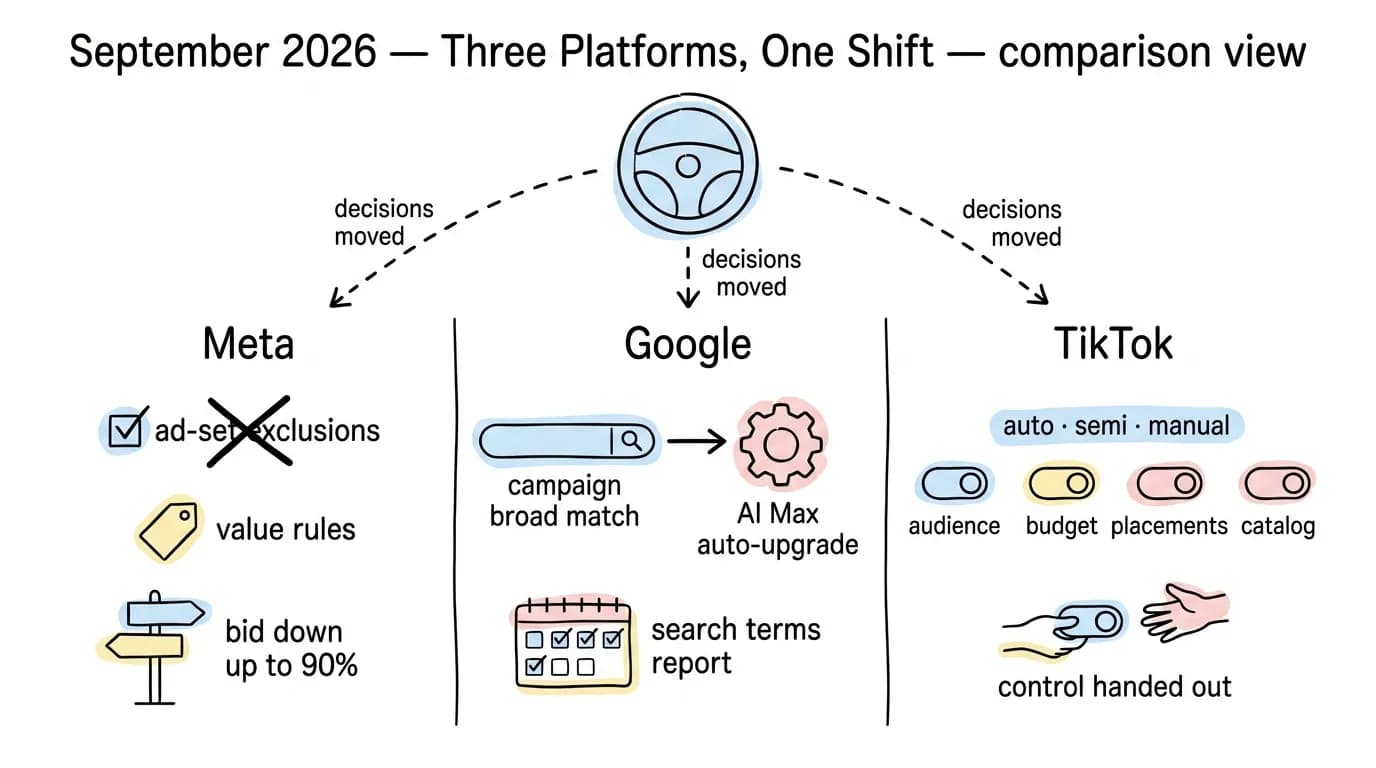
In September, Three Platforms Took Away Part of Your Steering Wheel
A few days ago, I went through everything the three big ad platforms did in September 2026. And I noticed a remarkably interesting coincidence.
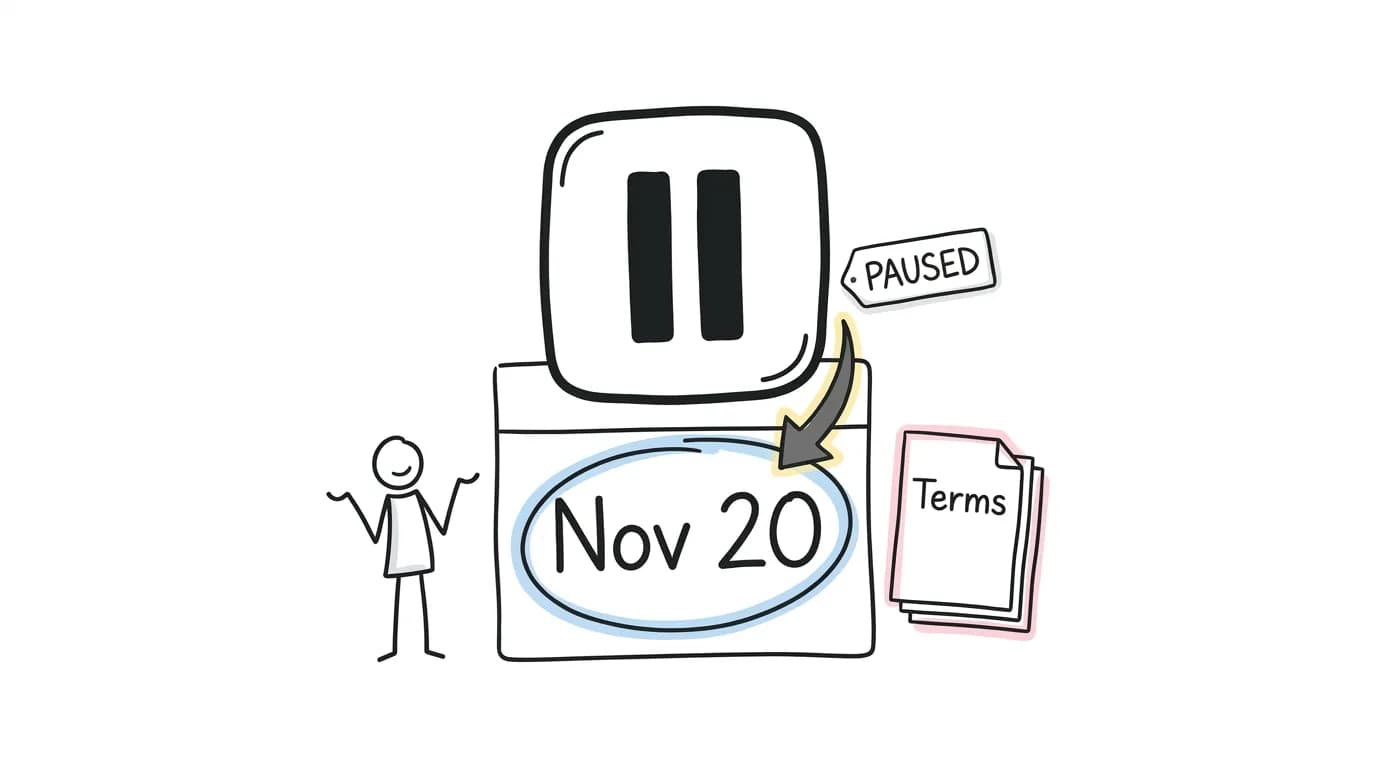
Meta's New Terms Hit the Pause Button on the Eve of the Effective Date
A while back, I was helping a friend of mine who runs a cross-border e-commerce business go through the compliance checklist for his ad account.
Stop Re-Teaching AI Every Time. Turn Your Expertise Into Its Skills.
A few days ago, a friend of mine — a marketing director — grabbed dinner with me.