
What Matters More Than Writing Prompts Is What You Do Before You Write One
This learn article argues that defining requirements matters more than prompt writing when working with AI, introducing BRDs, user stories, acceptance criteria, the TAG prompt framework, and prompt logs, with examples aimed at marketers using AI to build internal tools.
A while back, a friend of mine who works in marketing invited me out for coffee. The first thing out of his mouth: "AI is driving me crazy."
What did he mean?
His company asked him to build a small internal tool. He used AI to write the code, and it was astonishingly fast — a new version every few minutes. But a dozen-plus versions in, it still wasn't right. Sales said it was awkward to use, customer service said they couldn't figure it out, and the boss said, "This isn't what I wanted."
I asked him: before you had the AI generate anything, did anyone think through who this thing was actually for, what problem it was meant to solve, and what it would mean to get it right?
He froze.
No. Everyone was just pushing him to "get something out there with AI, fast."
That's the root of the problem. AI has made the doing faster — but figuring out what to do is the one thing AI cannot do for you.
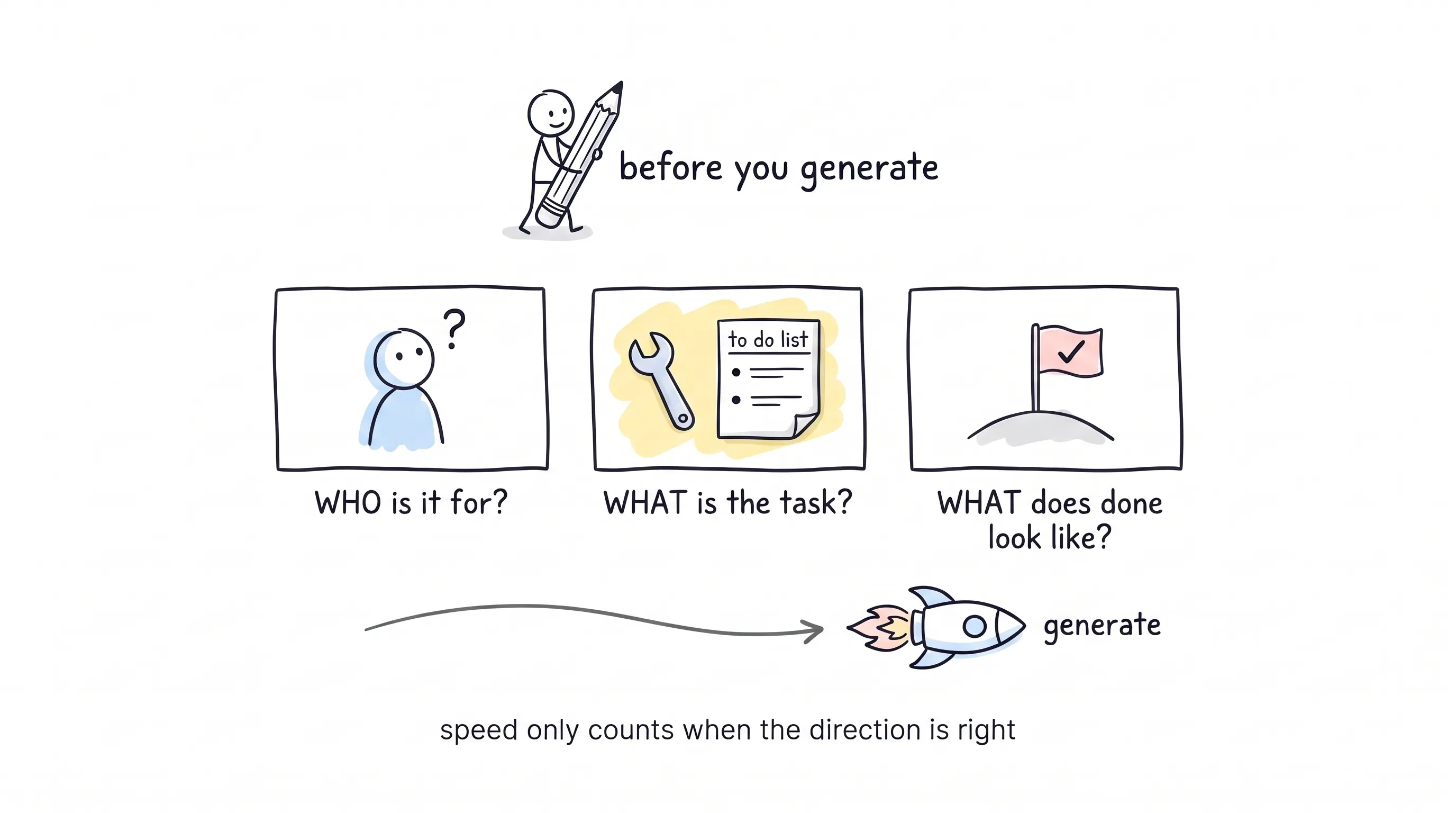
Define First, Generate Second
What is requirements definition? Simply this: before you start building, get three things clear — who the users are, what the task is, and what success looks like.
Sounds like a platitude? Not even a little.
Do the math. AI generates a version of code in two minutes. What if the direction is wrong? Tweak the prompt, regenerate, tweak again. Ten rounds back and forth, and you've burned close to half an hour just waiting on results — before you even count the credits spent. Time spent, money spent, and the project is still right where it started.
Speed is only worth something when the direction is right.
Old Programmers, Old Tools
So what do you do? The answer has actually been around for a long time. Software development has spent decades falling into pits, and what it learned has settled into a handful of tools. In the AI era, these old-timers are suddenly worth more than ever.
Let me walk you through them from the top.
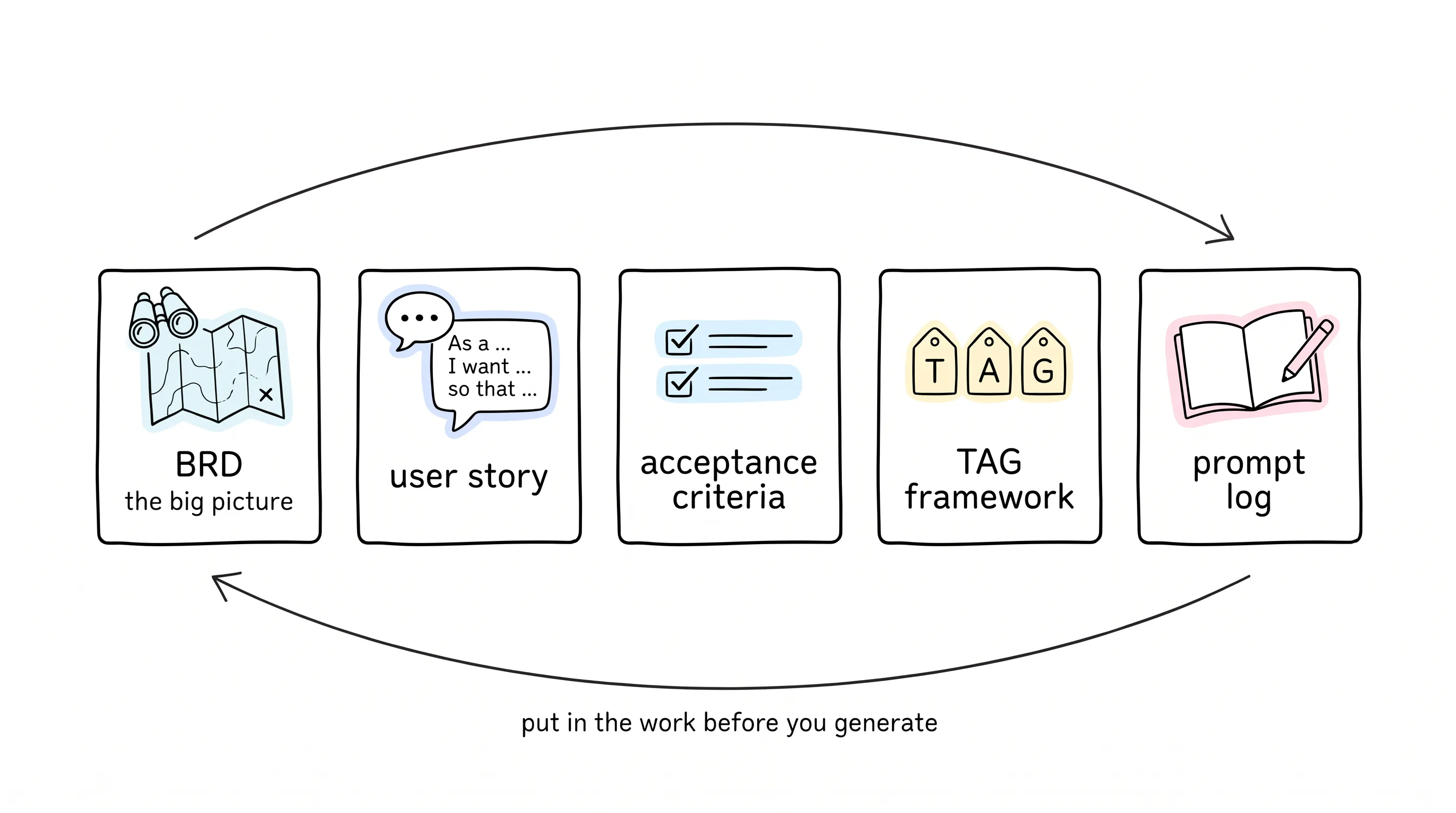
The first is called a BRD (Business Requirements Document).
What is it for? It draws the big picture for a large project. Inside, it spells out what the project is actually trying to achieve, and which metrics will judge success or failure. Note that it deals with the business-level "why" and "where to" — not how anything gets implemented. Because during execution, countless unforeseen problems will surface. Programmer, designer, or marketer writing code with AI — whenever you hit a fork in the road, look up at the big picture and you'll know which way to go.
When a big project has to be split across several teams, this big picture is especially useful.
That said, most day-to-day tasks don't need this much firepower. Writing a BRD to reorder a couple of form fields would be overkill.
The second is far lighter: user stories.
What's a user story? One sentence that makes clear who wants what, and why.
The format is fixed: As a [some kind of person], I want [some capability], so that [some reason].
For example: As a customer, I want the address field to auto-fill, so I don't have to type the whole address out one character at a time.
This format was invented by Kent Beck, a master of software engineering. Its beauty is that it's small. The big picture handles direction; user stories handle tasks. A large project breaks into stories, and each story can be handed to AI on its own.
Think about it: ask AI to generate an entire website in one sentence, and it can't possibly keep up with that many requirements — everything ends up a little bit off. Break it into user stories, take them one at a time, and each one is easy to check.
In agile methods like Scrum, the division of labor is just as clear: the person raising the requirement owns articulating the vision; the person doing the work decides how to implement it. Writing code with AI works exactly the same way: you own what you want; AI owns how to build it.
The third is acceptance criteria.
A user story says what you want, but "how good is good enough" is still up in the air. That's where acceptance criteria come in.
Note: they define only what success looks like — never how to get there.
Take the auto-fill example from just now. Its acceptance criteria might read:
- Once selected, the street, city, state, and ZIP code fields fill in automatically.
- "Address Line 2" allows free-form input, because some people need to enter door details like "Apt 3B" or "Room 108."
- The page carries a note: auto-fill matches against postal system standards to ensure accurate delivery.
- For addresses outside the United States, no universal auto-fill rules exist, so there must be a manual entry option.
Write the acceptance criteria straight into the prompt, and what the AI generates might actually cover every detail you need on the first pass.
The fourth: prompt frameworks. The fifth: prompt logs.
A framework means setting up the structure of your instructions before you start. Take TAG, a framework whose name is just three letters covering: what the task is, who it's for, and which red lines you must not cross. Pin those three down first, then polish the wording.
A log means writing down the pits you've fallen into. Which phrasing produced good results, which one sent things off the rails — record it all. Don't reinvent the wheel next time. Go a step further, and invite your security and operations colleagues to contribute a few "incantations worth chanting" — the phrasings that generate secure, stable, high-performance code. They know that ground best.
That's all five tools. You'll notice they all point at the same thing: put in the work before you generate.
Now It's the Marketers' Turn
The most interesting shift in all this: defining requirements never used to be marketers' job.
Writing BRDs and user stories was the professional turf of business analysts, product managers, and IT engineers. Now AI lets marketers generate code with their own hands — and that load comes along with it: you have to spell out the requirements yourself.
Don't know how? AI can help. Have AI draft a first-pass BRD, then you revise. Or turn the tables: let the AI grill you — "Before any code gets written, what requirements haven't you made clear yet?" That one question often surfaces what got left out.
But the final gate is still you. Your role has changed — from the one doing the work to the editor: hunting for holes, filling in requirements, keeping the output from drifting off course.
The Faster You Run, the Clearer You Need to See the Road
AI is making development faster and faster. But the faster you go, the more requirements gathering has to keep up. When the direction is unclear, speed only means producing something useless faster — or even something with a security hole in it.
So don't start by grinding away at your prompt. First think through those three things: who the users are, what the task is, and what success looks like.
Oh — and whatever happened to that friend of mine?
He never touched version 11. He went back, spent half an hour writing out the three questions one by one, and confirmed each of them with Sales and with Customer Service. Then he generated once — and it sailed right through.
May you, too, put in the work before the prompt.
Continue reading
Related articles
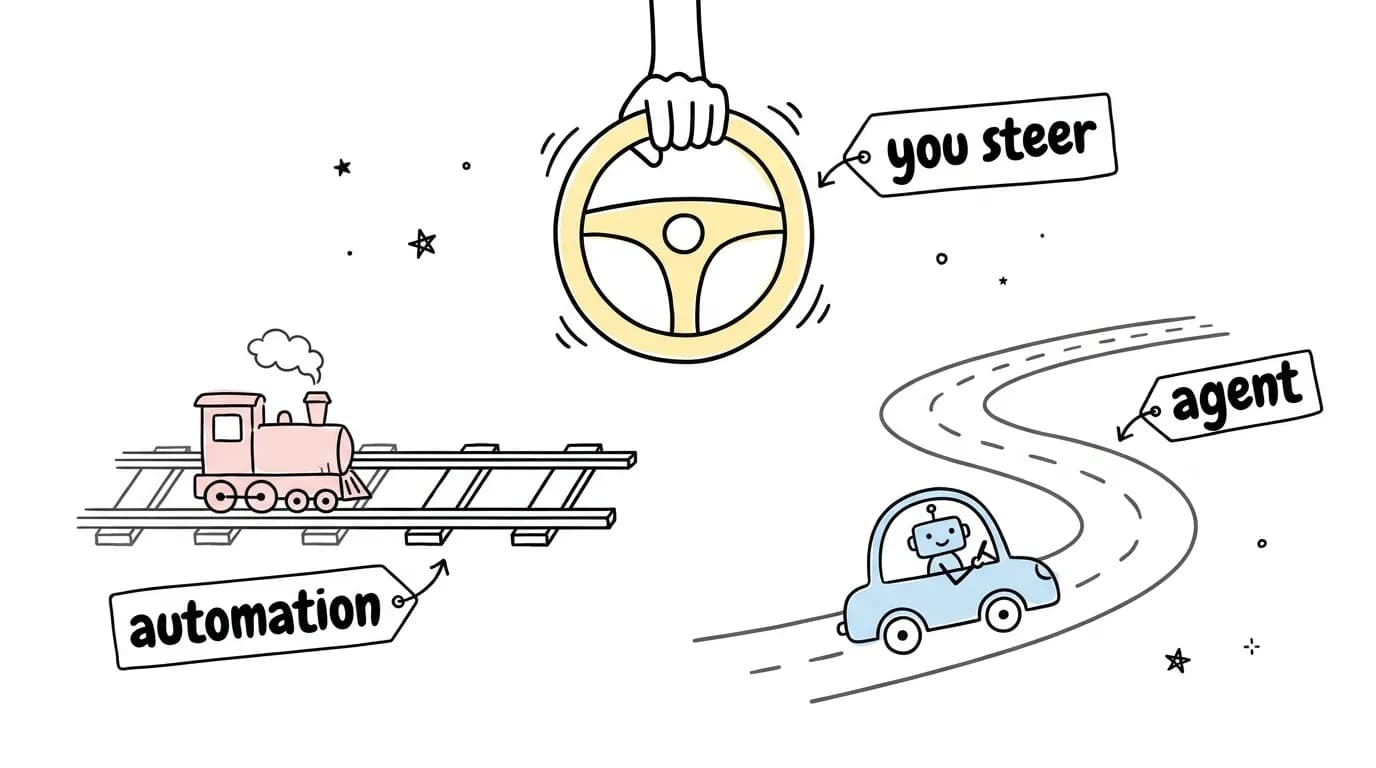
What Is an AI Marketing Agent? From "Using AI" to "Delegating to AI"
A learn article explaining what an AI marketing agent is, how it differs from rule-based automation, and which repetitive tasks such as lead qualification, reporting, and campaign monitoring can be delegated while humans keep key decisions.
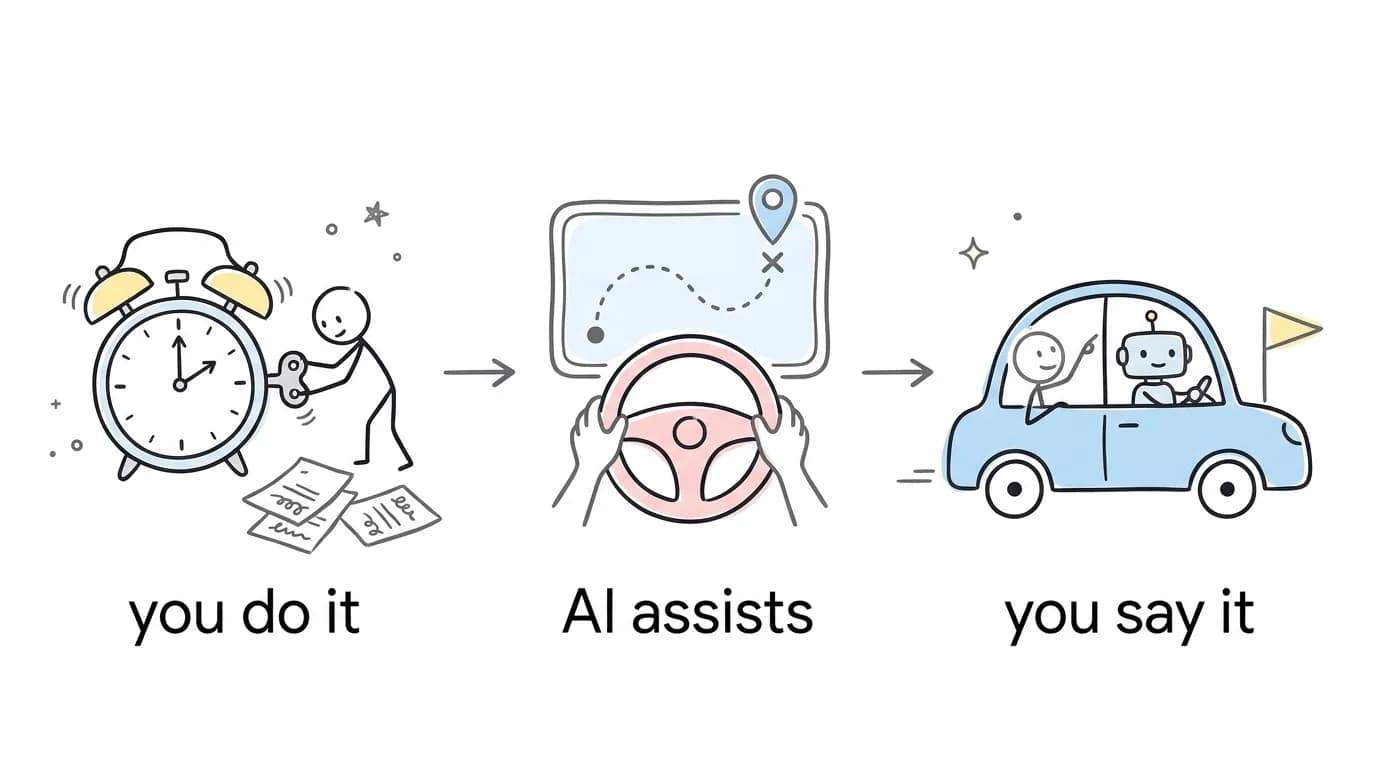
Marketing Automation Is Shifting from "You Do It" to "You Say It"
This article explains how marketing automation is shifting from rule-based platforms that merely execute toward AI agents that plan, create, publish, and review campaigns, covering delegable tasks, underlying technologies, tool categories, adoption steps, and risks such as privacy and automating without strategy.
When AI Does the Creative, Mistakes Come in Batches Too
A learn article on the risks of using generative AI for marketing creative across brand, legal, compliance, and operational layers, with case examples and seven practices for review, rights clearance, documentation, and vendor governance.