
What Is RAG? Why Are You in Some AI Answers and Not Others?
An educational article explaining RAG (Retrieval-Augmented Generation): how AI systems retrieve external content before answering, why retrievability affects brand visibility in AI answers, and a checklist for making marketing content easier for AI to find and cite.
A few days ago, I asked an AI a work question.
It answered instantly. The answer was smooth and thorough — I read it, moved on, and never clicked a single link.
Only after shutting my laptop did it hit me: where did the material for that answer come from?
None of it was ours. The pile of articles our team spent serious effort writing — it used none of them.
Today, almost every marketer runs into this. Your readers are shifting from "search, then click" to "just ask AI for the answer." Pew Research Center analyzed the browsing behavior of 900 U.S. adults in 2025: when a page showed an AI summary, users clicked traditional search results 8% of the time; without an AI summary, it was 15%.
Nearly cut in half.
Fewer clicks means the answer itself carries more weight. And whoever gets cited behind that AI answer — your brand may not be in the room at all.
So what do you do? That brings us to a word you can't avoid: RAG.
What is RAG? Today I'll explain it in plain English — and when we're done, you'll walk away with a checklist to make your content easier for AI to find.
What Is RAG?
RAG stands for Retrieval-Augmented Generation — retrieval-augmented generation in plain terms.
Sounds convoluted, but it boils down to one sentence:
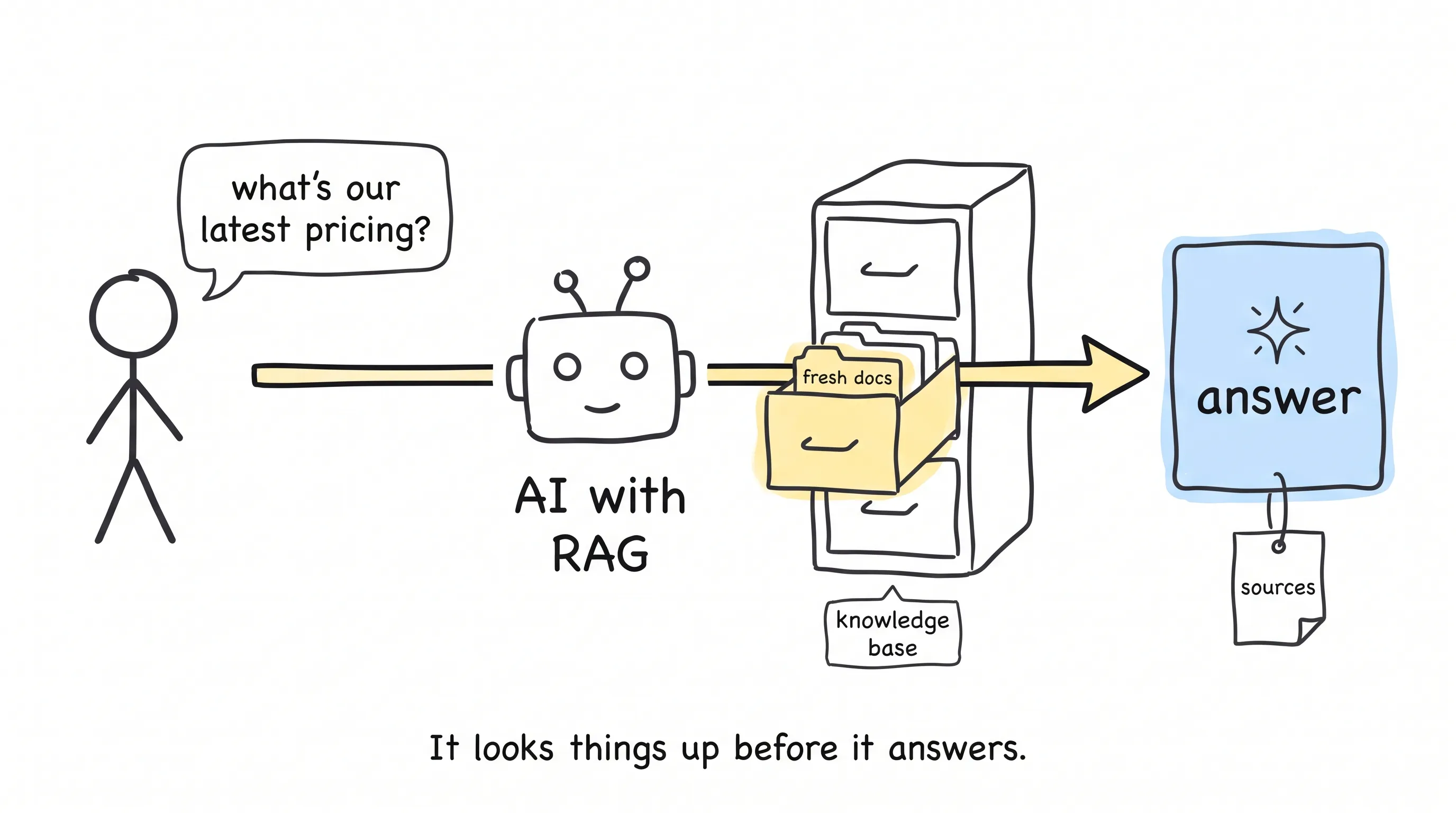
Before an AI answers, it first goes to the filing cabinet and looks things up.
An AI without RAG relies on what it memorized during training. And training has a cutoff date. Your latest pricing, the new feature you shipped last month, the help docs you updated last week — it knows none of it.
An AI with RAG consults an external knowledge base before answering. It might be your help center, a product database, or a stack of company documents. Whatever it finds, that's what it answers from.
Think of it as the same coworker in two states:
One answers from memory. Smart, but possibly outdated, possibly misremembered.
The other keeps your company wiki open on the side and answers while flipping through it. Same smart person — but how good the answer is depends on how complete, how fresh, and how clearly written that wiki is.
You can't control how smart that coworker is. But the wiki? That's your turf.
This idea isn't new. In 2020, Lewis and his team published a paper that wired a language model to a retrievable index of documents and gave the combination this name. Practically everything written about RAG today traces back to that paper.
How Does It Actually Work?
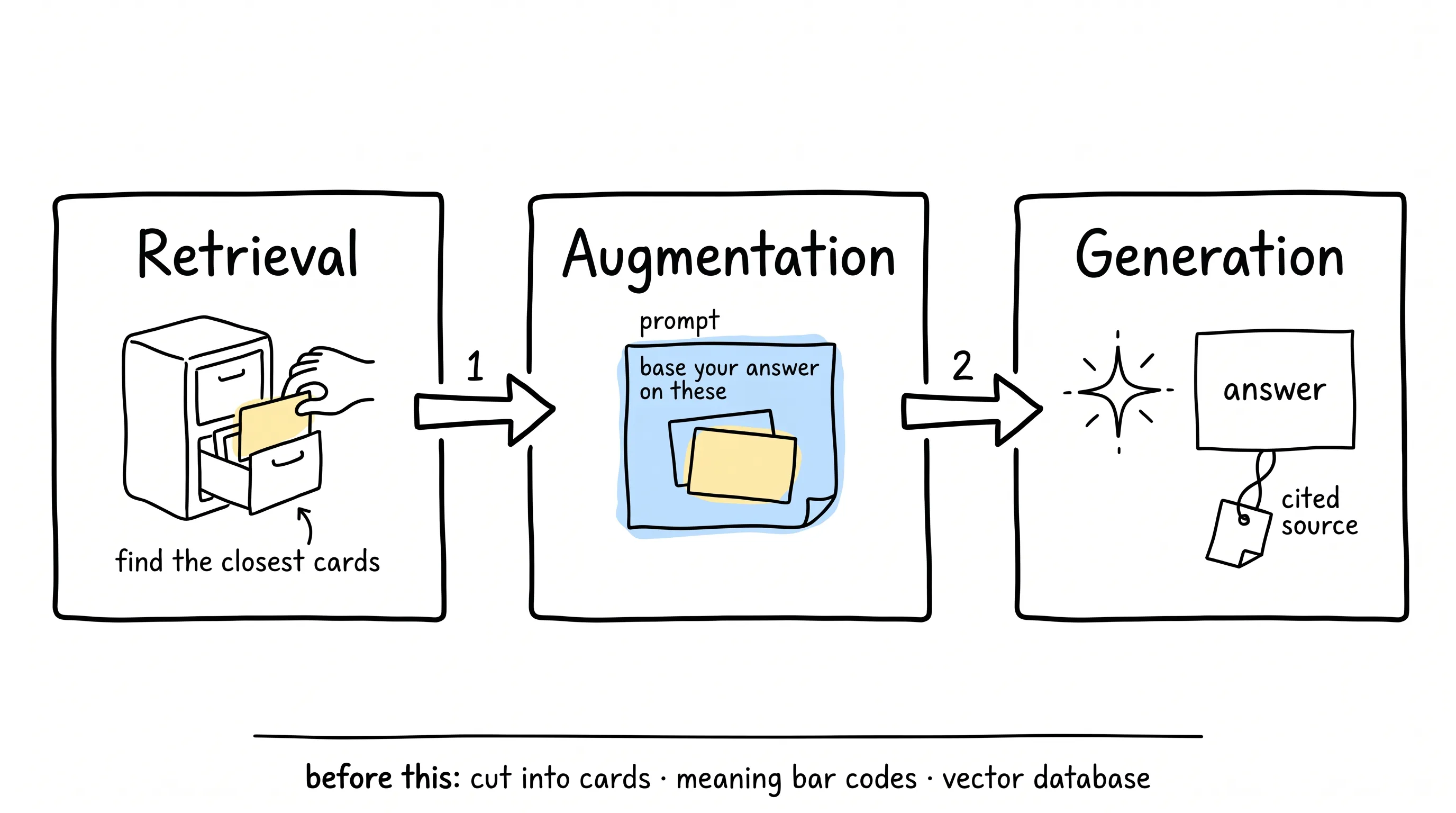
RAG works in three steps: retrieval, augmentation, generation.
Don't memorize the terms — let me walk you through it.
Say your company has a help article called "How to reset your password." A user asks the support bot: I forgot my password, what do I do?
What happens behind the scenes?
Step one, retrieval. The system takes the question, goes into the knowledge base, and pulls out the most relevant passages.
Step two, augmentation. It tucks those passages into the prompt it hands the model — essentially a note that says: base your answer on these.
Step three, generation. The model combines the question with those materials and writes the answer. If the system supports it, it also flags that help article as a source and hangs it under the answer.
Here's a detail most people miss: before any of this runs, the content has to be prepped first — like ingredients before service.
If an article is long, the system cuts it into chunks. Split by section, one card per section.
Then each card has to become something a machine can compare — meaning every passage's meaning gets converted into a string of numbers. Think of it as a "meaning bar code": whether two passages say the same thing can be judged by comparing their bar codes — the exact keywords don't have to match.
These bar codes live in a vector database, built specifically for "find the closest match, fast."
When a user asks something, the system uses the bar codes to find the most similar cards, hands them to the model, and the answer comes out.
Here's the interesting part: the machine reads your article in chunks. It doesn't take in the whole piece — it grabs one small section and asks only whether that section can stand on its own.
That's the seed of every optimization move that follows.
Why Should Marketers Care?
A lot. Let me give you three layers.
First, your content can be found and cited. Answer engines use retrieval, so whatever they dig up shapes how they talk about your brand. Being found is good; not being found means you don't even get a mention.
Second, clarity and freshness are hard competitive advantages now. Pages with facts stated plainly, consistent terminology, and up-to-date information are good material for the machine. Vague or stale pages get skipped.
Third, someone has to own it. A filing cabinet doesn't grow new content by itself. Every important page needs a named owner.
In one sentence: AI can only cite what it can retrieve. If it can't be retrieved, it doesn't exist.
RAG or Fine-Tuning — Which One?
You may have heard another term: fine-tuning.
What is fine-tuning? Taking a batch of data and training the model further so its behavior changes. Sounding more on-brand, say, or getting good at one narrow job — like auto-sorting support tickets.
So when do you use which? Here are a few rules of thumb:
Content that changes daily or weekly — pricing, policies, product details — use RAG. Update the knowledge base and the answers follow.
Answers that need to trace back to a specific document — use RAG. The retrieved passages can be laid out as evidence.
A stable brand voice or a fixed output format — fine-tuning. It changes behavior, not knowledge.
Getting the model better at one narrow task — fine-tuning.
Need both fresh facts and a specialized style? Do both.
Each has a weak spot. RAG lives or dies on retrieval quality: mess up the filing cabinet and the answers fall apart with it. Fine-tuning freezes knowledge at a moment in time — it goes stale before long, and you have to retrain.
And neither one spares you human review.
My advice never changes, one line: Tools propose. Humans decide.
How Do You Make Your Content "Easy to Retrieve"?
Okay — here's the part that matters. This checklist, you can take straight to your own pages.
-
Lead every section with the answer. If the heading asks a question, nail the answer in one or two sentences right after. Don't bury the key information in the fifth paragraph.
-
Put facts in the body text, in full. Names, numbers, definitions — written out as complete sentences in plain language, not only in images and charts. Text inside an image may never be seen by the machine.
-
One thing, one name. Feature names, product names — consistent across the whole site. Call the same feature three different things, and the machine may treat it as three different things.
-
Titles, descriptions, dates, authors — keep them accurate. The machine relies on these to judge whether your page is credible and current.
-
For each topic, designate one authoritative page. Every related page points to it. No talking past each other.
-
Refresh on a schedule. Pricing pages, policy pages — put them on an update calendar and check them when it's due.
-
Assign an owner to every important page. A page with no owner is a page nobody updates.
-
Get permissions right. What's public, what's locked — and confirm the permissions actually hold.
-
Don't remove the human-review gate. Anything going into the knowledge base, anything AI-drafted — a person reads it before it ships.
One more thing: you don't need to swap out your current content system for this. RAG retrieves what you've already published. What most teams lack isn't a new system — it's clean structure, accurate metadata, and text a machine can actually read.
The Common Pitfalls Are All in the Content
I've seen plenty of RAG projects go off the rails, and the cause is almost never the model. It's the content itself:
Pages that run long with no structure, so the machine doesn't know where to chunk.
The same feature called three different things, so the machine counts three things.
Key facts buried in the fifth paragraph, stripped of context the moment they're pulled out.
Text locked inside images, so that entry simply doesn't exist in the knowledge base.
Old prices and discontinued features still sitting in the library, ready to be dug up one day and served to users with total confidence.
Permissions configured loosely, so internal documents leak into external answers.
And then there's hallucination — AI confidently making things up. A lot of people assume RAG makes you safe from it.
It doesn't.
In 2025, a study led by Stanford researchers and published in the Journal of Empirical Legal Studies tested a batch of legal retrieval tools that sold themselves on "we don't hallucinate." The tools from LexisNexis and Thomson Reuters both posted hallucination rates above 17%.
Out of a hundred answers, at least seventeen were fabricated.
Lower than general-purpose chatbots — but nowhere near zero.
So, once more: Retrieval lowers the risk. It doesn't remove it. The review gate stays up. Always.
For long-term reliability, four more habits: audit your high-value pages quarterly — pricing and policy pages more often; keep a record of what changed in key data, and when; take outdated pages offline or redirect them, so they stop taking up shelf space; and log changes on the page or in the system, where the owner and the reviewer can see them.
Back to You
Let's circle back to the opening scene.
Next time you ask an AI a question and see that smooth, thorough answer, give it one extra thought: among the sources that answer was built on — were you there?
If yes, it's because someone wrote their content clearly and kept it in shape.
If no, same reason in reverse.
You can't control how smart the model gets. But you can absolutely manage your own filing cabinet.
Keeping that cabinet in order is one of the few levers marketers still hold entirely in their own hands.
There are tools that help you watch the results — HubSpot's AEO (answer engine optimization), for instance, shows whether your brand shows up in AI answers and which sources influence it. But that's step two. Step one is always the same: content that deserves to be retrieved, and holds up when cited.
Here's to you — starting with the next time an AI answers, may every answer include you.
Continue reading
Related articles
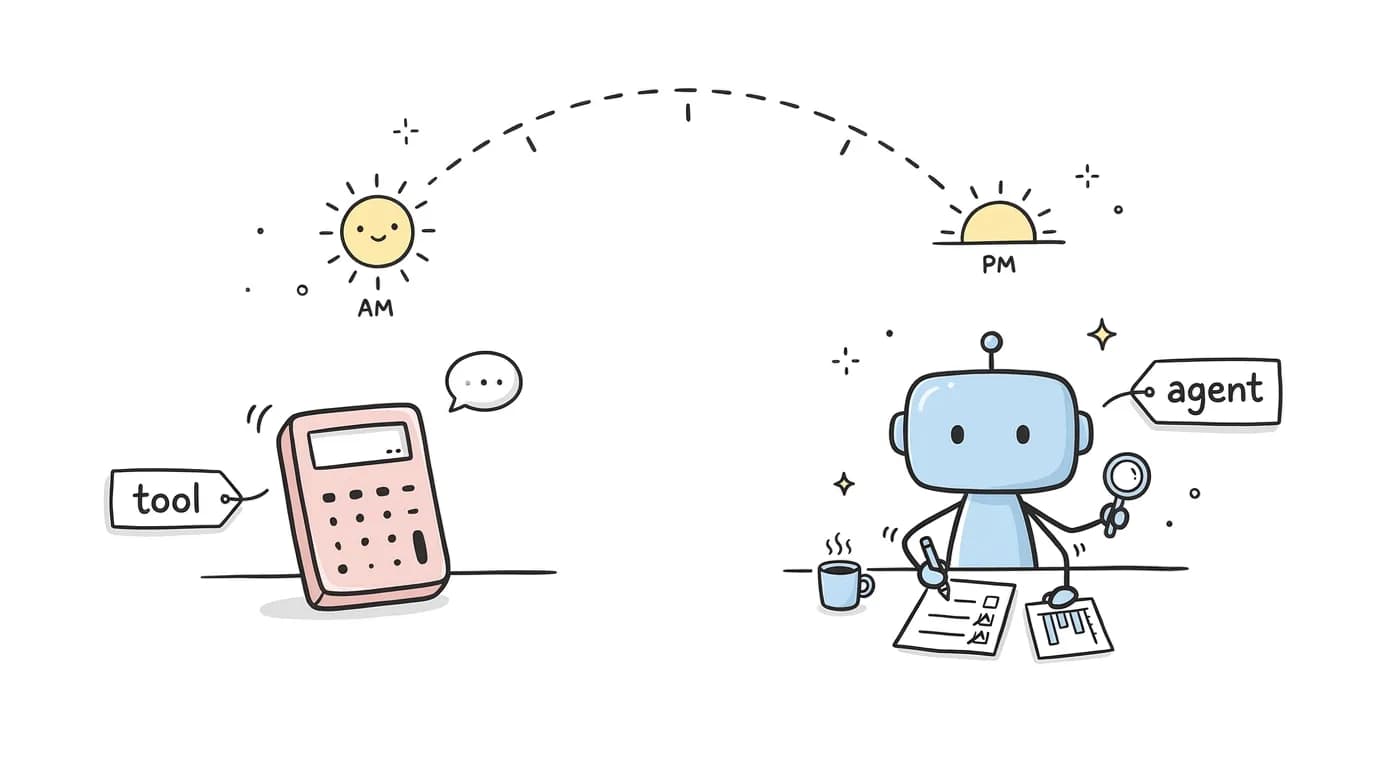
It's 2026: Stop "Buying" AI Tools for Your Marketing Team — Start "Hiring" AI Agents
This learn article explains how AI agents differ from standalone AI tools in marketing, outlines three agent categories — build-your-own platforms, CRM-native agents, and vertical tools — and covers use cases across SEO, social media, advertising, and reporting, plus criteria for choosing one.
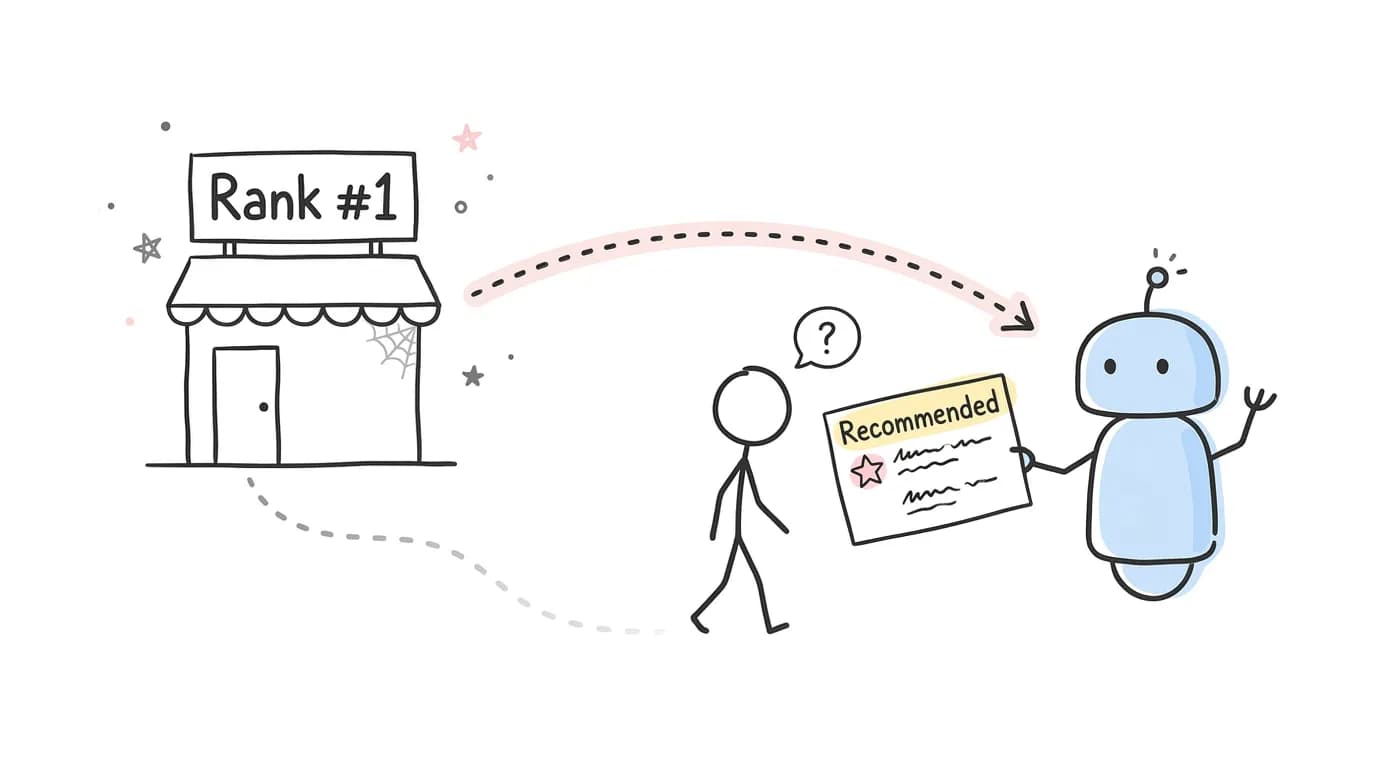
What Is GEO? How Your Brand Gets "Mentioned" in the Age of AI Search
An explainer on GEO (Generative Engine Optimization) for e-commerce and DTC brands: how it differs from SEO and AEO, why AI answers shape brand visibility, and eight practices covering question-focused content, consistent brand messaging, structured pages, external evidence, comparisons, and AI mention tracking.
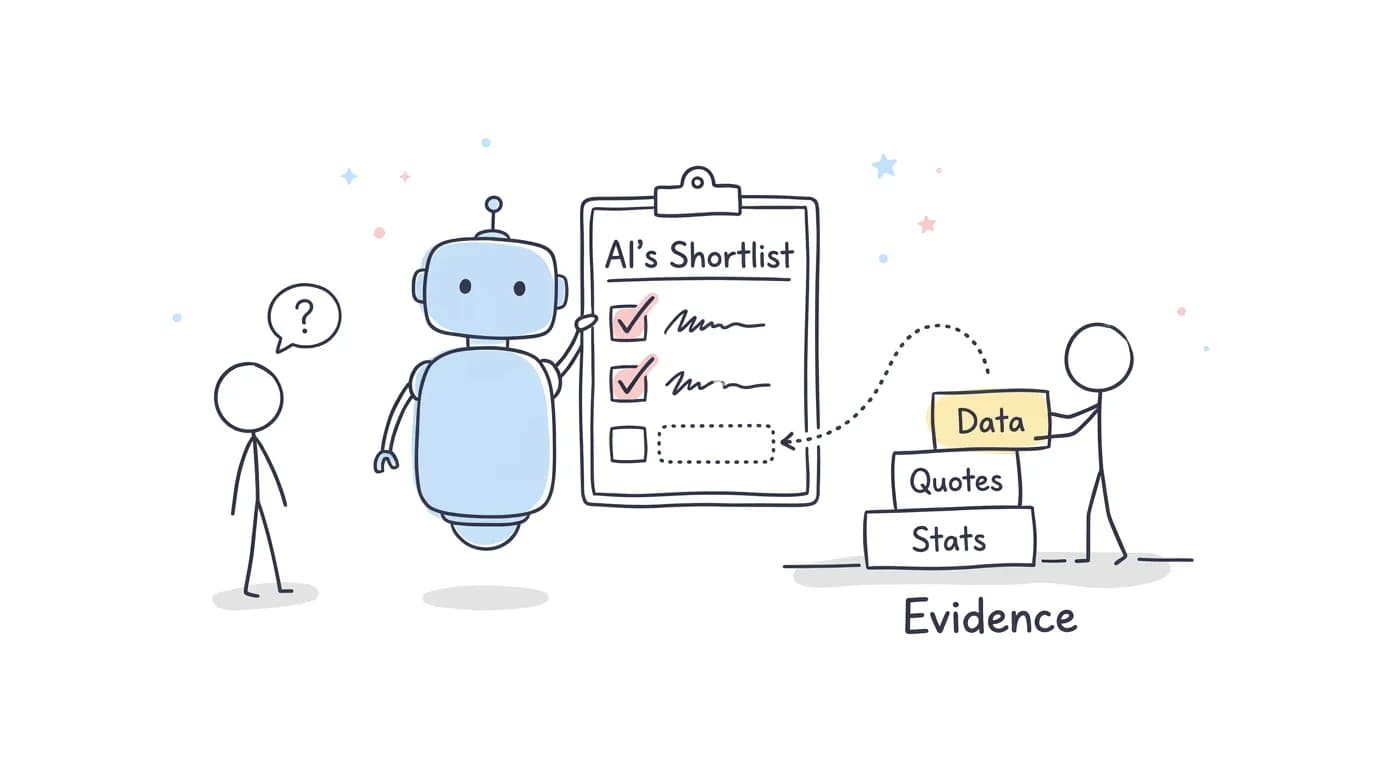
AI Is Already Making Decisions for Your Customers. Are You on the List?
A learn article explains GEO (Generative Engine Optimization): why AI-generated answers now shape which brands customers see, and how SEO fundamentals, entity clarity, citable evidence, and monthly measurement affect visibility in AI answers.