
Social Media Management Is Grinding People Down. These Are the 9 AI Tools I Tested, One by One, in 2026
A hands-on review of nine AI social media management tools, covering content creation, scheduling, comment and DM triage, and analytics, with selection criteria and pricing notes for each tool.
A few days ago, I had dinner with a friend who runs a cross-border e-commerce business.
He showed up with three phones, all by himself. One for photographing dishes, one for replying to Instagram comments, one for staring at the backend numbers. Before the food was even all on the table, the phones had buzzed four times.
I asked him: are you here to eat, or are you on shift?
He said, you don't get it. Shoot content during the day, edit videos at night, answer DMs before bed, then crawl out of bed at dawn to see which post took off. And if one takes off, it's even worse — hundreds of DMs pour in overnight, you can't reply to them all, and customers start venting right there in your comments.
I said, it's 2026 — why are you still brute-forcing this by hand?
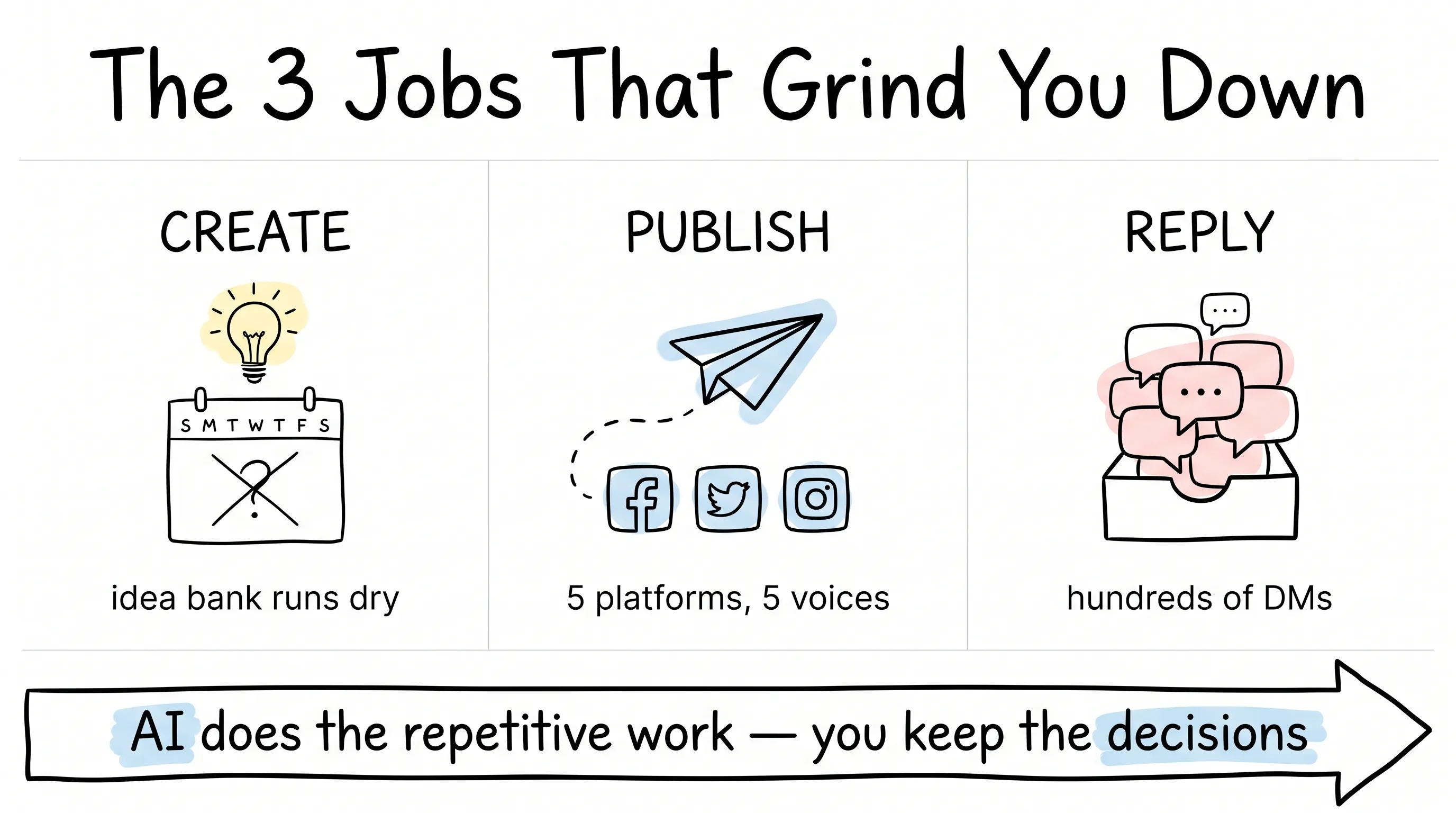
What is social media management, really? Strip it down and it's three things: coming up with content, publishing content, and replying to content. It sounds simple. In practice, each one can drain you dry.
Start with publishing. The same message has to be served to several platforms, and each platform has its own temperament. Instagram only respects visuals. X wants fast, punchy short-form. LinkedIn is half boardroom, half break room. Rewriting one piece of content five times is just standard procedure.
Then there's replying. Comments, DMs, after-sales questions, complaints — all dumped into one box, every single one of them waiting for you.
And finally, ideation. What do you post today? What about tomorrow? Where's the next hot topic? Your idea bank always runs dry before your publishing calendar does.
That's why a category of tools has grown out of the market: AI social media management platforms. What they do boils down to one sentence: hand the repetitive work to the machine, keep the decision-making for yourself.
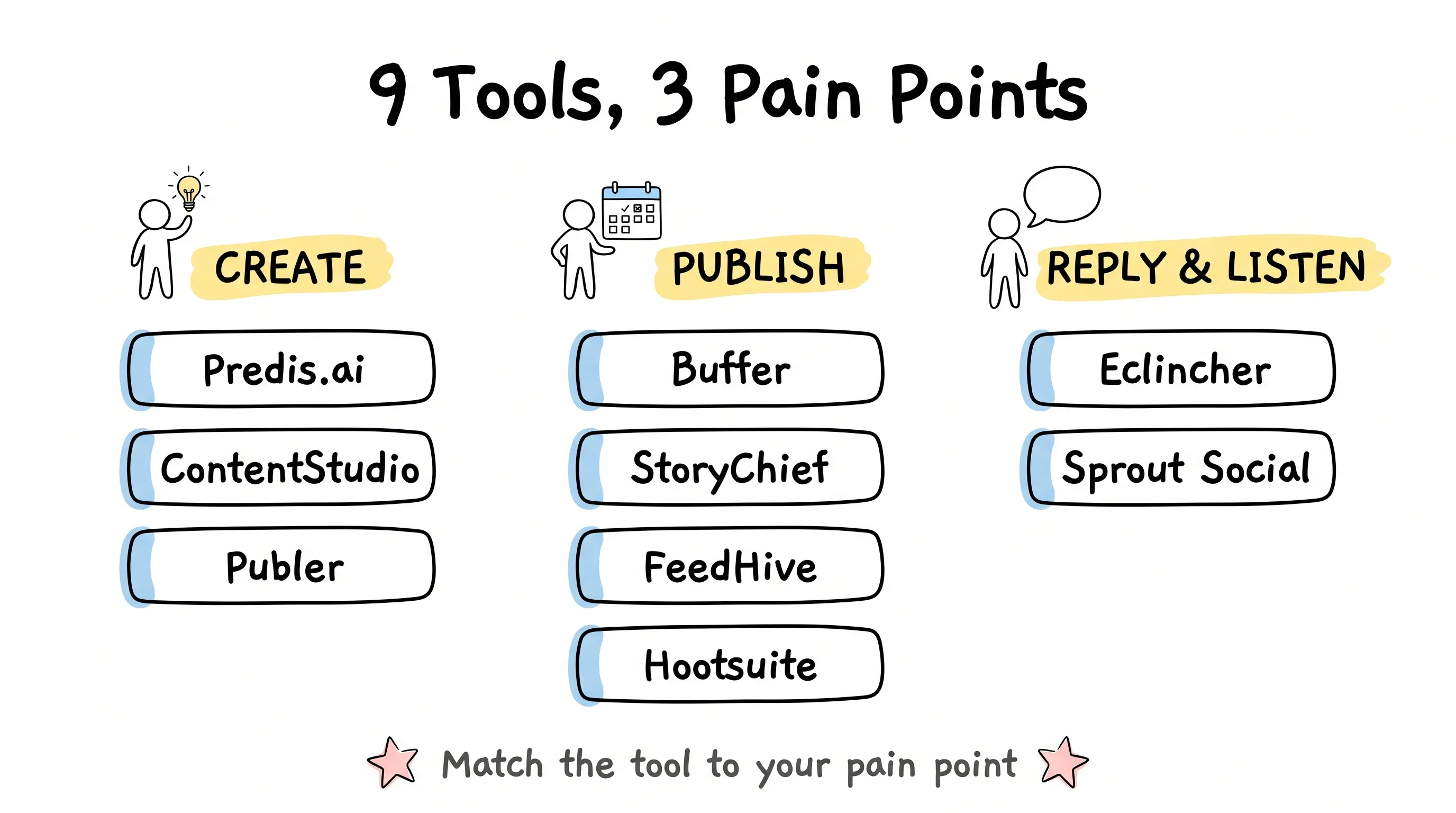
I spent a month connecting accounts, building posts, scheduling, and reading reports across all the mainstream tools of this type — a real, hands-on pass. Nine made the cut. Each one solves a specific problem. Let's go through them one by one.
First, Let Me Be Clear About How I Picked These
Four criteria.
-
There has to be real AI doing real work. Wrapping a chat box around a product doesn't make it AI. I looked at actual capability: natural language processing for sentiment analysis, generative models for producing copy and images, machine learning to predict how big a splash a post will make once it's out and what time it should go live.
-
It has to be quick to pick up. Tools are supposed to save you time, not send you back to school.
-
The more platforms it connects to, the better. Tools with one standout specialty are a separate case.
-
It has to save time. Scheduling, publishing, batch-producing content — anything that cuts out mechanical labor earns bonus points.
The testing method wasn't complicated either: connect accounts like a Facebook Page, an Instagram business account, LinkedIn, TikTok, and so on; build posts, schedule them, watch how the data comes back in, and see at which step the AI genuinely helped.
Alright, into the main event.
1. Buffer: One Piece of Content, Five Platforms, Five Different Voices
You've run into this before. A campaign has to go out on Instagram, X, and LinkedIn at the same time — same message, but you have to write it three different ways so it sounds human on each one.
What is platform adaptation? It's letting the AI know which channel you're writing for, then switching the tone automatically. Buffer's AI Assistant does exactly this. You write the content, it identifies the target channel, and the copy it outputs shifts to match. Not happy with the first version? Swap it out, rewrite, lengthen, shorten — all adjustable on the fly.
It also has an ideas library. Every flash of inspiration goes in and stays there. When it's time to fill the content calendar, let the AI expand each idea into versions for each platform. One idea splits into ten posts.
Its multi-channel campaigns are interesting too — they work like a drip sequence in email marketing: take one theme, break it into pieces, spread them out, push one piece every few days, with fresh content mixed in among the old evergreen material. When followers scroll your profile, they won't come away thinking you're a one-trick pony.
On pricing: the free plan covers 3 channels with 10 posts per channel. Paid starts at $5 per channel per month, with unlimited AI usage.
My verdict: for small teams without many accounts, this is the safest place to start. But note — the more channels you connect, the faster the cost climbs. If you're juggling a dozen-plus accounts, take a look at SocialPilot: 5 channels for about $20 a month, which works out to $4 per channel.
2. Predis.ai: Copy, Images, and Video, All Under One Roof
There's a trap in buying AI tools called "tool islands." One app for text, another for images, a third for video editing — and you're the porter hauling work between them. Ten browser tabs open, the whole workflow in shambles.
What Predis.ai wants to do is fit that entire assembly line into one platform. By the time you finish signing up, it has already generated a few posts waiting for you. The classic post is copy plus a matching image; go one level up and you can ask directly for an Instagram carousel. The images come in matched sets with a consistent look, copy as the base layer, and you edit on top of that. Don't like the color scheme? Change the layout, swap the palette, and it looks brand new.
On video, an honest word: it doesn't generate video out of thin air. It matches stock footage to your description, then adds text, images, and a bit of transition animation. The result is good enough to publish — just don't expect cinema.
My favorite feature is goal tracking. You set a target for each account, and the dashboard shows exactly how far you still are from it. Anyone who's run operations knows: having a yardstick is a completely different experience from groping in the dark.
$24 a month buys 1,300 credits and covers 1 brand with 10 social accounts.
3. FeedHive: Giving Your Old Posts a Second Bloom
Here's a question: that post of yours with the most likes last year — have your new followers ever seen it?
They haven't. By the time they followed you, that post had already sunk past the third screen of your profile.
That's the value of content recycling. FeedHive's AI digs through your posting history and, weighing both performance and age, picks out old posts worth resharing. One detail I find genuinely thoughtful: it even salvages the overlooked gems — posts that did okay back then but never blew up — and gives them a second chance.
Even more powerful is conditional publishing. Once a post is live, the AI watches the numbers and acts automatically on rules you've preset: if engagement goes above your average, it auto-posts a comment with your lead magnet attached; set a time-limited rule, and it fires off a reminder 30 minutes before your flash sale ends; or when the like count hits your target, it sends out a discount code. Your posts work the night shift on their own.
Entry price is $15 a month. Note that two features — AI hashtags and performance prediction — only come with the more expensive tiers.
4. ContentStudio: Chase the Trends Without Living on Your Phone
Anyone in social media knows: what chasing trends really costs isn't hand speed, it's mental energy. Two hours of scrolling later, the trend is still out there and all your actual work has slipped.
ContentStudio's answer: let the machine do the scrolling. In Discover, open the Content Feed, add the topics you care about, and it feeds you related content — every item tagged with engagement volume and sentiment. Hot or not, more positive or more negative, one glance tells you. Spot one you like, click share into the editor, add a line or two of your own commentary, and post.
It can also keep an eye on people. For popular creators on X and Instagram, pull your competitors into a list, and you can check how their accounts are performing at any time.
$19 a month for 5 accounts, 25,000 AI-generated words and 25 AI images per month.
5. Eclincher: When a Post Blows Up, Can You Actually Keep Up with the Replies?
What my friend dreads most is those few hundred DMs that land after a post goes viral.
Eclincher exists for exactly this. It has AI agents that screen every incoming comment and DM first: urgent or not? Is the sentiment good or bad? Then they automatically tag, triage, and assign each one to a specific person on the team. Positive voices get caught quickly and turned into conversions; negative sparks get put out before they can spread.
It supports a private knowledge base. Upload your business materials and common Q&As, and the AI drafts replies with real grounds to stand on — answers fitted to your actual business, not generic politeness. Once you've built trust in it, low-risk replies to common questions can run fully automatic, with humans handling only the genuinely tricky ones.
It isn't cheap — around $134 a month. But run the numbers: it covers most of a customer-service role.
6. StoryChief: Six Channels Fighting Side by Side — and No More Guessing What's Been Published Where
When a campaign has to roll out across six channels, your brain genuinely starts to fog. Did this one already go to TikTok, or only to Instagram? Don't laugh — anyone who's done it knows how real these momentary blackouts are.
StoryChief's approach is to study you first. At signup it crawls your official website and works out what your business does and what your selling points are. Then its William AI opens up a canvas and produces a strategy brief along with the first batch of content. During my test, I had it put together one package: one lead magnet, one article, six LinkedIn posts — exactly a week's worth. It was a little unreal — from zero to ready-to-schedule in just a few minutes.
That content goes into the library, where it can be scheduled; team collaboration comes with an approval workflow, so nobody publishes by a slip of the hand. Performance tracking lives in the same library: impressions, engagement, plus SEO and GEO scores.
From $22 a month. The learning curve is a bit steep, but people who think in strategy will like it.
7. Publer: Bringing the Price Back Down to Earth
There's a pattern in this market: the louder a tool trumpets its AI features, the more its pricing makes your eyes water.
Publer breaks the pattern. It packs solid AI features onto a reliable social media management foundation and keeps the price very low.
Copy generation even matches emojis for you — and not in a cringey way. Brand voice is trainable: write instructions in settings, upload samples, feed it your past content, and from then on everything it produces sticks to your tone.
I tested image generation too. I asked it to paint a set of golden retriever oil paintings; it produced 8, every single one presentable, and every dog had the right number of legs. You know how rare that is in AI art.
It also has a chat assistant wired into your accounts' last 30 days of performance data. Ask whether this week's campaign is working, and it gives you the answer straight — no digging through reports yourself.
The free plan covers 3 accounts. Paid starts at $5 a month for the first channel, plus $4 for each one you add. If you want it as your main creative and analytics engine, step up to the Business tier with unlimited AI usage.
8. Hootsuite: Heavy Equipment for Companies in Growth Mode
Once a team passes a certain size, lightweight tools stop being enough — that's when Hootsuite comes into view.
Its built-in Wisdom can generate posts from a single URL, and it can also quickly put out some rescue content when a holiday catches you off guard. When writing copy, you can lean on ready-made frameworks like the classic AIDA (Attention, Interest, Desire, Action), or PAS (Problem, Agitate, Solution). What a framework does is give your copy a skeleton.
Feeds from multiple accounts can be viewed side by side; you scroll them the way a user would, with core metrics displayed alongside. Reports can be built with whatever metrics you want, and in settings you can add two competitor pages to put your numbers right next to theirs. Now that gets interesting.
The template catalog is deep too, with categories for promotions, education, engagement, and entertainment. Open one, apply it, and the AI tailors the details to fit your brand.
DMs from every platform collect into one unified inbox, so you stop hopping between one app and another all day.
The catch is the price. The Standard plan is $99 per user per month; Professional is $199 per user per month. The good news is the 30-day free trial — whether it's worth it, try it yourself and decide.
9. Sprout Social: Everyone Else Hands You a Sketch Map. This One's a Satellite View.
Basic data analysis is like a sketch map: the rough direction is there, but the paths are blurry. When you feel like you're working hard while your returns keep shrinking, chances are your map just isn't precise enough.
Sprout Social's social listening operates at another order of magnitude of precision. It processes about 600 million messages a day, peaking at 50,000 per second, and the whole platform takes in more than 2 billion social interactions daily.
Then comes the step I found most stunning. AI Assist scans hundreds of relevant messages and distills the core sentiment behind the trend — and attaches users' actual words. I tried it with the word "espresso," and the picture it painted was: one crowd complaining about Starbucks's pricing, another crowd sharing recipes they'd recreated at home, and some people asking whether alternatives exist. Behind every single entry is something a real user actually said. Those raw quotes are the best topic bank you'll ever have for your next post.
Content generation is complete as well. AI Assist gives you 9 starting points: extend from your best-performing posts, turn an old article into a post, rewrite in a different tone — all selectable — and you can specify that it write in your brand voice.
Pricing is $199 per user per month, which for a small team is genuinely expensive. If the budget doesn't stretch that far, start with Metricool instead — its audience behavior analysis and competitor tracking are both up to the job.
Finally, the Answer to the Ultimate Question
Can you run your entire social media presence from a single chat window?
Not yet.
My conclusion: all 9 of these are proper social media management platforms, with AI built into them as a native capability — handling content creation, old-post recycling, trend watching, DM triage, and the number-crunching. Each one covers a different stretch of the road. Match the tool to your pain point and you're set.
And every one of them can be tried for free. Here's the truth about tools: one you buy but never use is wallpaper; one you actually put to work is an employee.
After that dinner, I sent this list to my friend. Last week he told me he's finally keeping up with his DMs — and even carved out time to watch two movies.
Here's wishing that the next time one of your posts blows up, what's waiting for you in the comments is composure — not chaos.
Continue reading
Related articles
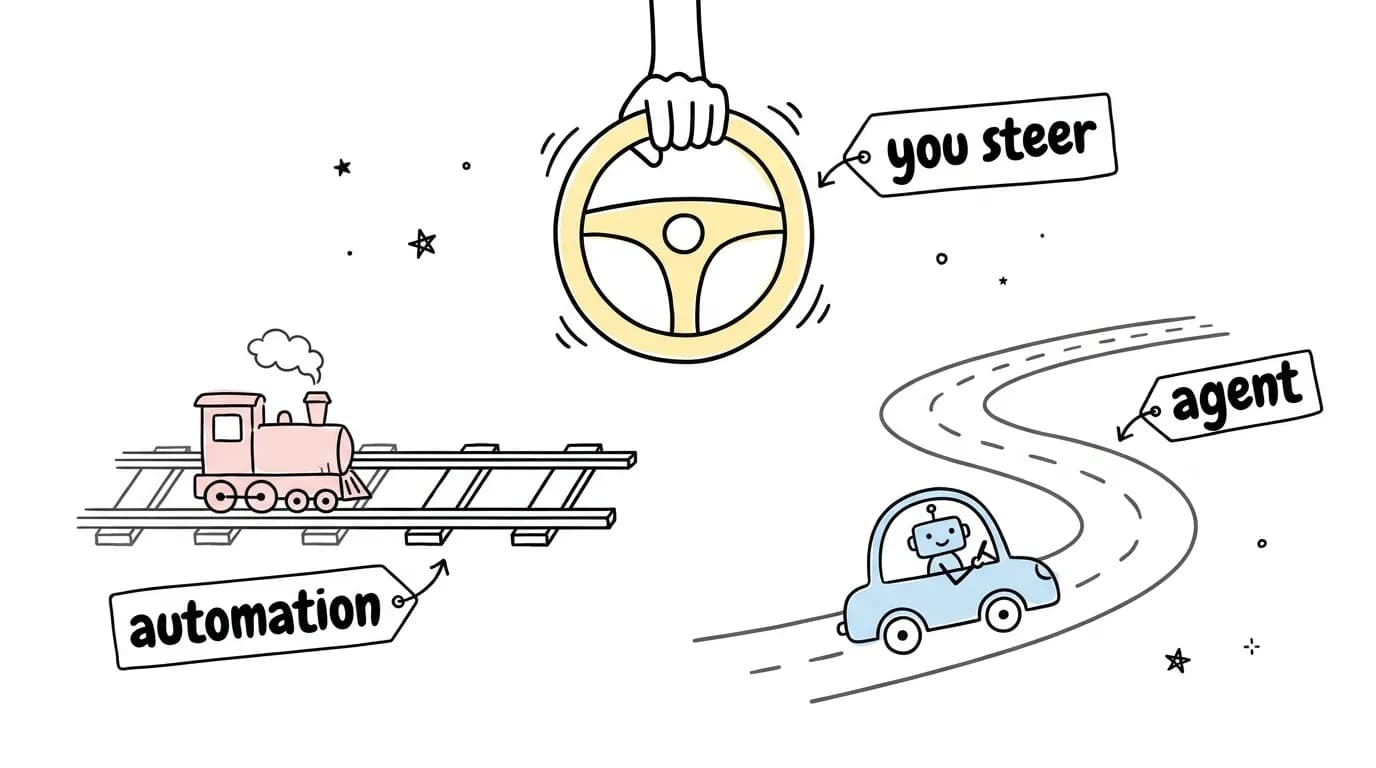
What Is an AI Marketing Agent? From "Using AI" to "Delegating to AI"
A learn article explaining what an AI marketing agent is, how it differs from rule-based automation, and which repetitive tasks such as lead qualification, reporting, and campaign monitoring can be delegated while humans keep key decisions.
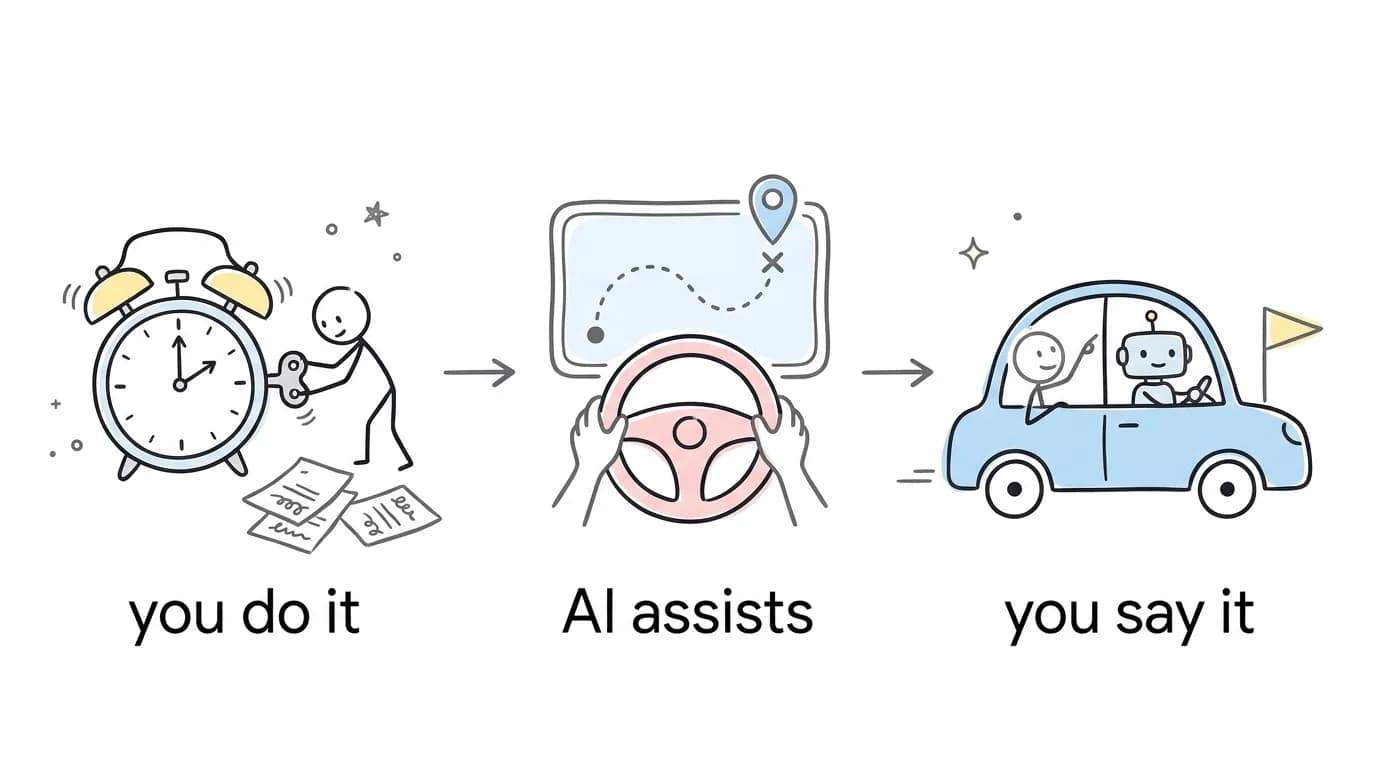
Marketing Automation Is Shifting from "You Do It" to "You Say It"
This article explains how marketing automation is shifting from rule-based platforms that merely execute toward AI agents that plan, create, publish, and review campaigns, covering delegable tasks, underlying technologies, tool categories, adoption steps, and risks such as privacy and automating without strategy.
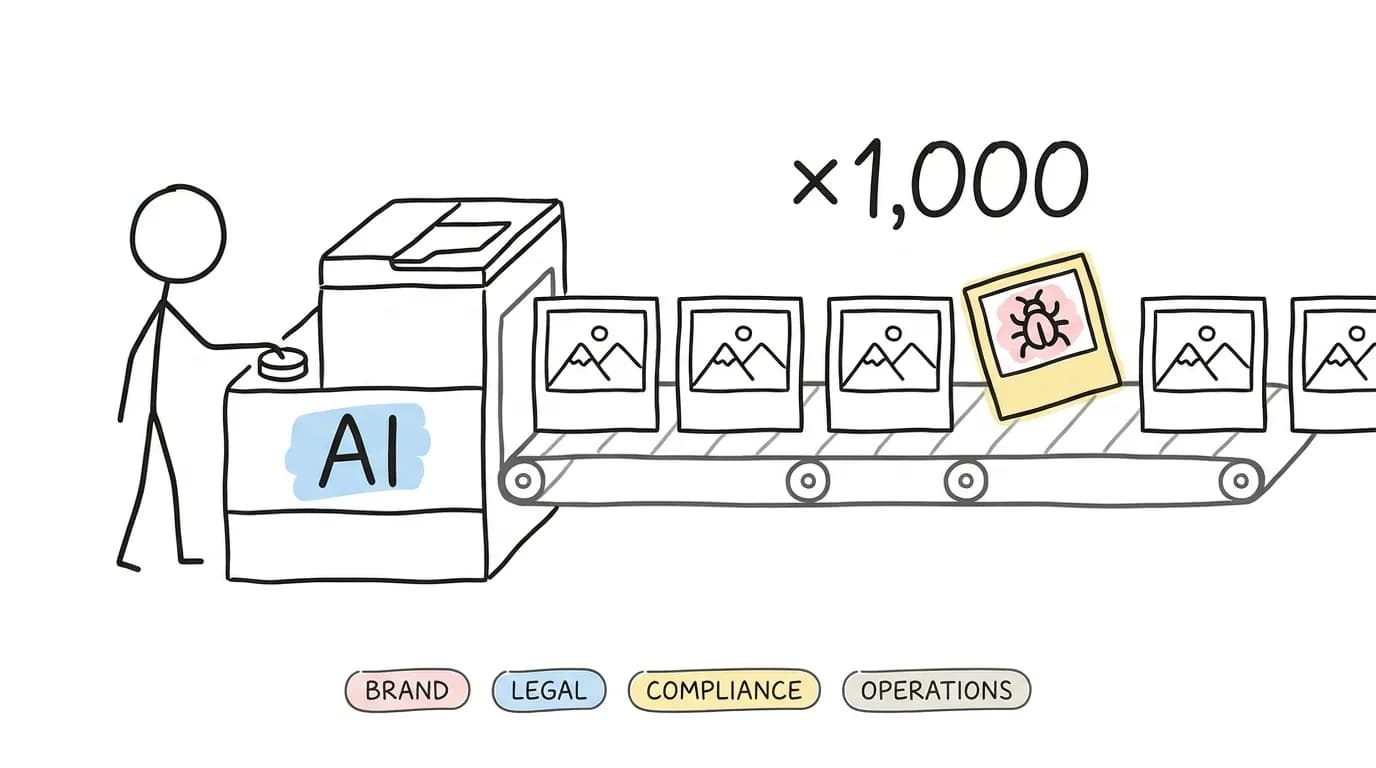
When AI Does the Creative, Mistakes Come in Batches Too
A learn article on the risks of using generative AI for marketing creative across brand, legal, compliance, and operational layers, with case examples and seven practices for review, rights clearance, documentation, and vendor governance.