
Only when 16 tools sat side by side did I finally see the map of AI marketing
An overview of a guide that maps 16 AI marketing tools into five blocks, including content, visual, SEO and AEO, automation, and personalization, plus six selection criteria and a two-week integration gate for tool procurement.
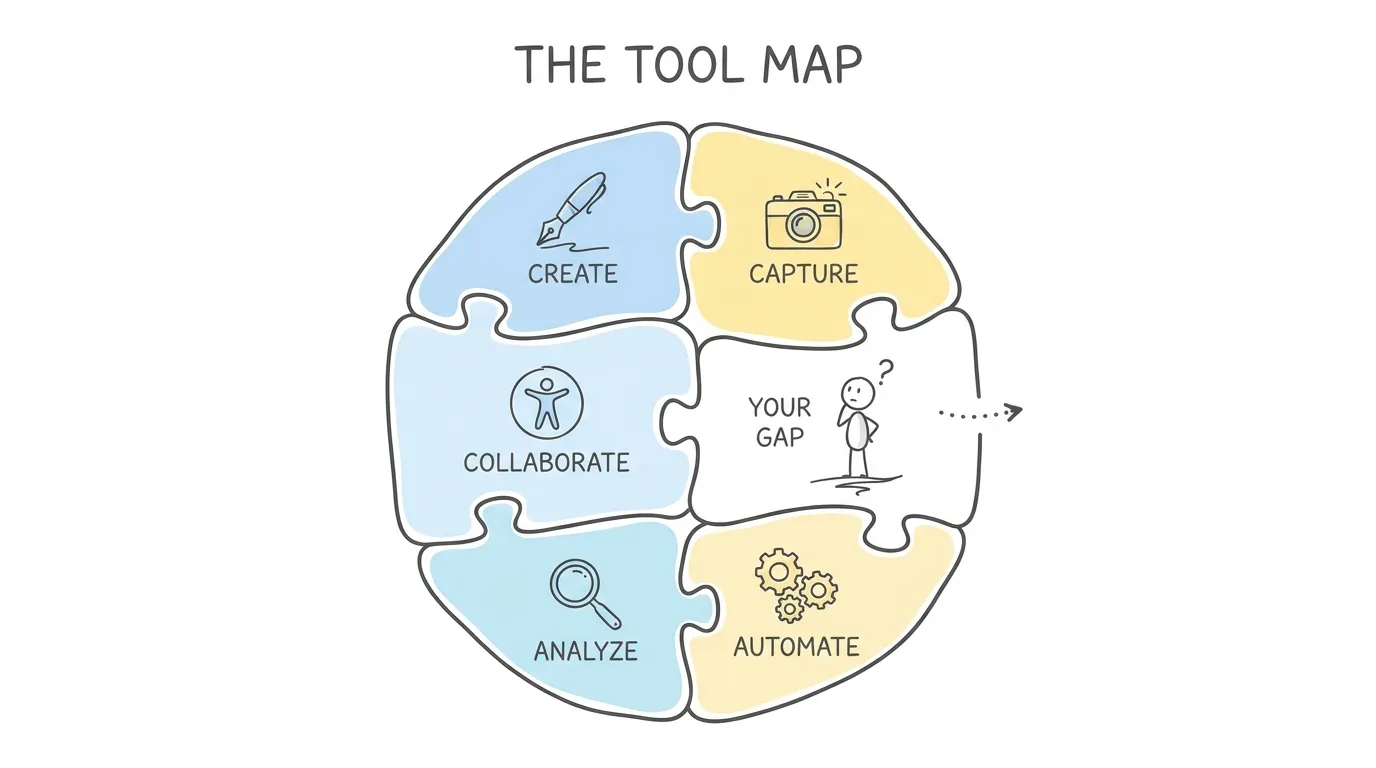
Marketers have stepped in enough tool potholes to circle the earth.
A pain point appears, you search the rankings, and every list recommends with heartfelt conviction. You buy. It never gets adopted. At the year-end review you count a row of subscriptions that were "stunning in the demo, painful in deployment."
Why? Because most people buy tools the wrong way from step one.
They compare feature checklists instead of shopping against the breakpoints in their own workflow.
A recent guide sorted 16 tools into five blocks, and I think its real value isn't the recommendations — it's the map. With the map in hand, you can see exactly where your gaps are.
One: five blocks, find your seat
Block one: content and copywriting. Jasper, Copy.ai, Anyword — and the general-purpose model Claude.
Block two: visuals and video. Canva's Magic Studio, HeyGen's digital avatars, OpenAI's Sora.
Block three: SEO and strategy. Beyond familiar names like Surfer and MarketMuse, there's a new one: Profound, built to monitor your brand's presence inside AI answers.
Block four: automation and social. Gumloop for workflows, Sprout Social for social management, Manychat for conversational reach, HubSpot growing AI into the CRM through its Breeze.
Block five: personalization and leads. Clay enriches lead data; Mutiny personalizes your website per visitor.
Five blocks laid out — and here's the move: don't look at the tools first, look at yourself. Which blocks is your team already covered in? Which are blank?
The blank block is your real demand.
Two: three signals hidden in the map
Signal one: general-purpose LLMs now hold a permanent seat.
Claude appears inside the content-and-copywriting group, listed alongside vertical tools. The meaning: general model plus well-written prompts is now an officially sanctioned production method. The corresponding action: the prompts your team has refined are assets, and someone should own them.
Signal two: AEO now sits beside SEO.
In the strategy group, traditional SEO tools share the frame with answer-engine monitoring. The search entrance is cracking open a new continent of AI answers. Early movers collect the map dividend; late movers pay tuition.
Signal three: the bar for automation is dropping.
Tools like Gumloop turn what used to require code into drag-and-drop. Marketers themselves can now assemble the fully automated pipeline: generate, review, distribute.
Three: six selection criteria — skip none
The guide compresses selection criteria into six: integration capability, ease of use, scalability, output transparency, predictable pricing, and data-security compliance.
Let me rank them.
Integration first. However good the tool, if it can't connect to your systems, it's a beautiful island. The test is simple: does it have an open API, and does it ship ready-made connectors for your CRM and your content platform?
Data-security compliance second. Where does your customer data flow? Does your data train anything? If those two questions can't be answered clearly, everything downstream is risk.
Predictable pricing third. For usage-based tools, model the most extreme month's bill before signing. Budget surprises erode team trust faster than missing features.
As for ease of use and output transparency — a two-week trial settles both.
Four: one hard gate
Finally, the procurement discipline I've found most effective over the years.
Any new tool must meet two conditions before you pay annually: it plugs into your existing workflow within two weeks, and it completes one full loop.
If it can't, shelve it — no matter how good the demo.
This one rule saves more money than all the rankings combined. A tool that can't close a loop in two weeks is astrologically incompatible with your systems, and forcing it ends one way: another gray icon in your software dock.
Five: my take
The most useful thing about a tool map is this: the map isn't for shopping. It's a mirror.
You don't lack choices among 16 tools. You lack a clear-eyed understanding of your own workflow. Find the right breakpoint and almost any tool fills it; pick the wrong one and the most expensive tool just automates your chaos.
Look in the mirror first. Then visit the store.
May every purchase you make land exactly on a breakpoint.
Continue reading
Related articles
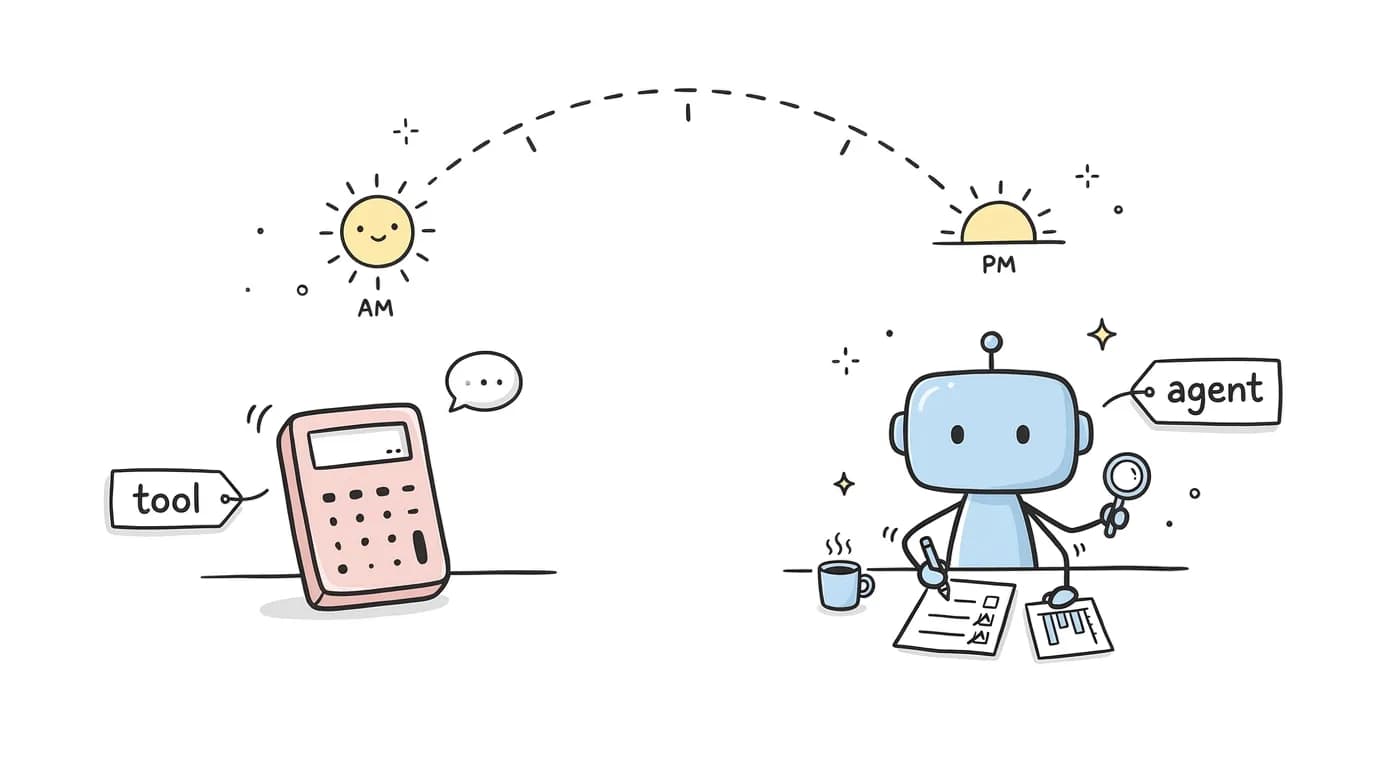
It's 2026: Stop "Buying" AI Tools for Your Marketing Team — Start "Hiring" AI Agents
This learn article explains how AI agents differ from standalone AI tools in marketing, outlines three agent categories — build-your-own platforms, CRM-native agents, and vertical tools — and covers use cases across SEO, social media, advertising, and reporting, plus criteria for choosing one.
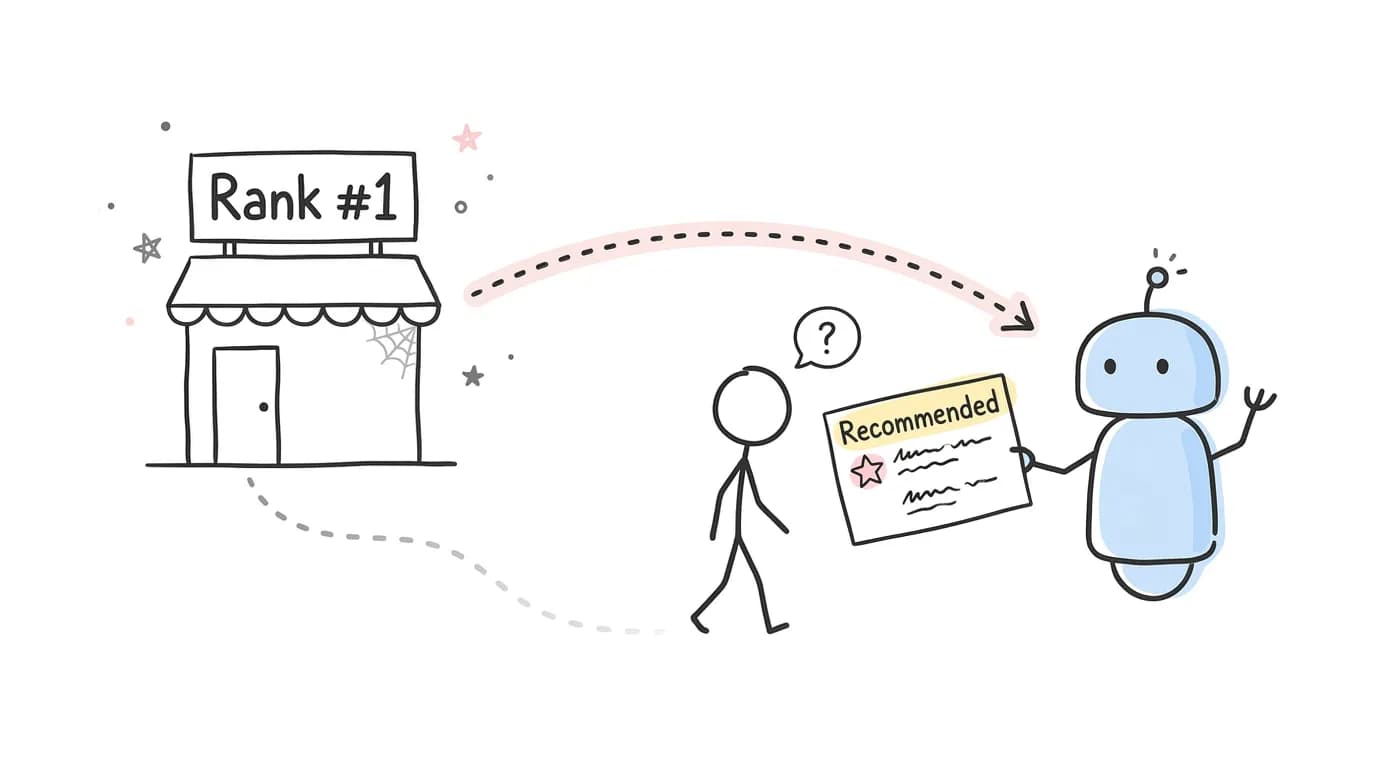
What Is GEO? How Your Brand Gets "Mentioned" in the Age of AI Search
An explainer on GEO (Generative Engine Optimization) for e-commerce and DTC brands: how it differs from SEO and AEO, why AI answers shape brand visibility, and eight practices covering question-focused content, consistent brand messaging, structured pages, external evidence, comparisons, and AI mention tracking.
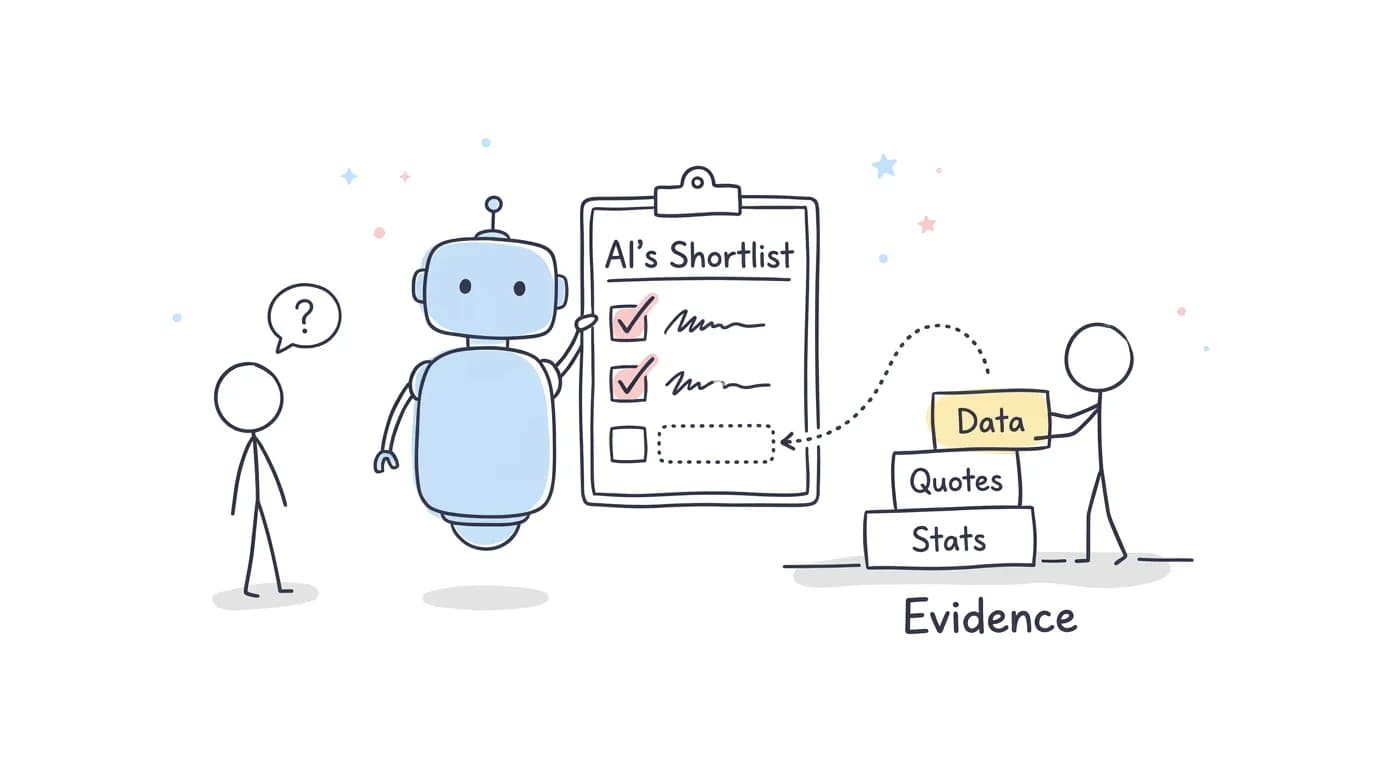
AI Is Already Making Decisions for Your Customers. Are You on the List?
A learn article explains GEO (Generative Engine Optimization): why AI-generated answers now shape which brands customers see, and how SEO fundamentals, entity clarity, citable evidence, and monthly measurement affect visibility in AI answers.