
One Message Went Out 20 Seconds Late — and Clicks Jumped 113%
A case walkthrough of Pearl adding AI to its customer messaging system touchpoint, covering AI-generated email content, AI-driven send decisions, reported 113% click-rate lift, and pitfalls like latency, cost, and fallback design.
The other day I was cleaning out my phone and dug up a pile of push notifications. "Limited-time offer," "exclusive gift" — I didn't want to tap a single one.
I suspect you know the feeling.
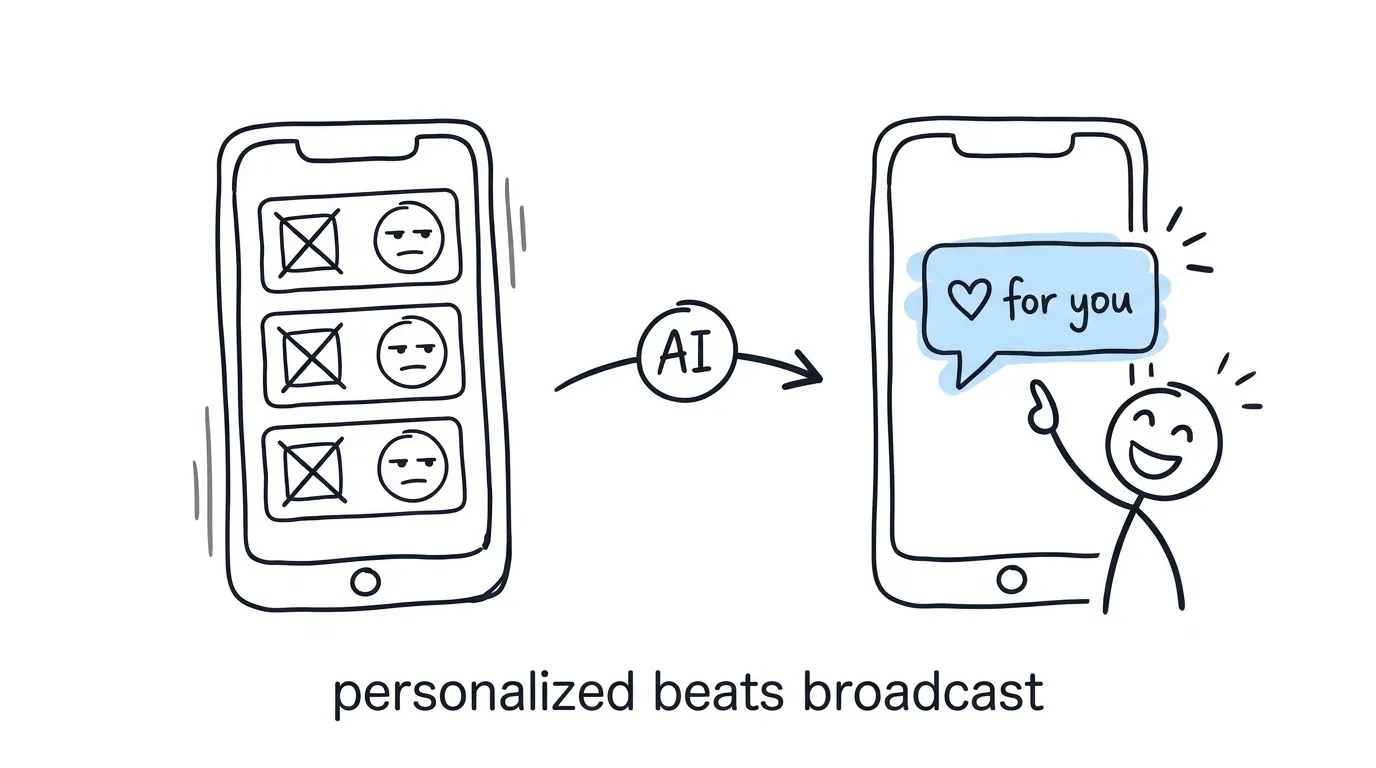
Attentive, a marketing tech company, has surveyed this: 81% of consumers simply ignore messages that feel irrelevant to them. McKinsey's research cuts even deeper: 71% of people expect personalized communication from companies, and 76% get frustrated when they don't get it.
In other words, most of the messages you work so hard to send never even get looked at.
Why?
Because most broadcast systems don't see "you" — they only see "an audience."
Recently I came across a company called Pearl that plugged AI into its customer messaging system, hit a pile of expensive real-world pitfalls, and came out with hard numbers. They're a professional services platform: when customers have a problem, they connect them with experts — vets, doctors, mechanics, home repair pros. The internal messaging system is called touchpoint, and it handles email, SMS, and push.
Let me walk you through it. It's pretty interesting.
First, How the Old System Worked
What is touchpoint, exactly?
Plainly put, it's a "message pipeline." User signs up — a welcome email fires. Payment fails — an SMS fires. Three days of silence — an automatic follow-up. All of it hardcoded rules and pre-written templates.
This stuff works, but it has a built-in flaw: it treats users as a group, not as a person.
Every system that sends messages by "segment" eventually runs into the same wall.
Experiment One: Let AI Write the Emails
The first thing they did was bring a large language model into email writing — things like generating personalized subject lines and key paragraphs of the body.
The interesting part is how they handled it technically. They didn't build a separate AI system from scratch. Instead, they made "AI-generated content" just another ordinary variable in a template. A template writer drops in a tag; behind the tag sits a pre-tuned, repeatedly tested prompt that runs automatically when the message goes out, and the generated result gets filled back into the template. The prompt itself is developed, tested, approved, and shipped in their internal Prompt Studio.
To a marketer, an AI tag and a "user name" variable work exactly the same way.
Brilliant. That's good architecture: don't change habits, just add capability.
Experiment Two: Let AI Decide Whether to Send
The second step is even bolder. This time AI doesn't write anything — it makes judgments.
Here's an example. A customer consults an expert, and the expert says: just buy a part and swap it in. Is the problem solved at that point? Not necessarily. The customer doesn't even have the part yet.
What did the old approach do? A fixed rule: send a follow-up SMS three days later. Whether or not the problem was actually fixed.
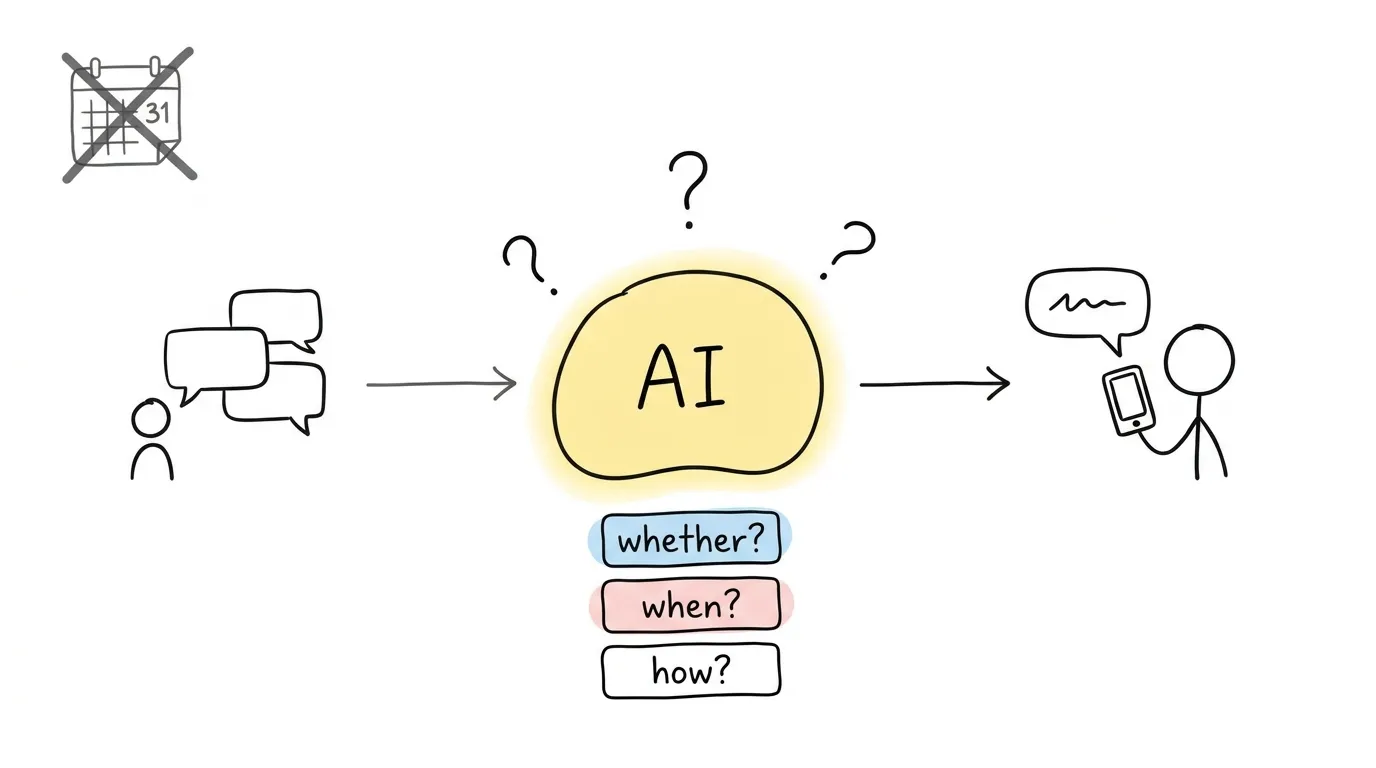
Now, they have AI read the conversation and judge three things: Is the problem resolved? Is a follow-up worth sending? When is the right moment to speak up?
Then the system decides on its own: send or not? When? Email or SMS?
Whether (If), when (When), and how (How) — all handed to real-time judgment instead of a calendar.
The Numbers Don't Lie
So how did it perform?
In some tests, click-through rates rose 113%.
Wow. 113%.
The nice number is the lesser part of the story. A click means the user didn't just see the message — they acted on it. Relevance, it turns out, is engagement.
But the Ledger Has a Messier Side
After the excitement, the pitfalls. Honestly, this part is worth more than the results.
Pitfall one: slowness. A message used to go out in 20 milliseconds. Add a large model, and the worst case stretched to 20 seconds. Picture a password reset — the user standing at the login box, waiting 20 seconds? A disaster. They send thousands of emails and texts every hour; at that volume, performance isn't a nice-to-have, it's a lifeline.
Pitfall two: cost, and picking the right model. The smart models are slow and expensive; the fast models fall a bit short. In the end they had to make trade-offs by scenario: strong models where quality matters, a compromise where speed matters. And from their own testing, models from different providers vary noticeably in how "human" they sound — Anthropic's models came out with a more natural tone, better suited for sending straight to customers.
Pitfall three: AI can't be a single point of failure. Providers go down too. So they built in two layers of fallback: one layer lets them switch between providers; the other falls back to pre-built generic content whenever the AI genuinely can't deliver, guaranteeing the message still goes out. They summed it up perfectly: AI should enhance communication, not become the point where communication breaks.
Pitfall four: not every message deserves AI. Some messages are time-critical, others can take their time — call a large model indiscriminately and costs spiral. So they later switched to "lazy execution": invoke the AI only when it's truly needed. And they consolidate judgments already computed elsewhere into a store called the Customer Inference Database, reusing them wherever possible so not a single call goes to waste.
So What's Next? Will AI Take Over the Whole System?
The company runs quarterly hackathons, and of 80-plus ideas, 60 were AI-related. Some wanted to add a Copilot to the template editor; some wanted to generate workflows from a single plain-English sentence, no more deciphering hundreds of configuration parameters.
The direction is clear: from "users configuring the system" toward "users state their intent, and the system figures out how."
But they poured cold water on it themselves. A fully automated, end-to-end messaging system sounds wonderful and is hard to build: it's opaque, hard to debug, and nobody wants to gamble on critical flows. So the more realistic short-term path is AI as an assistant, not a replacement — gradual, with humans watching.
One sentence: Keep adding intelligence and automation, but control, predictability, and reliability — you can't give up a single one.
Finally, Back to Those Push Notifications on Your Phone
Once you understand this playbook, a plain truth emerges:
Users don't hate getting messages. They hate getting messages that have nothing to do with them.
Messages going out and getting ignored? Don't blame your users for being cold-hearted just yet. Ask yourself: do you know which step they're stuck on right now? Do you know which moment to speak up so they're least annoyed?
If the answers are all no, then the more you send, the more you get ignored.
The next time you receive a message that genuinely speaks to you, don't swipe it away so fast. Behind it, chances are someone took "understanding you" and seriously turned it into a system.
Here's to your next message getting opened.
Continue reading
Related articles
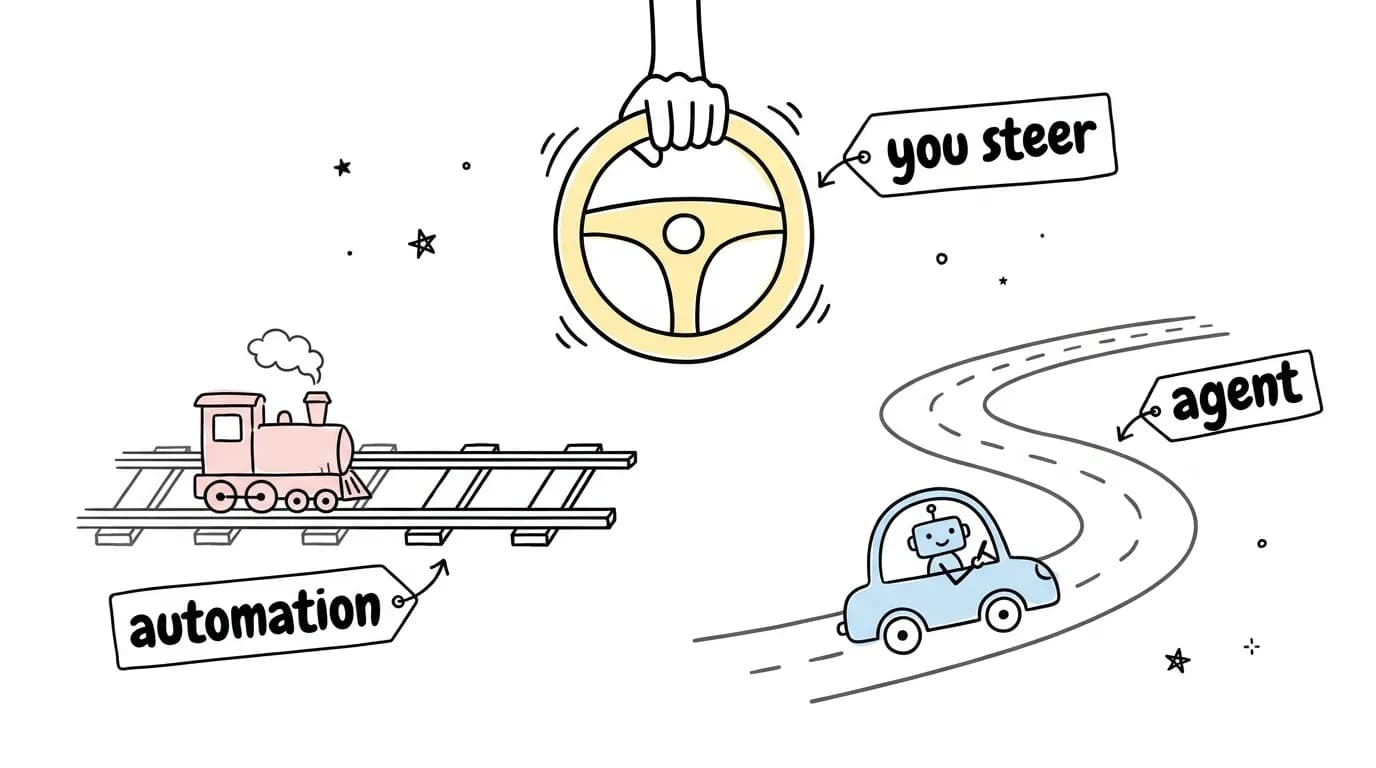
What Is an AI Marketing Agent? From "Using AI" to "Delegating to AI"
A learn article explaining what an AI marketing agent is, how it differs from rule-based automation, and which repetitive tasks such as lead qualification, reporting, and campaign monitoring can be delegated while humans keep key decisions.
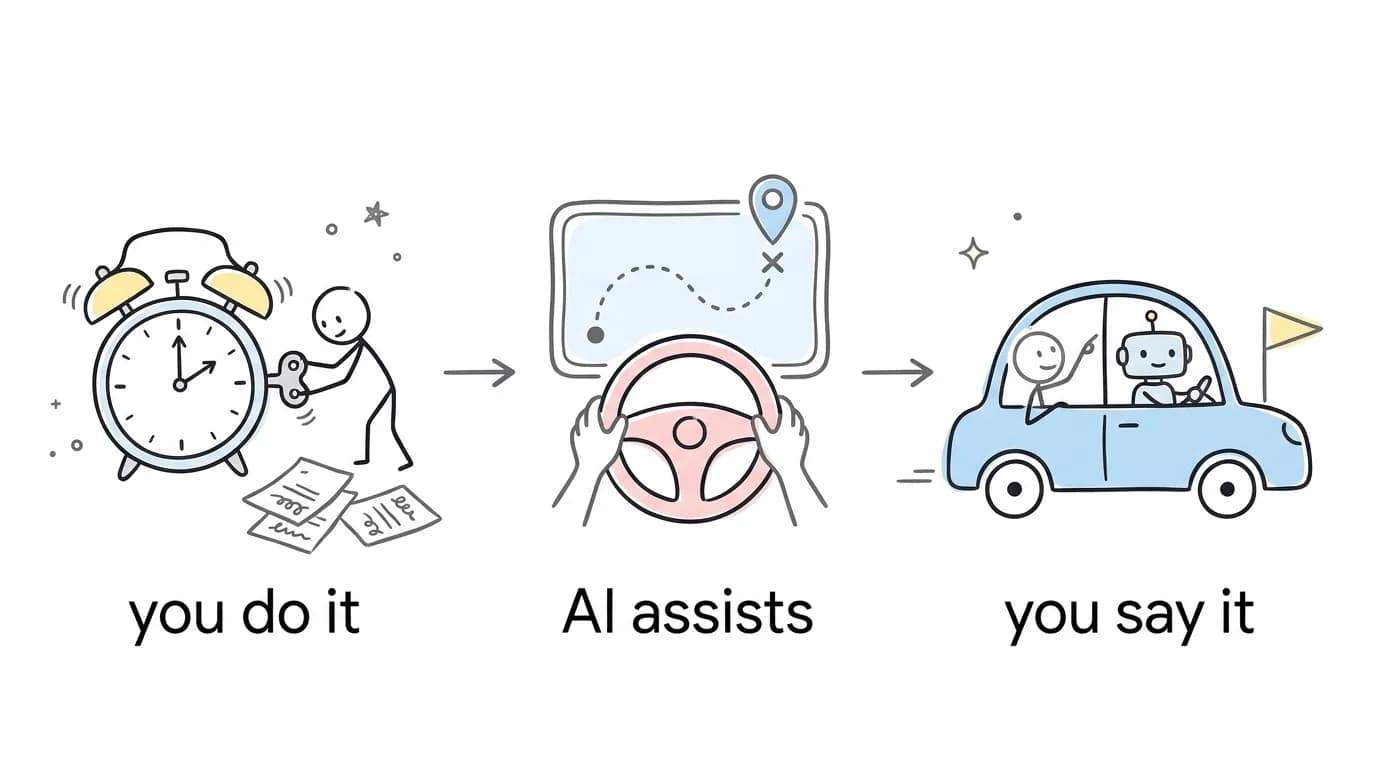
Marketing Automation Is Shifting from "You Do It" to "You Say It"
This article explains how marketing automation is shifting from rule-based platforms that merely execute toward AI agents that plan, create, publish, and review campaigns, covering delegable tasks, underlying technologies, tool categories, adoption steps, and risks such as privacy and automating without strategy.
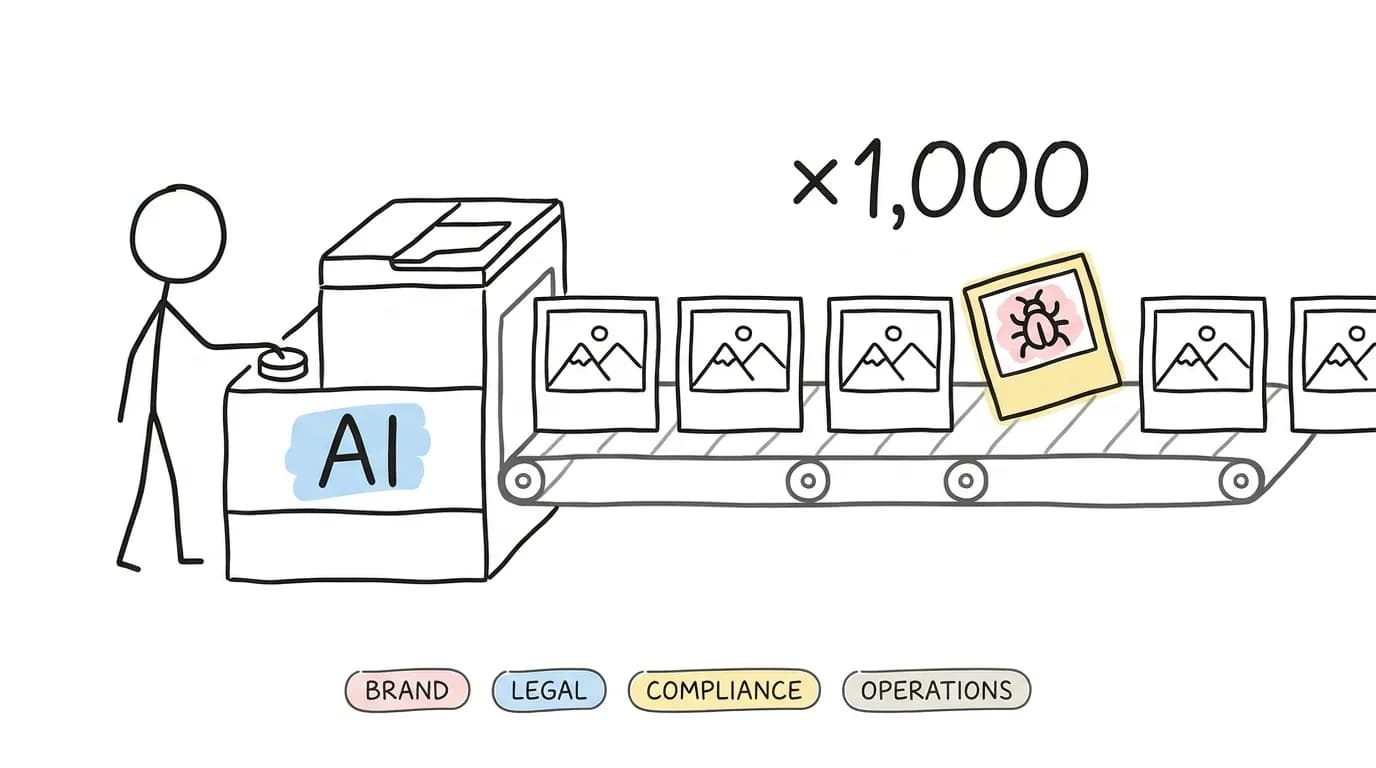
When AI Does the Creative, Mistakes Come in Batches Too
A learn article on the risks of using generative AI for marketing creative across brand, legal, compliance, and operational layers, with case examples and seven practices for review, rights clearance, documentation, and vendor governance.