
I Rehearsed a Talk While Walking — with Two AIs for Company
A first-person account of rehearsing a talk while walking, pairing ChatGPT voice on a phone with Codex on a computer as a voice-first rehearsal partner, including a five-step setup and why the routine fits existing habits.
A few days ago, I was preparing for a talk.
In the past, rehearsing meant sitting at my computer, droning through my slides. By slide three, I'd be reaching for my phone. By slide five, I'd be hunting for something to eat.
Rehearsal had become an ordeal.
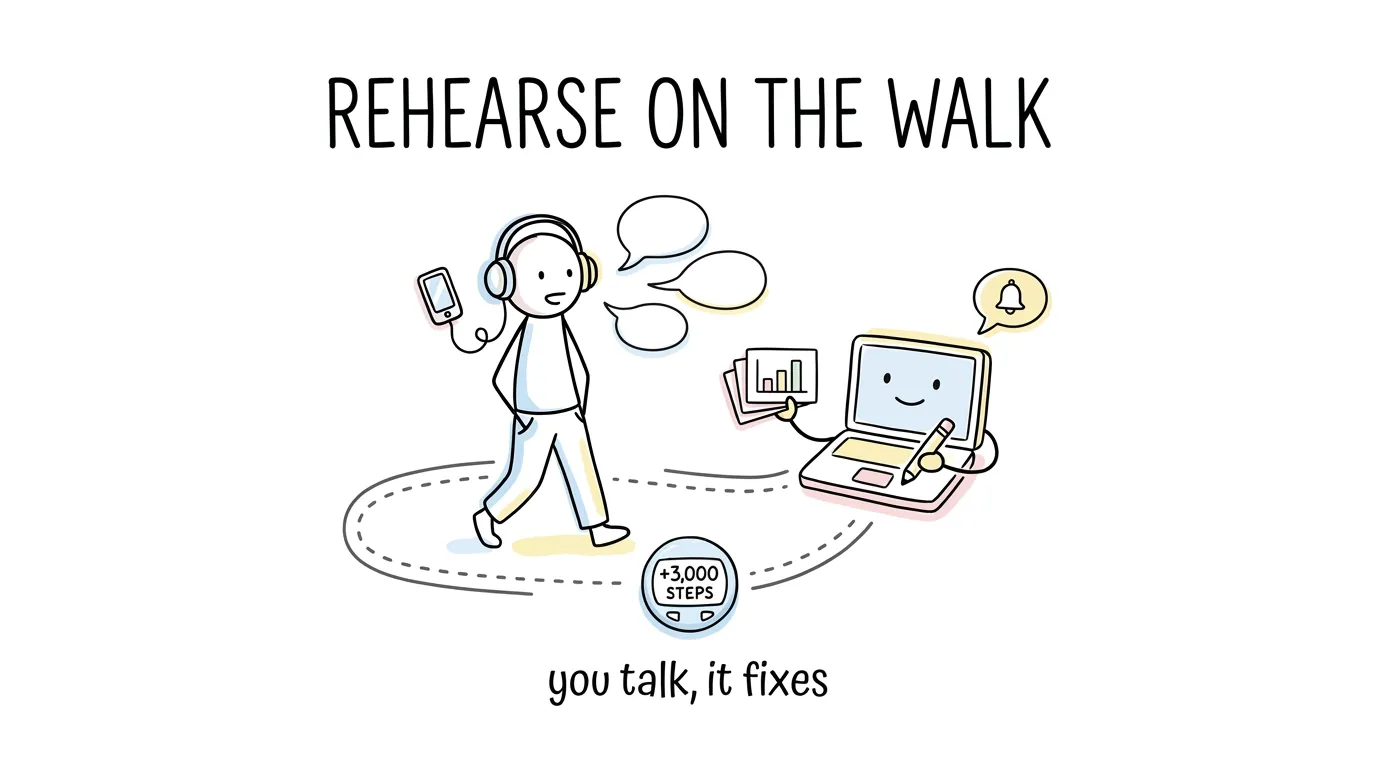
Then I tried something different: I put on my headphones, headed out the door, and started rehearsing while I walked. The ones keeping me company were two AIs.
By the time I finished the loop, I'd been through the whole deck, the fixes were made, and my WeChat step count was up by 3,000-plus.
So satisfying.
What Is a Voice-First Rehearsal Partner?
So what is a voice-first rehearsal partner?
It's a rehearsal system driven entirely by talking. Your mouth does the speaking, its ears do the listening, and its hands do the fixing. From start to finish, you never touch a keyboard or look at a screen.
Here's how it's wired up: ChatGPT's voice conversation runs on your phone, and Codex runs on your computer. ChatGPT ties the two together. You walk around your neighborhood; the phone listens to you talk, while Codex on the computer watches your slides, flipping pages, giving reminders, and keeping you on track.
All you do is talk.
Some of you might ask: how is this different from just reading your script against the slides?
A world of difference.
Droning at a screen, all you know at the end is "I got through it." This partner is different:
First, it knows exactly what's on every slide. Where the images sit, when each animation fires, how many seconds each page deserves — it's all clear to it. If you skip a point or stall on a slide, it can hear it.
Second, it reminds you. For the details you absolutely must remember, it will chase you down with questions.
Third, it helps you gather material. Mid-rehearsal, when a line slips out of your mouth that just flows, it quietly drops it into your speaker notes. These are lines that grow naturally out of the walk — far more alive than anything you'd squeeze out sitting at a desk.
Fourth, it actually does the fixing. You say a slide is off, and it edits the slides and the notes on the spot. By the time your walk is over, your script has grown a full lap along with you.
How to Set It Up: Five Steps
How do you put this together? Five steps.
Step one: feed it your real slides. Visuals, animations, per-slide pacing cues — hand them over exactly as they are. An outline won't cut it. Rehearsing with an AI that only has an outline is like an actor going on stage with nothing but a plot summary: you'll never find the real feel.
Step two: write a dedicated rehearsal instruction (a skill). Have it walk you through the deck slide by slide, flag the key points, and give you feedback when you finish. Think of it as issuing the AI a coaching license.
Step three: build the bare minimum and head out immediately. Don't wait until you've tuned it to perfection at home. Get a barely-usable version working, start walking right away, and adjust it by voice as you go: "I don't like how this works, try it another way... Actually, update the instruction and let's start over." You talk, it edits, and the next lap reflects the change.
Step four: connect the voice to the computer. That's the skeleton described earlier: ChatGPT voice on your phone, chained to Codex on your computer. Open a new conversation, start talking, and run a full rehearsal. Hands-free the entire way.
Step five: use it again and again. Once the instruction is dialed in, run it rehearsal after rehearsal, until you feel solid about every single slide. And as a bonus, you get your exercise in.
Why Does This Work?
Honestly, there's no black magic in it.
The real reason it works is that it grows along with your habits, instead of forcing you to change your habits to suit it.
In my old rehearsal routine, the real problem wasn't laziness — sitting still and droning through a deck is simply against human nature. This setup embeds rehearsal into a walk. The walk was happening anyway; the rehearsal just comes along for free.
Even better, that rehearsal instruction gets honed through use. Every time you say "that's not it, ask me differently," it takes a note. The more you use it, the better it understands how you like to speak and where you tend to stumble.
In other words, this isn't a tool stamped out of a factory mold — it's a tool that grew for you and you alone.
Go one layer deeper, and this combo isn't picky about scenarios at all.
Voice, AI, slides, walking. Taken apart, they're the most ordinary parts. Put together: rehearsing a sales pitch — works. Prepping a client proposal — works. Getting ready for a podcast interview — works. Running through an interview outline before a show — works too.
As long as the task involves speaking out loud, it can be your practice partner.
Finally, What I Took Away
The best AI applications aren't necessarily the ones with the flashiest technology — but they're always the ones that understand your working habits best.
Technology gets stronger every day, but what really decides whether an AI is useful is whether you've folded it into your daily routine — and whether you're willing to spend a little patience to wear it into your own shape.
The next time you're about to go on stage, give a pitch, or meet a client, you might as well build one too.
Wishing you a smooth rehearsal.
And a few thousand extra steps, too.
Continue reading
Related articles
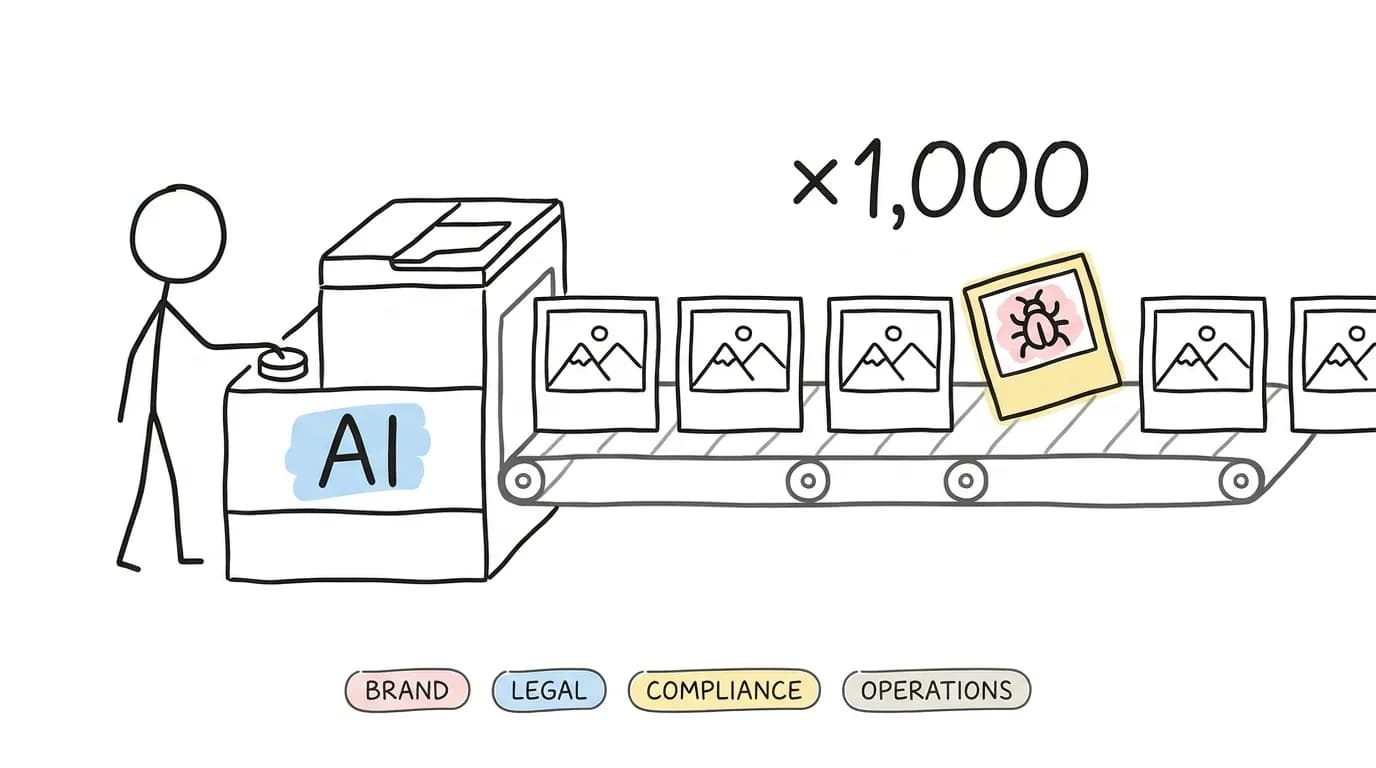
When AI Does the Creative, Mistakes Come in Batches Too
A learn article on the risks of using generative AI for marketing creative across brand, legal, compliance, and operational layers, with case examples and seven practices for review, rights clearance, documentation, and vendor governance.
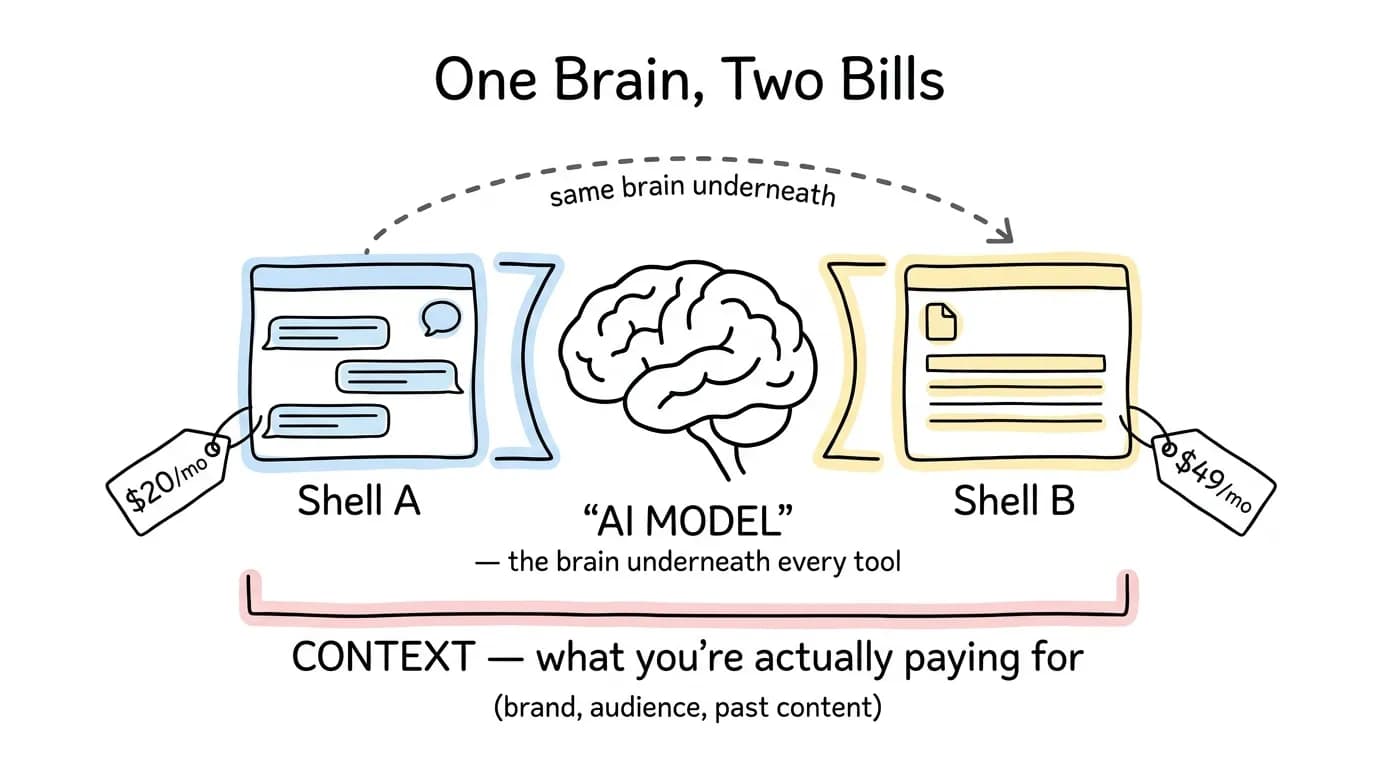
Which AI Should Your Startup Actually Use for Marketing?
A startup marketing guide explaining the difference between AI models and tools, sorting tools by job (writing, research, design, leads, email, video ads), and outlining a 30-day test plan for choosing them. It also covers generative engine optimization and budget trade-offs.
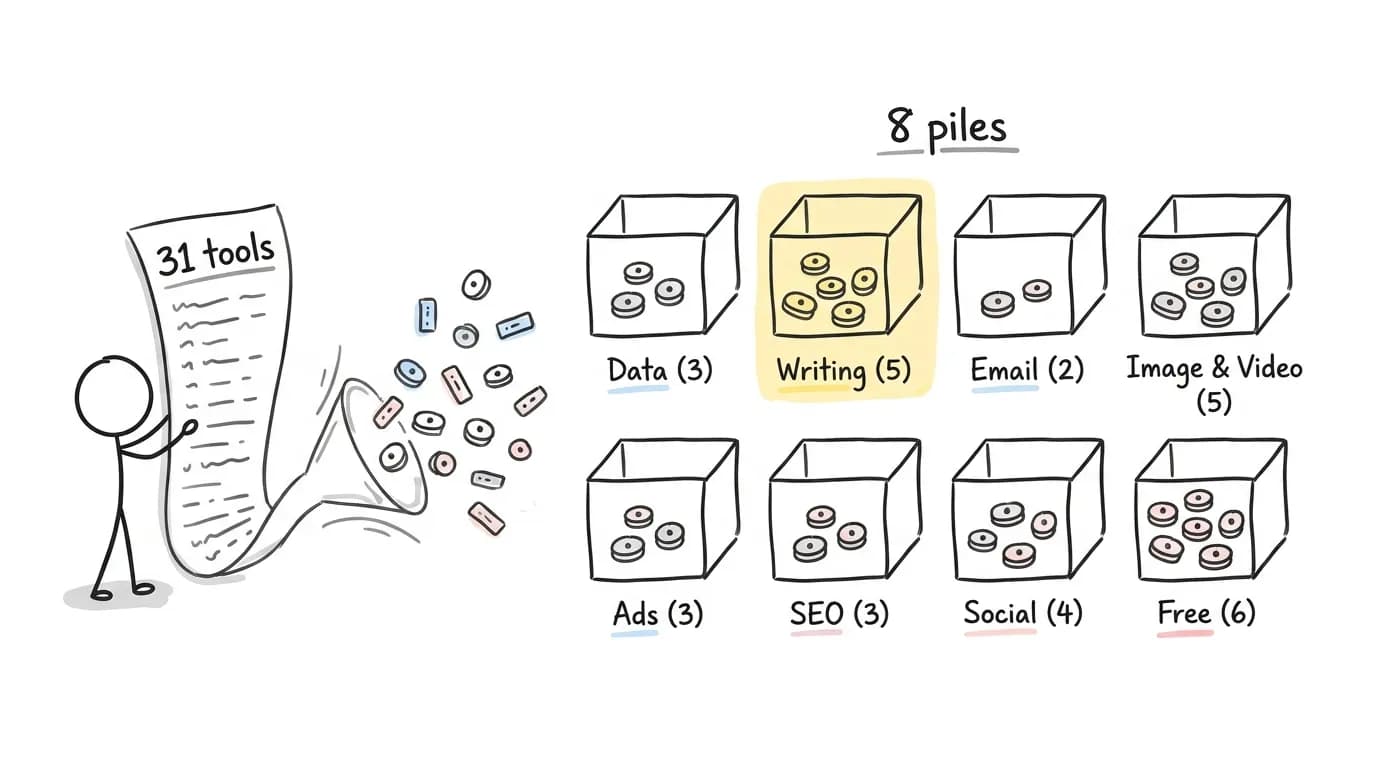
31 AI Marketing Tools, Reviewed One by One: How Exactly Should You Spend the Money?
A review of 31 AI marketing tools grouped into eight categories, covering data, content, email, video, ads, SEO, social, and free options, with guidance on choosing one strong tool for your most frequent task and testing free tiers first.