
Does AI Actually Work for Social Media? Over 1,100 Marketers Gave the Same Answer
A practical guide to using AI for social media: social listening, content creation, and data analysis, with tool picks by budget tier and three things never to hand to AI. Based on a HubSpot survey of 1,100+ marketers where 72% said AI-assisted content performs better.
A while back, I had dinner with a friend who runs brand social media.
She had just taken over a big account, and her team pushed her every day to adopt AI. Output really did multiply several times over. But something gnawed at her: with AI-written posts flooding every feed, would everything eventually come off the same mold? Would users smell the machine by the third post—and unfollow?
I said the worry was completely understandable. But the data tells a different story.
HubSpot ran a survey covering more than 1,100 social media marketers worldwide and asked one very direct question: how does content made with AI actually perform?
72% answered: better than content made without AI.
You read that right. Better.
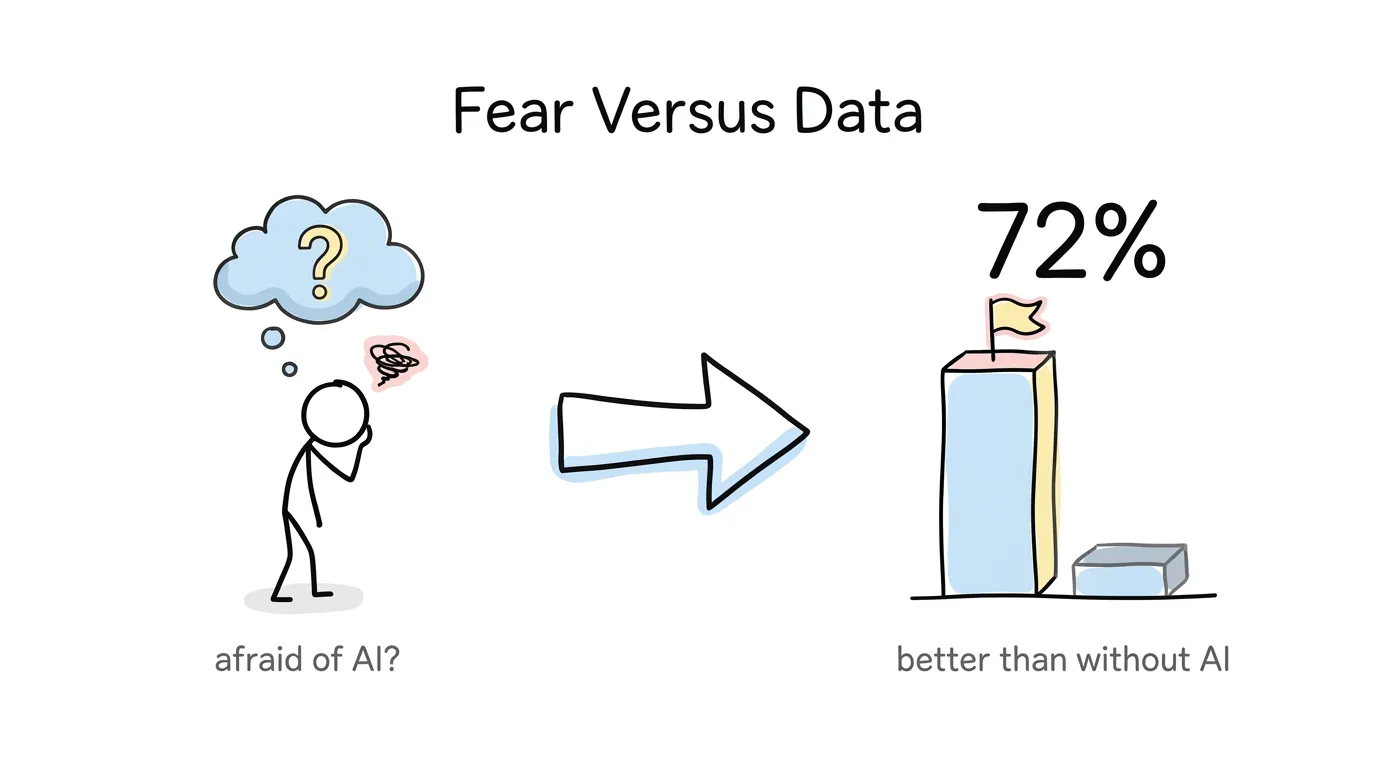
So at the dinner table I told her: what you're afraid of isn't AI. It's using AI as a photocopier.
What Does "Using AI on Social Media" Mean?
Strip away the hype and it's three things: listen for you, speak for you, think for you.
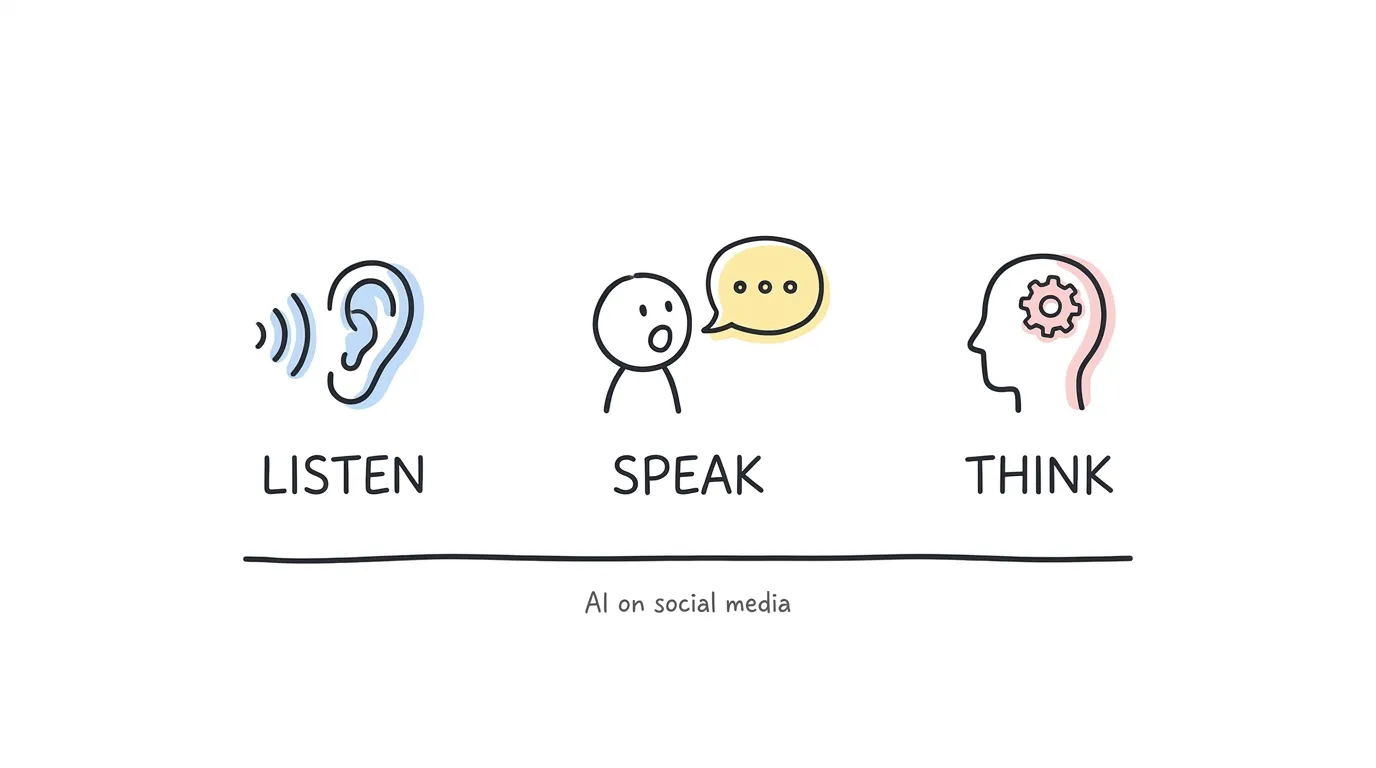
Let's take them one by one.
First, "Listening"
Any brand gets mentioned on social media thousands of times a day. Praise, complaints, curiosity, onlookers.
Count on people to scroll through it all? Can't be done. In the early days, some big companies built dedicated "listening rooms" and hired teams to stare at online discussions all day—several million dollars a year. Expensive just to hear about, right?
Now tools do this job. Social listening tools like Brandwatch, Talkwalker, and Sprout Social use natural language processing (NLP) to sort the flood of chatter into four things: who's mentioning you, whether sentiment is rising or falling, which topics are starting to bubble up, and which discussions are heating up.
What's really valuable is speed.
Say your product breaks right after a major platform update, and negative mentions start spiking within five minutes. AI monitoring can flag that spike within minutes. That head start is enough to squeeze a proper response in between "a few complaints" and "a PR crisis."
But here's the interesting part: negative sentiment isn't always a bad thing.
One team lead shared this experience: under one of their campaigns, some people pushed back. When the team ran the comments through AI analysis, most turned out to be curiosity and debate—not hate. And that debate drove far more shares than their safely bland posts ever did. Her exact words: if we'd pulled the campaign based on the sentiment label alone, we'd have lost big.
So you see, AI doesn't just listen for "who's bashing me"—it listens for "what everyone is talking about."
Catch the criticism, but catch the conversation too. Whatever users are talking about this week, that's where you should show up with something relevant.
Next, "Speaking"
In other words, making content.
What content do those 1,100-plus marketers use AI for? The top three:
Short-form video, 55%. Images, 53%. Text posts, 45%.
Text, images, video—AI can lend a hand with all of them. Midjourney makes images, HeyGen makes video, ChatGPT takes you from topic brainstorming all the way to platform-tailored copy. Many platforms have also stitched AI straight into their products, like LinkedIn's "Rewrite with AI"—one flat sentence, one click, a catchier version.
But there's a dividing line here.
The mediocre way is letting AI write for you. The smart way is letting AI help you "rehearse": before you post, gauge how the copy will land with different audiences, and adjust the angle in advance.
One HubSpot social media lead said something that stuck with me. The gist: AI makes us faster and more productive, but what matters more is that it lets us know roughly how content will land before we ever publish.
That's the gap. Others publish and then gamble; you calibrate before you publish.
Finally, "Thinking"
This is the most overlooked layer—and the most valuable.
What does "thinking" mean? Two things: understand your users, understand your data.
Users first. Brands used to profile audiences with basic demographics—age, gender, city. What AI does is segment by behavior: who watches similar content, buys through similar paths, responds to the same messaging. Two people twenty years apart in age who behave alike belong in the same crowd.
At that level of precision, personalization pays off in numbers. HubSpot's annual marketing report has one: 93% of marketers say personalization directly improved leads or closed deals.
Now, data. A concrete example:
You want to know which content performs best on LinkedIn. The old way: export your analytics to CSV, then stare blankly at the spreadsheet. The new way: hand the CSV to AI and ask directly—which topics, which formats, which keywords drive the most engagement? Give me recommendations.
Analysis that used to take hours of grinding now takes minutes.
But here we need to hit the brakes.
Every data point and every "trend" AI hands you needs human verification before you use it—especially anything headed into a report or a decision. A marketing manager who specializes in social media analytics put it plainly: AI spots patterns fast, but it's the first step, not the last.
I love one particular way of putting it: with AI, you upgrade a spreadsheet into a strategist.
No matter how well the strategist advises, you make the final call.
How to Pick Tools? By the Size of Your Budget
There are plenty of tools out there. No need to memorize a list—just sort them into three tiers by budget.
Pocket-money tier. ChatGPT, $20 a month, handles everything from topic selection to drafts to customer-service scripts. Canva, basic version free, Pro $12.99 a month—makes graphics and resizes across platforms in one go.
Team tier. Lately AI, from $49 a month, specializes in splitting your long-form content (blogs, podcasts, videos) into a batch of social posts, and it learns your voice the more you use it. Hootsuite's OwlyWriter, $99 a month, produces tailored versions for several platforms from a single prompt. Sprout Social, from $249 a month, is strongest at analysis: it doesn't just help you make content, it tells you why the content works.
Enterprise tier. Brandwatch, starting at roughly $3,000 a month and up, lives on prediction: before a trend goes mainstream, it fishes it out of millions of conversations.
Among these three tiers, one feature deserves its own callout.
Brand24 (a listening tool, from $199 a month) has a feature called AI Visibility: it tracks how large language models like ChatGPT, Gemini, and Perplexity describe your brand and rank you.
Why does this matter? Because more and more people, before making purchase decisions, no longer ask search engines first—they ask AI. How AI introduces you is becoming a new kind of "brand word-of-mouth."
Few are paying attention yet. Those who are, are already a step ahead.
Ready to Start? Remember Three Rules
First rule: goals first, tools second.
Don't open with "which AI should I use?" Ask yourself first: what do I want? More presence on LinkedIn, or higher engagement? The more specific the goal, the easier the tool choice. A playbook built for presence and a playbook built for engagement are completely different things.
Second rule: AI isn't a wishing well; the prompt is the lever.
Don't expect AI to solve everything with a casual wave. Start with small experiments, test in small steps. Then write the prompt well: give full background, define the audience, specify the channel, and describe your strategy and tone as precisely as you can. The more specific what you feed it, the more usable what you get back.
Third rule: different platforms, different jobs.
On X you can run information-dense long posts; on Instagram it suits turning a blog post into a light visual card set. Different users, different formats—don't carve everything from the same mold.
Oh, and KPIs. Reach (how many people actually saw it), clicks (how many got curious), engagement (how many are willing to engage with you). Figure out which of these three numbers you most want to move, then use AI to move it.
Three Things You Should Never Hand to AI
So far, all upside. But three things you can't let go of.
Misinformation. AI can fabricate facts with a straight face. And on social media, rumors outrun corrections by miles. So the rule is one line: every figure and every claim AI generates must be verified by a human before publishing. No exceptions.
Bias. A model outputs what it eats. Bias in the training data means bias in the output: ad targeting that skips specific groups, sentiment analysis that misreads cultural differences, content recommendations that entrench stereotypes. So audit AI output regularly—especially ad placement and community management. This isn't a do-it-once task; it's routine.
Privacy. AI tools need data to do their work. What user data is being collected, where it's stored, whether it's used to train models, and whether it's compliant (GDPR, CCPA and the like)—you must know this cold. Being transparent with users is turning from a "nice-to-have" into a "compliance line."
Behind these three things is the same line, and I'm bolding it here:
AI drafts, humans decide.
Content can be written by AI, but the publish button must be pressed by a human. Chatbots can answer routine questions like password resets and order status, but the moment they hit the edge of their confidence, they should hand off to a human immediately. Sensitive topics—health, finance, politics, crisis PR—require a human sign-off before anything goes out.
Not complicated. But it takes intention.
Back to That Dinner
By the end of that dinner, my advice to my friend was: use AI as an intern, use yourself as the editor-in-chief.
The intern writes first drafts—fast, plentiful, never tired. But the direction of topics, the calibration of stance, and whether to publish in the end—the editor-in-chief decides. Every word that goes out carries the brand's name.
She really did it. A few days ago she told me the workflow has settled: drafts go to AI, judgment stays with her, and the comment section is livelier than before.
Using AI for social media—the entrance is wide, anyone can walk in. But the exit is narrow, narrow enough that it's left only for those who've thought clearly about "what AI does, what I do."
Here's to reaching that exit soon.
Continue reading
Related articles
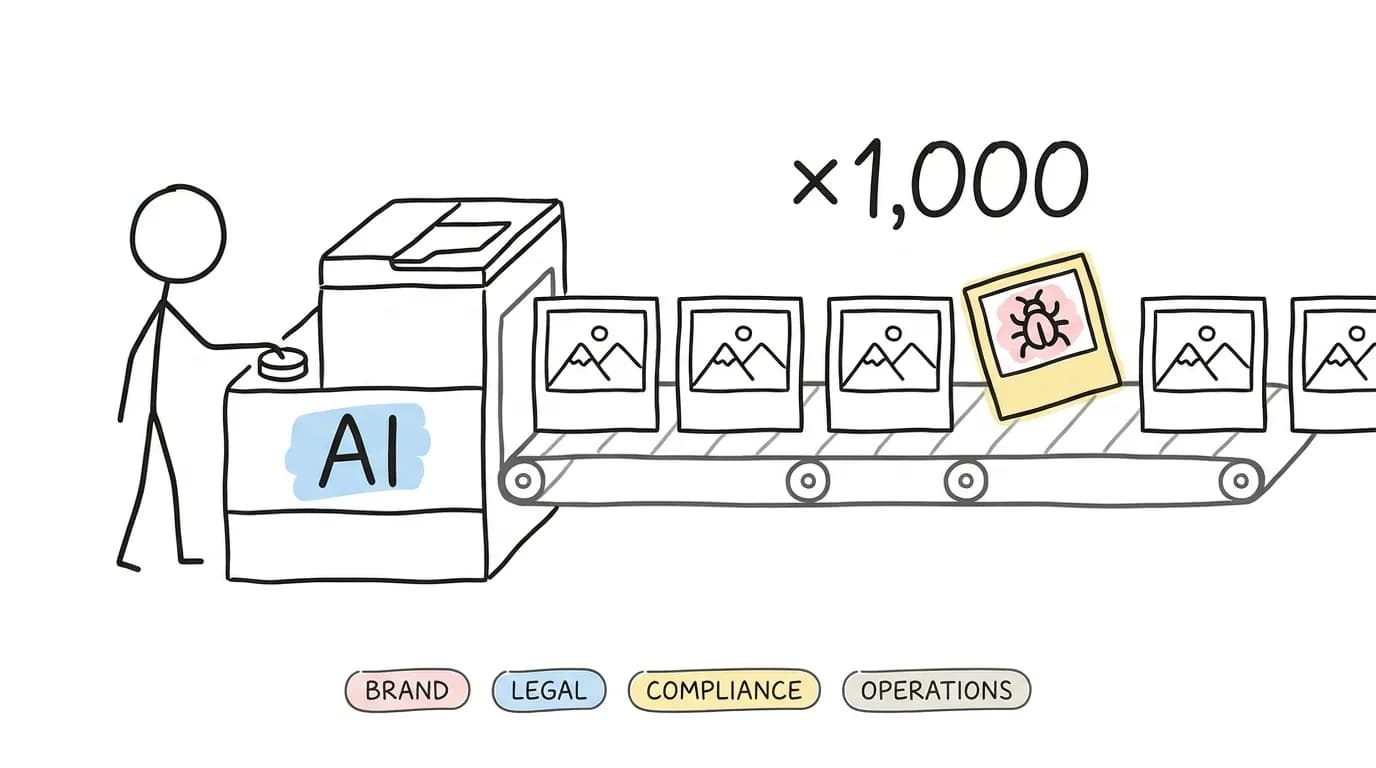
When AI Does the Creative, Mistakes Come in Batches Too
A learn article on the risks of using generative AI for marketing creative across brand, legal, compliance, and operational layers, with case examples and seven practices for review, rights clearance, documentation, and vendor governance.
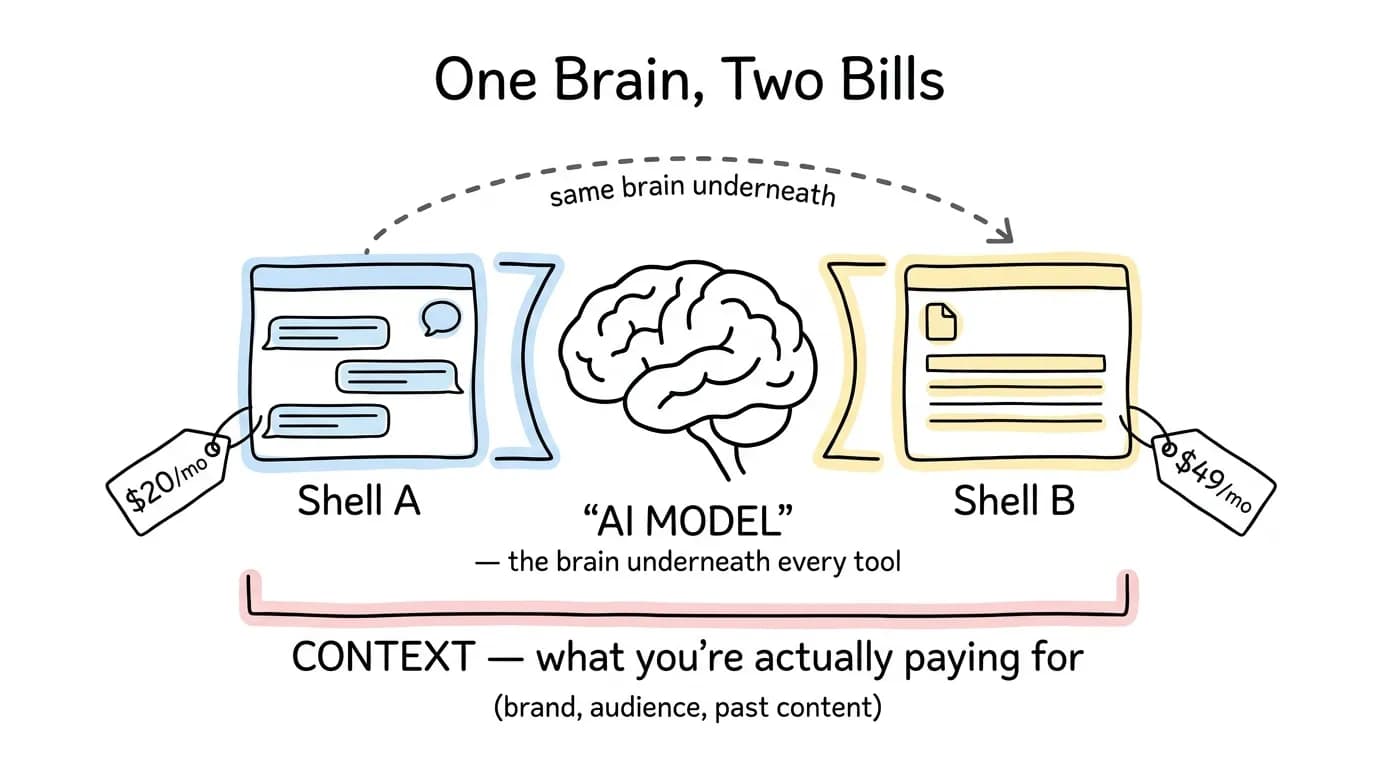
Which AI Should Your Startup Actually Use for Marketing?
A startup marketing guide explaining the difference between AI models and tools, sorting tools by job (writing, research, design, leads, email, video ads), and outlining a 30-day test plan for choosing them. It also covers generative engine optimization and budget trade-offs.
31 AI Marketing Tools, Reviewed One by One: How Exactly Should You Spend the Money?
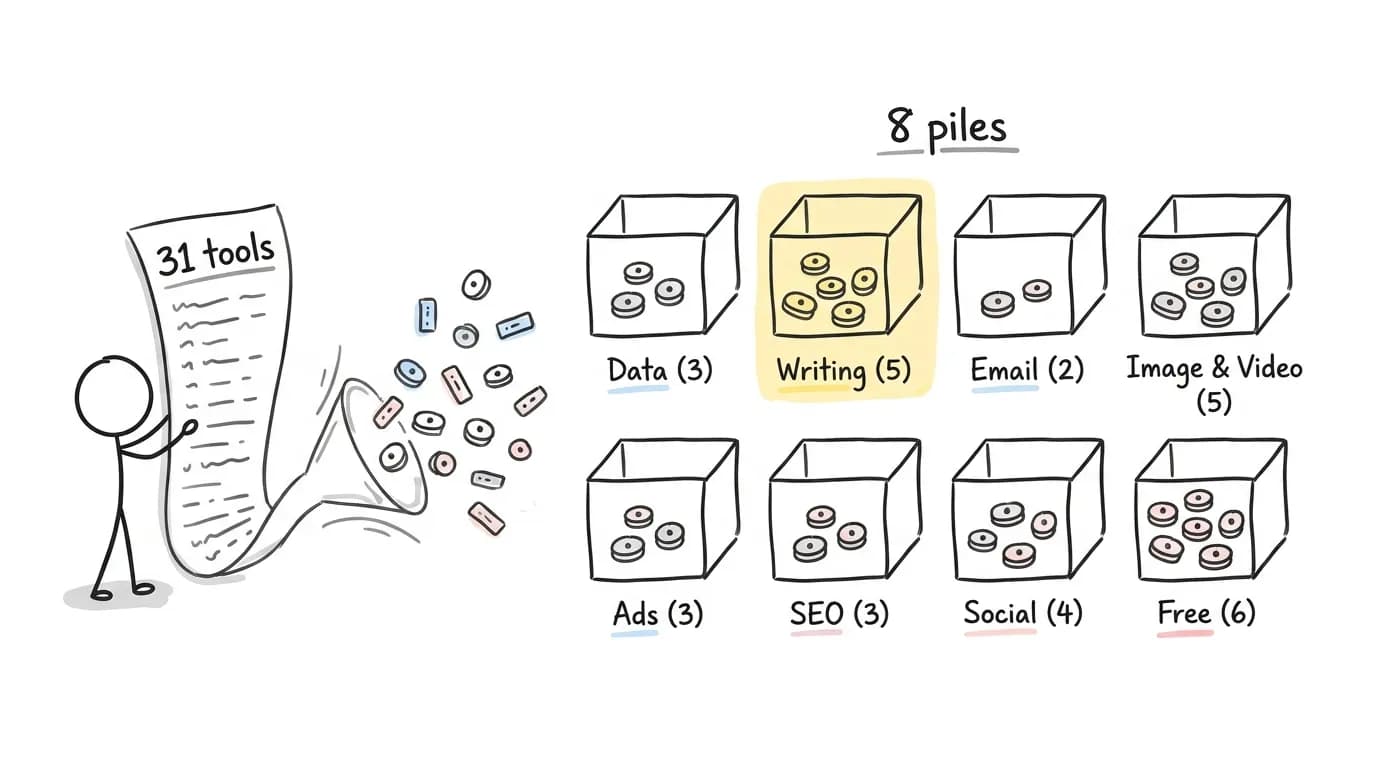
A review of 31 AI marketing tools grouped into eight categories, covering data, content, email, video, ads, SEO, social, and free options, with guidance on choosing one strong tool for your most frequent task and testing free tiers first.