
Buyers Are Already Asking AI for Their Shortlists — Which Prompts Should You Be Monitoring?
Buyers are increasingly using generative AI to create vendor shortlists, making AI visibility critical for B2B marketing. Marketers should monitor three types of prompts—brand, non-brand, and competitor—to ensure their brand is seen at every stage of the buyer's journey.
A few days ago, an old friend who works in B2B marketing invited me out for tea. The first thing he said when we sat down: "We're in trouble. AI makes us sound mediocre — but we're actually pretty good."
I asked how he'd found out.
"A client," he said, "was halfway through a conversation when he suddenly said, 'I've already asked ChatGPT. It gave me three vendors, and you came in second.'"
I told him: congratulations — at least you made the list. Plenty of companies never even make it on.
Responsive ran a study: 56% of tech buyers already use generative AI to assemble vendor shortlists. In other words, the first round of buyer filtering is moving into AI. Whoever the AI names gets a seat at the table; whoever it leaves off may never even get near the table.
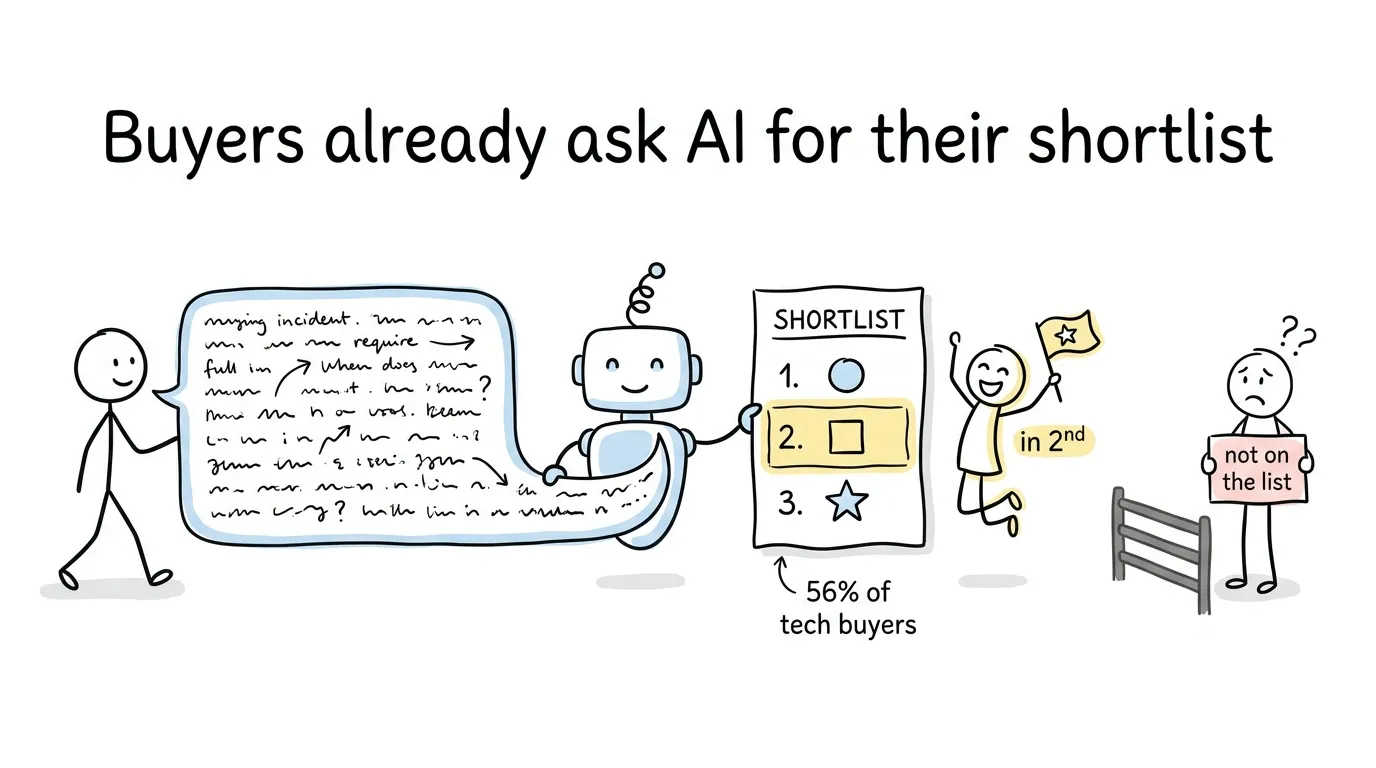
So what do you do? The answer isn't to monitor every possible question. Quite the opposite: monitor fewer prompts, but make every one of them land where it matters.
How do you pick? Let me walk you through it.
Buyers Don't Ask AI the Way You Think They Do
What's a prompt? It's whatever question a buyer throws at the AI.
But pay attention: asking an AI and typing into a search box are two entirely different things. Search is two words: project management software. Asking AI is a whole paragraph: "We're a 20-person creative agency that bills clients by the hour, our budget is tight, and we want a tool with time tracking. Any recommendations?"
That's not a question. That's a requirements document.
Team size, budget, industry, constraints — all of it is in there. And the AI's answer shifts as soon as any of those details change.
Faced with this variability, most teams fall into one of two traps.
Trap one: trying to monitor everything. You lay down hundreds of prompts, and the noise gets so loud you can't see anything.
Trap two: watching only your own brand terms. The numbers look lovely — you're there every time someone asks about you. And then what? You haven't reached a single person who doesn't already know your name.
The way out? Start by sorting the questions buyers ask into clear categories.
Three Types of Prompts, Three Different Jobs
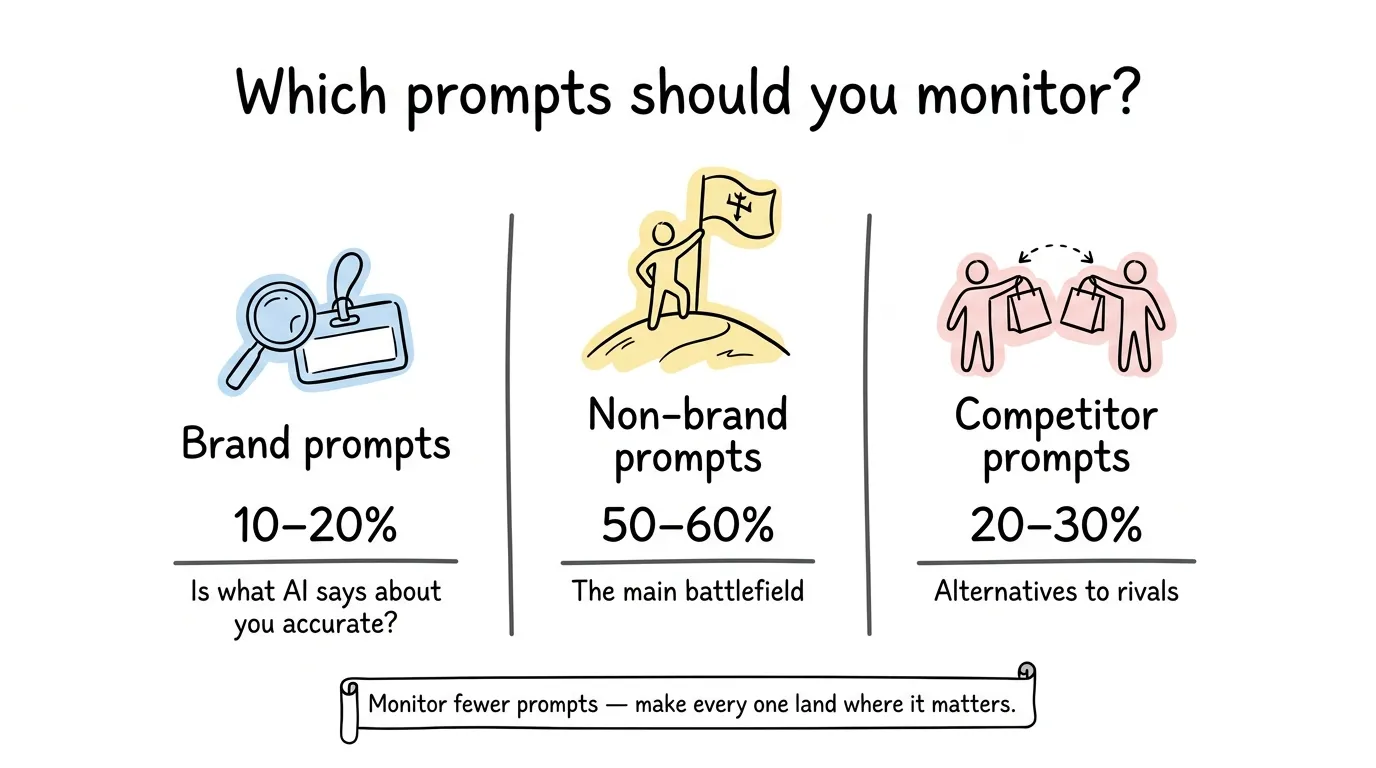
Boiled down, the questions buyers throw at AI come in three kinds: the ones that mention you, the ones that don't, and the ones that mention your competitors.
Type one: brand prompts. "What is [Brand]?" "Does [Brand] integrate with Salesforce?"
Are you present for these? Almost always. Just like your brand terms in traditional search, where you already rank first for your own name. So the point of monitoring brand prompts isn't whether you show up. It's whether what gets said about you is right.
Is the pricing wrong? Are key features missing? Is the tone praising you or taking shots at you? Think about it: if the AI quotes an outdated price and the buyer happens to be on the eve of paying, that deal may be gone.
Type two: non-brand prompts. "What's the best project management software for agencies?" "How do we shorten client delivery cycles?"
This is the main battlefield.
Why? Think about it: whoever asks this kind of question doesn't know who you are yet. The candidate list in their head has no names written on it. Whoever the AI names at this moment gets onto the list.
So non-brand prompts should make up more than half of your monitoring list. Whatever role they played in traditional SEO, they play the same role in AEO (answer engine optimization) — and arguably a bigger one. Search teams love reporting their brand-term numbers, but what actually decides how many new customers you land is these questions in which nobody mentions your name.
Type three: competitor prompts. "What are alternatives to [Competitor]?" "Is [Competitor] good for remote teams?"
People asking these are already comparison shopping. Whether the AI's answer includes you decides whether you can squeeze into the final round.
One small tip here: pick three to five genuine direct competitors to monitor, and no more. Which ones? The ones with strong marketing and a big online presence. Watching weak players tells you nothing.
You want all three types. But the mix is where the judgment comes in.
Where Does the Money Actually Change Hands?
First, some data.
A friend of mine who runs paid campaigns has a client, a London restaurant company. Over the past year, the client's brand-term ads brought in 223 conversions at a 4.20% conversion rate, and brand terms accounted for roughly 46% of all their search ad conversions.
Looks impressive, right? But think about what those people did before they paid.
They researched, compared, hesitated. Only when their minds were truly made up did they come back and search for the company's name.
Brand terms are the checkout counter. Non-brand terms are the stroll through the mall. The decision was made while they were still browsing.
In its 2025 buyer experience report, 6sense gave a number: the average B2B buyer now evaluates 5.1 vendors, up from 4.5 the year before. Here's the interesting part: in previous years, each additional vendor on the list stretched the buying cycle by roughly two months; that year, the cycle actually got shorter by more than a month.
What does that tell you? Buyers are comparing more vendors in less time.
So every round of comparison is a fight for a slot on the list. Your prompt list should be laid out along exactly that battleground.
How? By the buyer's journey. From realizing there's a problem, to hunting for solutions, to comparing and evaluating, to making the final call — what people ask the AI is different at every step.
When they've just realized they have a problem, they ask "How can agencies keep projects from going over budget?" At this stage the AI mostly talks concepts and may not name a single brand — but which sources it cites is worth watching.
When they're hunting for solutions, they ask "What kinds of tools work for agencies?" Brands start to appear.
When they're comparing, they ask "Which agency project management tools with time tracking are any good?" What's at stake is position and framing.
When they're about to pay, they ask "Which one is the cheapest and plugs into QuickBooks?" What's at stake is a ticket to the shortlist.
Weight your mix toward the middle two stages, because that's where shortlists get decided. Keep a small share for the awareness stage, purely to watch whether the AI is citing your content as a reference. As a rough split: non-brand 50% to 60%, competitor 20% to 30%, brand 10% to 20%.
And here's one that's especially easy to miss: the follow-up.
After the buyer asks the first question, they will almost certainly ask more: Which one is cheapest? Does it work with Slack? Being in the first answer does not mean you're still there after the follow-ups.
Meanwhile, monitoring tools run every prompt as an independent new question. So you can't just log "which one is cheapest." You have to write out the full context: "Among project management tools for agencies, which ones cost under $15 per user per month and include built-in time tracking?"
Where do these follow-ups come from? Ask your sales team. The questions reps hear a thousand times on calls are buyers' most genuine concerns. Rewrite them as complete, self-contained prompts and add them to the list. If your tool supports it, group the original question and its follow-ups together the way HubSpot AEO does, and your reports will show exactly where in the journey the buyer dropped your brand. Missing pricing information, or unclear integration details — you can see it all at a glance.
Building Your First List? Follow One Thing: Money
Monitoring prompts isn't an academic exercise — it exists to make the company money. So build your first list around money.
Two sources.
First, work backward from landing pages. See which pages AI engines are already sending traffic to, and which of those convert. For the pages that convert, reverse-engineer which prompts likely brought people there. It's not an exact science, but the direction won't be wrong.
Second, ask sales and support. As I said, the exact wording they hear is what you should be monitoring. Go through call recordings and support tickets, and recurring concerns become list entries directly.
So how many prompts in the first batch? My recommendation: 25 to 50.
Fewer and you can't see patterns; more and it's all noise. Sort them by priority theme, 5 to 10 prompts per theme, three to five themes in total.
By the way: the free trial of HubSpot's AEO tool comes with 25 prompts, covering ChatGPT, Perplexity, and Gemini. That number works nicely as a starting benchmark.
One more cheap and useful move before you start: set a baseline. HubSpot has a free AI Search Grader, a one-time health check that scores the answers about your brand across the three major engines on five dimensions: sentiment, presence quality, brand awareness, share of voice, and market position. Run it on your own brand, then on each of your main competitors. Wherever the score is weak is where monitoring should start. Weak presence quality means non-brand prompts need to get denser; weak sentiment means brand prompts should zero in on that specific problem.
Also, if your team is already doing keywords and FAQs, that's ready-made raw material. The long-tail, question-style queries in Google Search Console already look like prompts; flesh out keywords with role, company size, and constraints to turn them into complete questions; from the FAQs, pick the ones tied to purchase decisions — pricing, integrations, and implementation come first, pure term definitions go to the back. And don't waste your old topic clusters either: one topic is a cluster of prompts, and the reports will line up with them directly.
Ten Phrasings Are Really One Question
Here's a place where a lot of people trip.
Before answering you, an AI engine breaks your question into several parallel mini-searches and gathers the results itself. Google gave this mechanism a name: query fan-out. You ask for "the best project management tool for a small agency that can handle client billing," and behind the scenes it may simultaneously look up agency tools, billing features, pricing, and reviews, then blend it all into a single answer.
What does that mean? Ten different ways of phrasing the same question will very likely summon the same batch of answers.
So don't waste monitoring slots on reworded variants. The approach is clustering: group questions with similar meaning into one cluster, and pick one or two representative prompts per cluster to monitor.
Do this and your signal gets steadier — a single answer wobbles by nature, but trends read per cluster are accurate. It also saves slots for new intents, new customer segments, new competitors. And a cluster of prompts usually corresponds to one content theme, so where you're missing content jumps out at you.
The Most Wasted Gold Mine: Your Own CRM
One more place most people would never think of: the CRM.
Think about what's lying in your CRM: who bought from you, why they bought, and who you lost to. Isn't that the most reliable map for choosing prompts?
The pity is that most standalone AEO tools simply can't connect to a company's customer data. With the data disconnected, teams can only guess at prompts from industry templates — and the prompts they guess at aren't necessarily what your real buyers would ask.
Mining the CRM for prompts takes three steps.
-
Look at your wins. Among recently won customers, what recurs across industry, size, region, and use case? Every repeating pattern is a set of non-brand prompts. Mid-sized healthcare companies make up the bulk? Then "how should multi-location clinics handle scheduling" belongs on the list.
-
Look at your losses. Who did you lose to? Do the loss reasons keep coming back to price, integrations, or ease of use? The competitors named in those reasons go onto the competitor list; the reasons that keep recurring get written up as evaluation-type prompts.
-
Weight by value. Not every customer segment deserves the same number of slots. Give a few more to segments with high deal sizes, short cycles, and strong retention; give a few fewer to the ones that bring leads but no deals.
When the business changes, the list has to change with it. New product launched, new market entered, new competitor appeared — add prompts right away.
While we're on the subject, here's the pricing: HubSpot AEO is included in Marketing Hub Professional and Enterprise, and can also be subscribed to on its own at $50 a month for 25 prompts. Its suggested prompts come straight from your CRM data, not from generic industry templates, and when your customer mix changes, the suggestions change with it.
Which Platforms to Watch, and How Often?
How do you choose platforms? HubSpot's State of AEO report offers one reference point: the two platforms users prefer most are ChatGPT and Google AI Overviews. Start with those two, then add Gemini and Perplexity. As a rule, three or four platforms is enough.
But the report describes the overall market, not necessarily yours. As for who is actually sending you traffic, don't guess — go look in your analytics. A friend of mine who specializes in GA4 taught me to build a report in Data Studio that puts AI sources and landing pages side by side. Then you can see at a glance who is really bringing you customers.
Just remember: GA4 can only see the clicks that arrived, not the opportunities that didn't. No exposure, no clicks.
What about regions? The brands, sources, and prices the AI returns can all differ from place to place. Run the full list in your main market; in secondary markets, run a small localized subset, using the way locals actually ask — spelling, currency, local conventions, all adapted accordingly.
What about cadence? Remember one thing: the AI's answer is different every time you run it. Ask today and ask tomorrow, and the answer may have changed. So collect data every day, review reports every month, and leave the big moves — page rewrites, prompt swaps — to monthly or quarterly decisions. Some months the whole market dips; that's an industry-wide event, and the best response is to do nothing and wait for it to come back.
Can't tell whether you dropped or the whole industry did? HubSpot has a free AI Search Sensor that tracks fluctuations across the three major engines every day. They showed one example from the finance industry: three leading brands all fell in the same month. That means the engines swapped in a new batch of sources, not that anyone's strategy broke. Take that to your boss, and a single sentence explains a sudden drop.
Reporting Upward: Translate Visibility into Business
You've monitored a pile of data, and the boss asks exactly one question: so what?
So your list needs to include these categories of prompts — the ones that map to the business.
Prompts tied to converting pages. Visibility goes up while AI-driven visits go up too — that's a page-level story.
Decision-stage prompts. Pricing, integrations, implementation, alternatives — closest to the moment of payment; a gap here hurts the pipeline directly.
High-value segment prompts. If a certain kind of customer contributes the bulk of your revenue, then your position in those prompts is a leading indicator of revenue.
Lost-deal competitor prompts. Track share of voice against the competitors who most often steal your business; whether your share is rising is a business metric, not just an exposure number.
Brand-accuracy prompts. If the AI is quoting your old price, it can kill a deal at the very last step.
Visibility alone isn't enough — pair it with a few more signals: visits from AI sources, conversions from those visits, an "AI assistant" option added to survey questionnaires, and that line from sales feedback, "I found you through AI." Discovery through AI often leaves no click record behind; surveys and the sales team's ears can cover what analytics tools can't reach.
One more reporting trick: report by cluster, not by single prompt. A single prompt wobbles wildly; when visibility, traffic, and conversions move together across a whole cluster, that's a story that holds up.
Every Quarter, Give Your List a Checkup
Lists expire. The product changed, the market changed, the competitors changed, buyers start using new words.
So do a review every quarter. The rules are these:
Newly discovered prompts that show value earn a permanent slot. Prompts that haven't driven any action in three months get retired. Prompts that have been consistently steady get reviewed less often.
Replace at most about 20% each time. Swap out too many and the trend line breaks; period-over-period comparisons become meaningless.
A prompt whose wording was changed counts as a new prompt. Even changing two words can change the answers, so old data can't be mixed into the comparison.
Keep a change log. When things were added, removed, or altered, and why. When the data wobbles, that's how you can tell whether the market moved or your own list did.
Time the review to come right after quarterly business planning. Once the new direction and new products are set, the list catches up in one go.
One Last Thing
Back to that tea-drinking friend from the beginning.
He no longer agonizes over "whether to do AEO." What he puzzles over all day now is which of his 40-odd prompts he can still cut.
Now that I've worked this through, the more I think about it, the simpler it gets: the first round of buyer filtering has already moved into AI. If you're not on the first-round list, it hardly matters how good you are afterward — you won't be seen.
Monitor fewer prompts, but make every single one sit on the path where buyers make their decisions.
Here's wishing you a permanent spot on that list.
Continue reading
Related articles
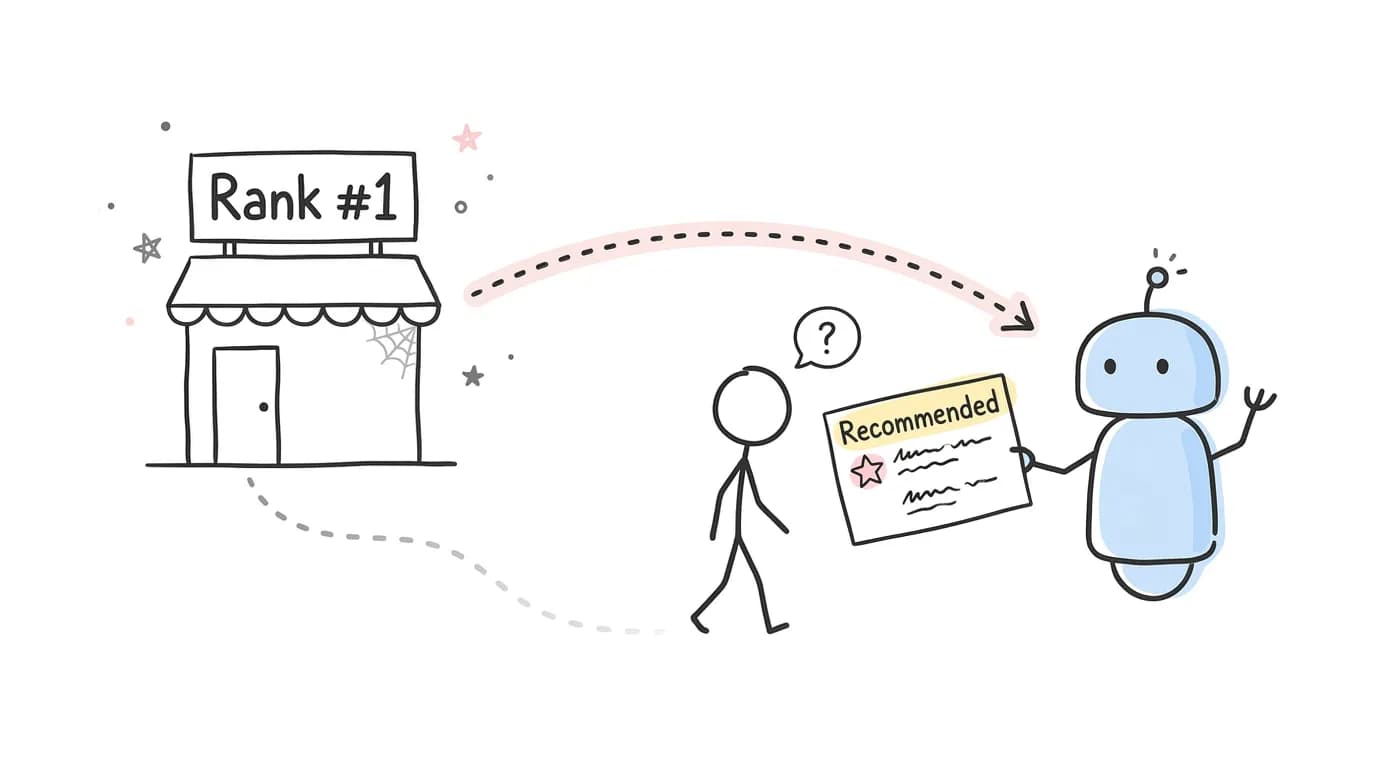
What Is GEO? How Your Brand Gets "Mentioned" in the Age of AI Search
An explainer on GEO (Generative Engine Optimization) for e-commerce and DTC brands: how it differs from SEO and AEO, why AI answers shape brand visibility, and eight practices covering question-focused content, consistent brand messaging, structured pages, external evidence, comparisons, and AI mention tracking.
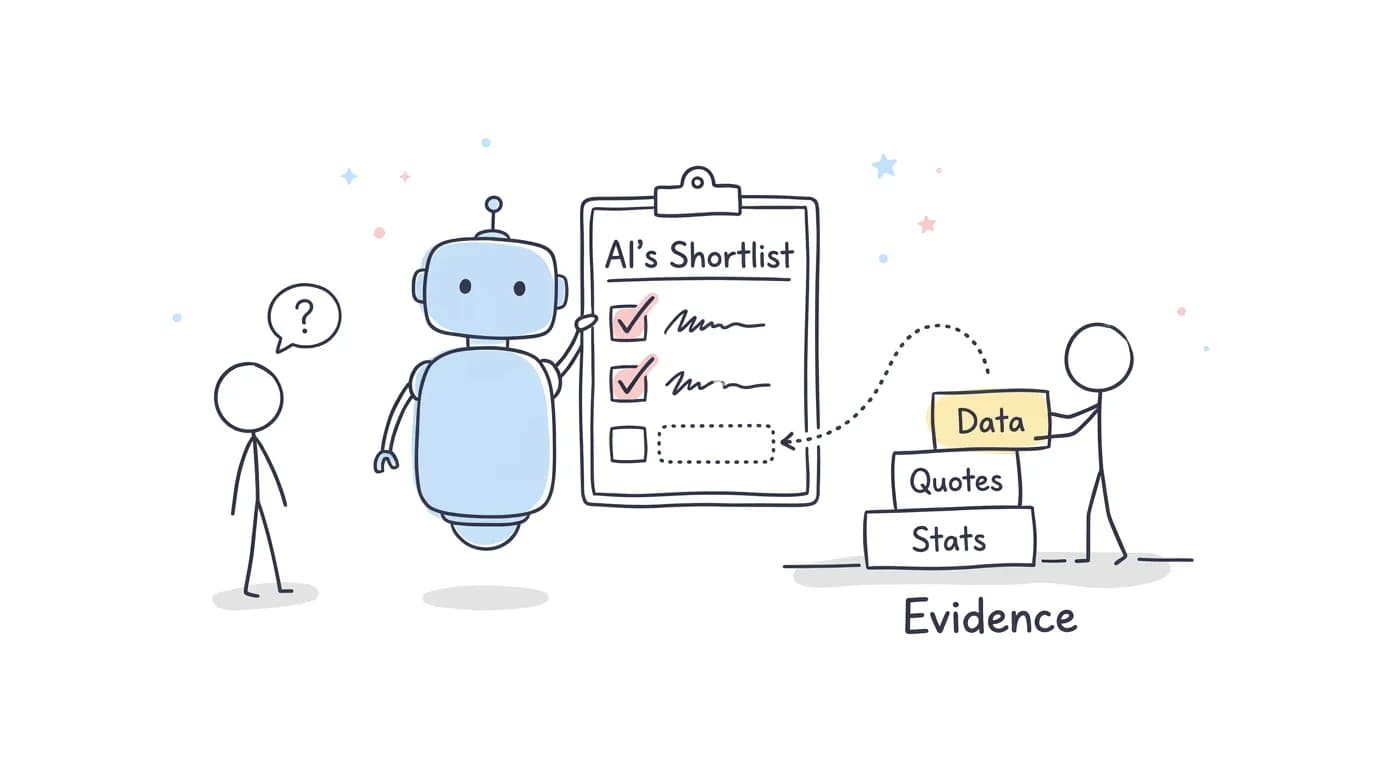
AI Is Already Making Decisions for Your Customers. Are You on the List?
A learn article explains GEO (Generative Engine Optimization): why AI-generated answers now shape which brands customers see, and how SEO fundamentals, entity clarity, citable evidence, and monthly measurement affect visibility in AI answers.
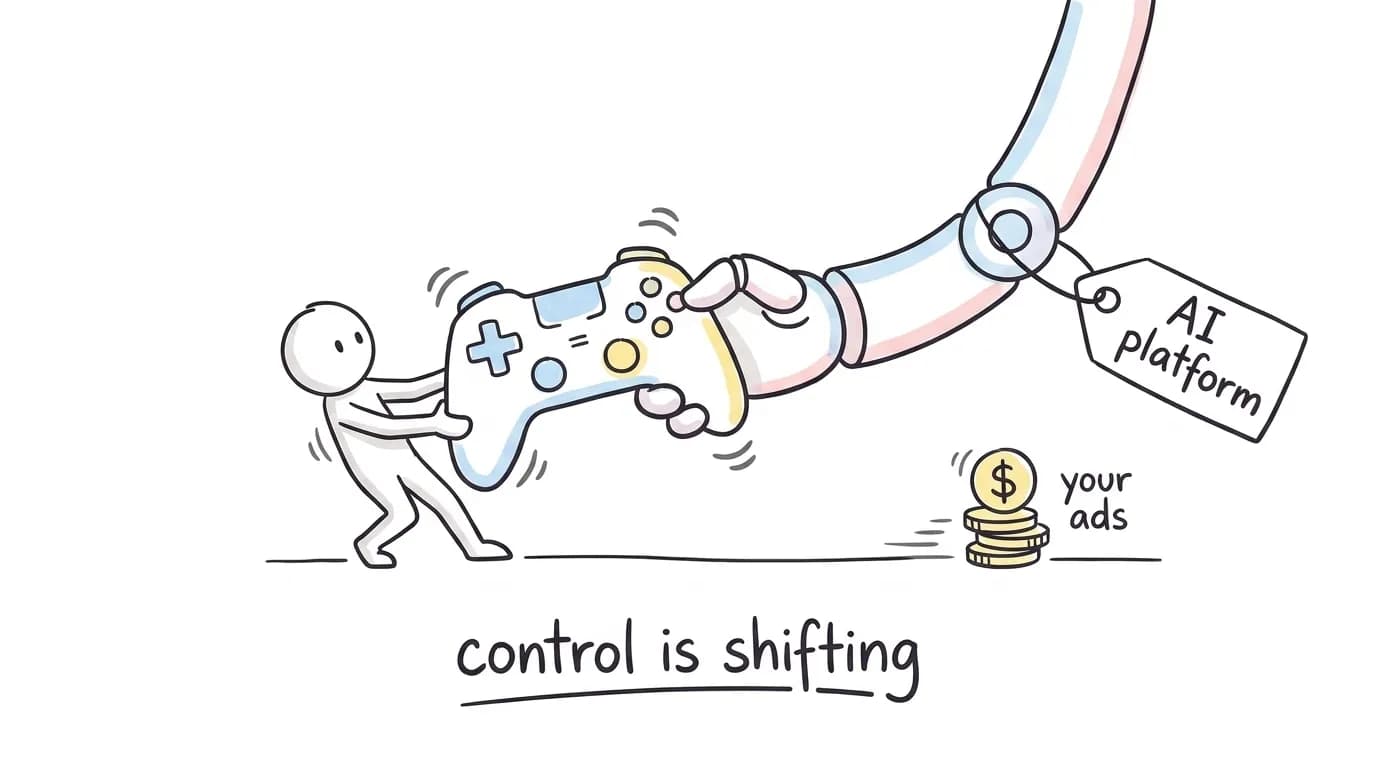
Google Is Stuffing Ads Into AI Search: These Recent Stories Are Really One Story
A news roundup linking recent AI marketing stories—Google adding ads to AI Mode, Amazon's Ads Agent, ChatGPT image updates, a UK startup tracking brand mentions in AI answers, and an AI ransomware warning—arguing that control over ad data and visibility is shifting toward platforms.