
TikTok Opened Ad Inventory Inside 400,000 Apps — But Don't Rush to Add Budget Yet
A learn article breaks down TikTok's October advertising updates, including the TikTok Ad Network (formerly Pangle), a more configurable Smart+ automation, and the TikTok Shop holiday window. It outlines suggested testing steps such as separate ad groups, exclusion lists, and conversion-based optimization.
The other night, well past midnight, a friend who runs a cross-border e-commerce business messaged me. His media buyer had asked him: that Ad Network that just popped up in the ad console — should we try putting a slice of budget into it?
He had no clue. He didn't know what it was, or whether he should touch it at all.
I told him: you got lucky. This landed right before the holiday season, and it deserves a proper breakdown.
On October 5, at New York Advertising Week, TikTok rolled out the biggest batch of advertising updates of its year, all in one go. A month and a half later, most of those updates are already sitting in your ad console. Today I want to make the three most important ones crystal clear — and along the way, explain how to test each one.
Start With the Biggest One
So what exactly is TikTok Ad Network?
In plain English: the ad network formerly known as Pangle has been renamed TikTok Ad Network, and it is now officially open to US advertisers. The US is its 48th market.
Impressive!
But hold on — don't rush to switch it on.
First, look at the scale. Nearly 400,000 third-party apps, with more than 1 billion daily active users. And here's the number that matters even more: TikTok itself says that roughly half of these users aren't on TikTok at all.
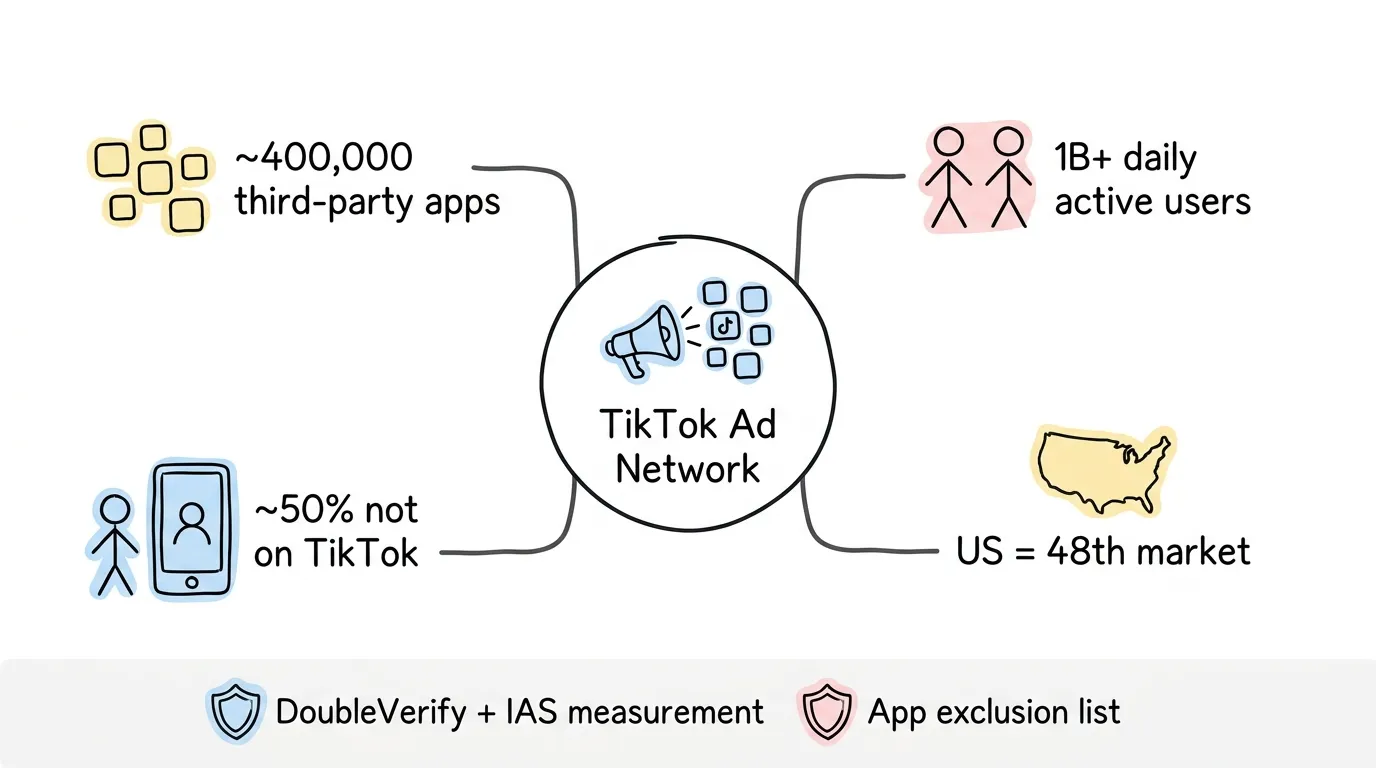
What does that mean? The half of the audience you couldn't reach inside the TikTok feed is now, in theory, within reach through this network.
For performance advertisers, though, reaching them and reaching them with precision are two different things. Third-party app traffic quality has always been the long-standing pain point of ad networks like this one. TikTok clearly knows you're worried about it, so it built in two safeguards: third-party measurement from DoubleVerify and Integral Ad Science to cover brand safety and viewability, plus an app exclusion list, so you can block low-quality apps yourself.
Here's how I'd test it:
- Set up a dedicated ad group — don't mix it into your feed campaigns, and keep the data separate.
- Attach the exclusion list from day one.
- Optimize for real conversion events, like purchases or completed sign-ups. Not clicks.
- Cross-check the results against your own order system or CRM.
One more detail the official line leaves open: whether legacy campaigns' automatic placements will include this network by default has never been explicitly confirmed. So every time you spin up a new ad group, manually check the placement settings. It's an unglamorous step, but it will save you money.
Smart+: From "All-or-Nothing" to "You Choose How Much Automation"
What was Smart+'s old problem? Too automated. Targeting, budget, creative — it grabbed all of it at once, and smaller advertisers had to take the whole package; there was nowhere to step in.
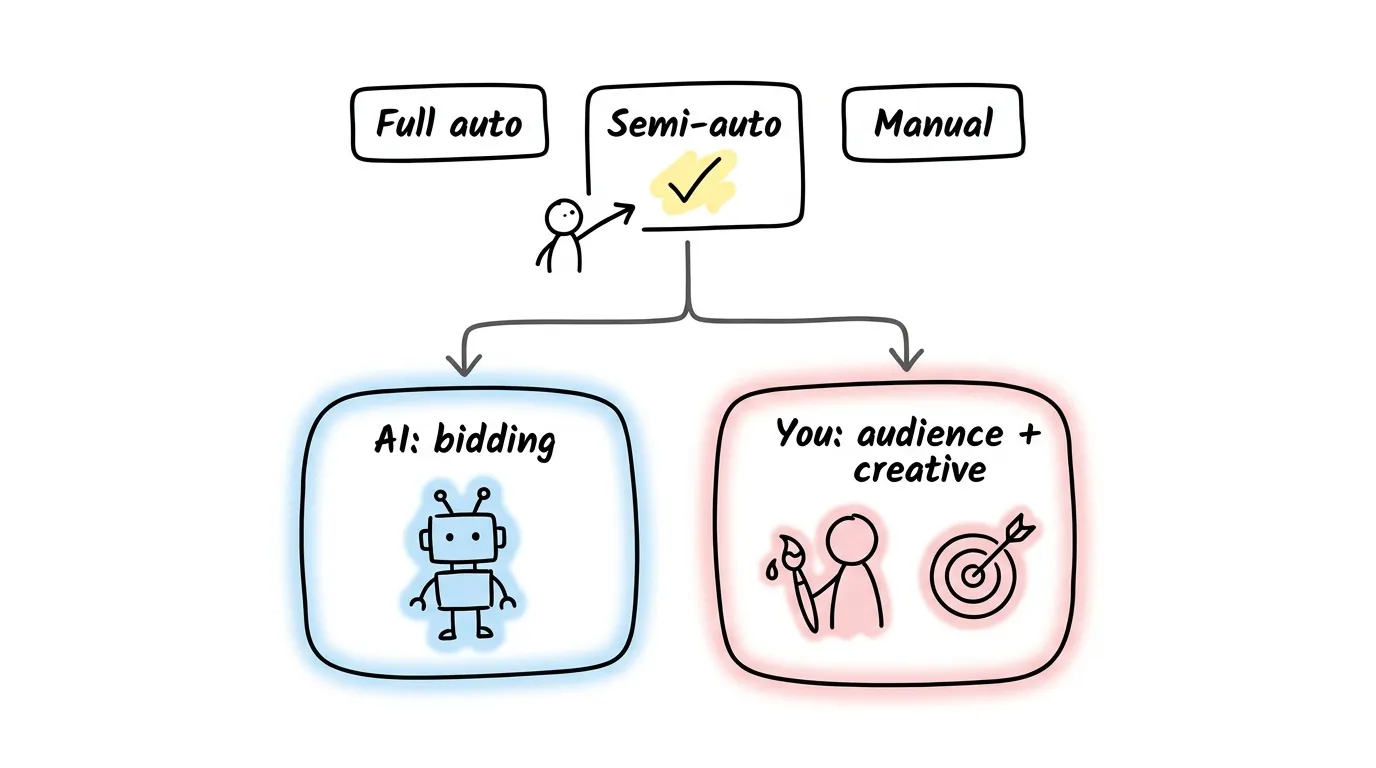
With this upgrade, the level of automation is now selectable: full auto, semi-auto, or manual.
Who does this help? Advertisers who want AI to handle their bidding but still want to pick their own audiences and creative. Before, it was one or the other; now you can hand over bidding only and keep the rest in your own hands.
Two extras came along: Smart+ for Search Ads, which handles ad slots inside TikTok search results, and Smart+ Creative Selection, which picks the top-performing piece from your creative library. On top of that, service businesses got a set of AI lead tools — filtering leads and replying to leads are both faster now.
My take: more automation isn't automatically better — what you want is to choose what to automate. Bidding is compute-heavy work; hand it to AI, no problem. Audience and creative are judgment calls; keep holding those yourself for now.
The Third Thing: Shop's Holiday Window Is Already Running
November 11 through 30 is TikTok Shop's main holiday window this year. By the time you read this, it's already underway.
Sellers who meet the delivery standard can display the three-day delivery badge. Don't underestimate that badge — it answers, directly, the question every shopper asks before ordering: if I buy this, when does it arrive? Both organic traffic and paid Shop ads stand to benefit.
That October event also announced one-tap checkout and an in-app AI shopping assistant. Same direction across the board: one less step, one step faster.
Two reminders.
Before you promise three-day delivery, make sure your fulfillment can actually hold up. A badge you can't honor comes straight out of your store rating — a trade that never pays.
Give it enough budget so your ads exit the learning phase (a ramp-up period where the delivery system is still calibrating who sees your ads) before peak days. Don't wait until the day of the big sale to have your ads still burning budget mid-learning. On creative: shorter, creator-perspective, showing the product in real use — that kind of material is still the strongest performer in this window.
Back to My Friend's Question
Should he touch Ad Network or not?
My verdict: it's worth testing. But test it with a sliver of your budget, in a separate ad group, validated against your own conversion data. The conclusion you measure yourself is more reliable than anything anyone writes.
TikTok is no longer just an endless scroll of video. Network, Smart+, Shop — it is growing into a complete performance machine.
And the more complete the machine gets, the more it exposes whether your own data is clean. In TikTok Pixel and Events API, remember to attach the purchase amount to purchase events. And swap in a fresh batch of creative a week or two before the holiday season.
Finally — here's hoping that the next time you open your ad console this holiday season, every line of numbers is green.
Continue reading
Related articles
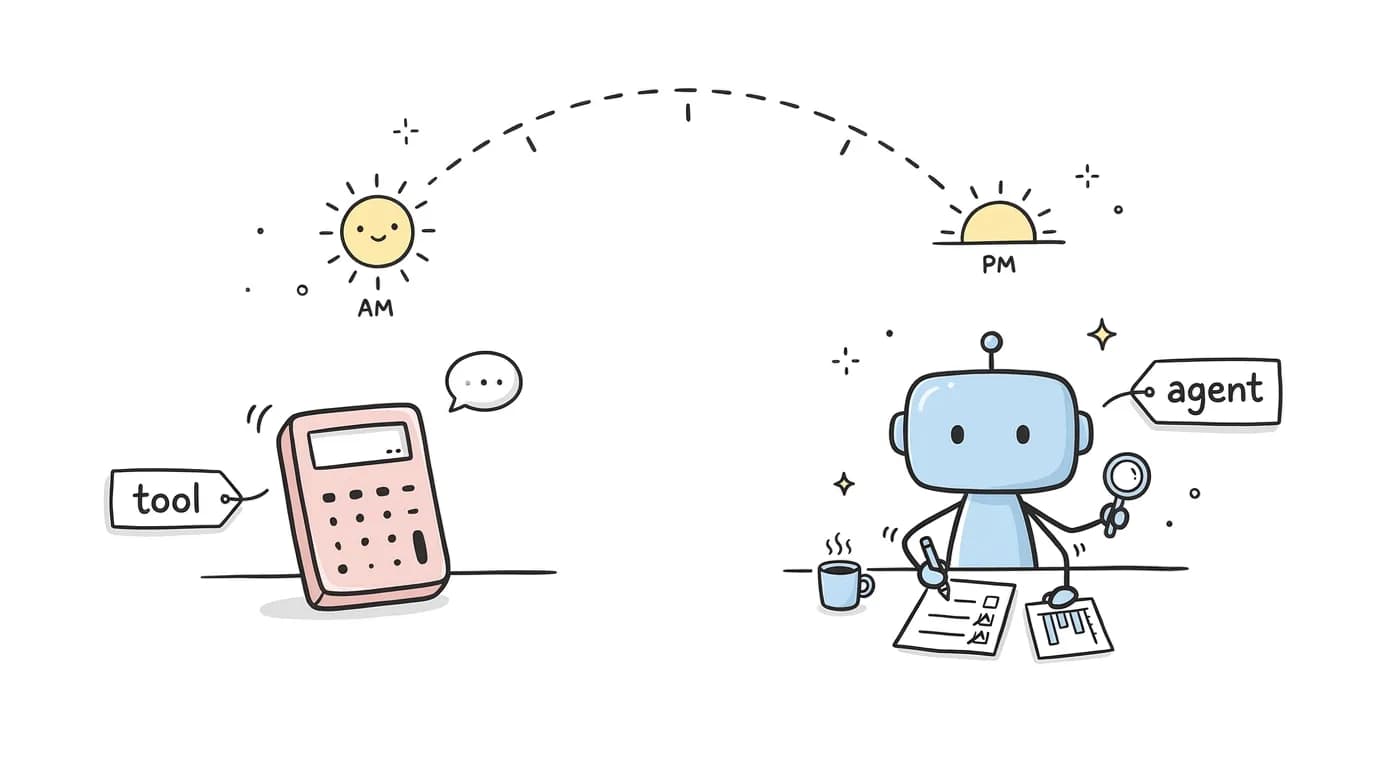
It's 2026: Stop "Buying" AI Tools for Your Marketing Team — Start "Hiring" AI Agents
This learn article explains how AI agents differ from standalone AI tools in marketing, outlines three agent categories — build-your-own platforms, CRM-native agents, and vertical tools — and covers use cases across SEO, social media, advertising, and reporting, plus criteria for choosing one.
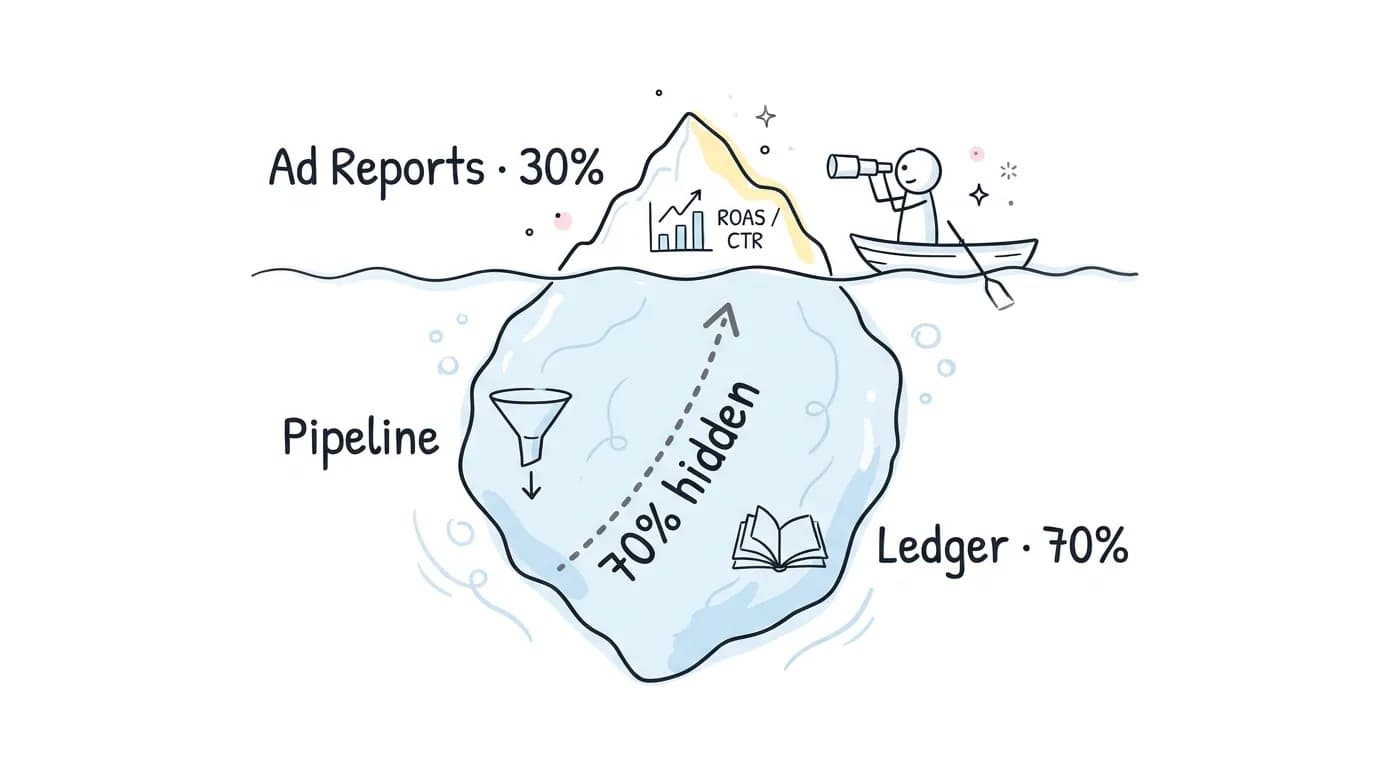
Did the Money You Spent on AI Marketing Ever Come Back?
A guide to measuring AI marketing ROI across three layers: ad reports, sales pipeline, and the financial ledger. Covers metrics such as ROAS and CPA, eight dashboard metrics, industry benchmarks, and common measurement mistakes.
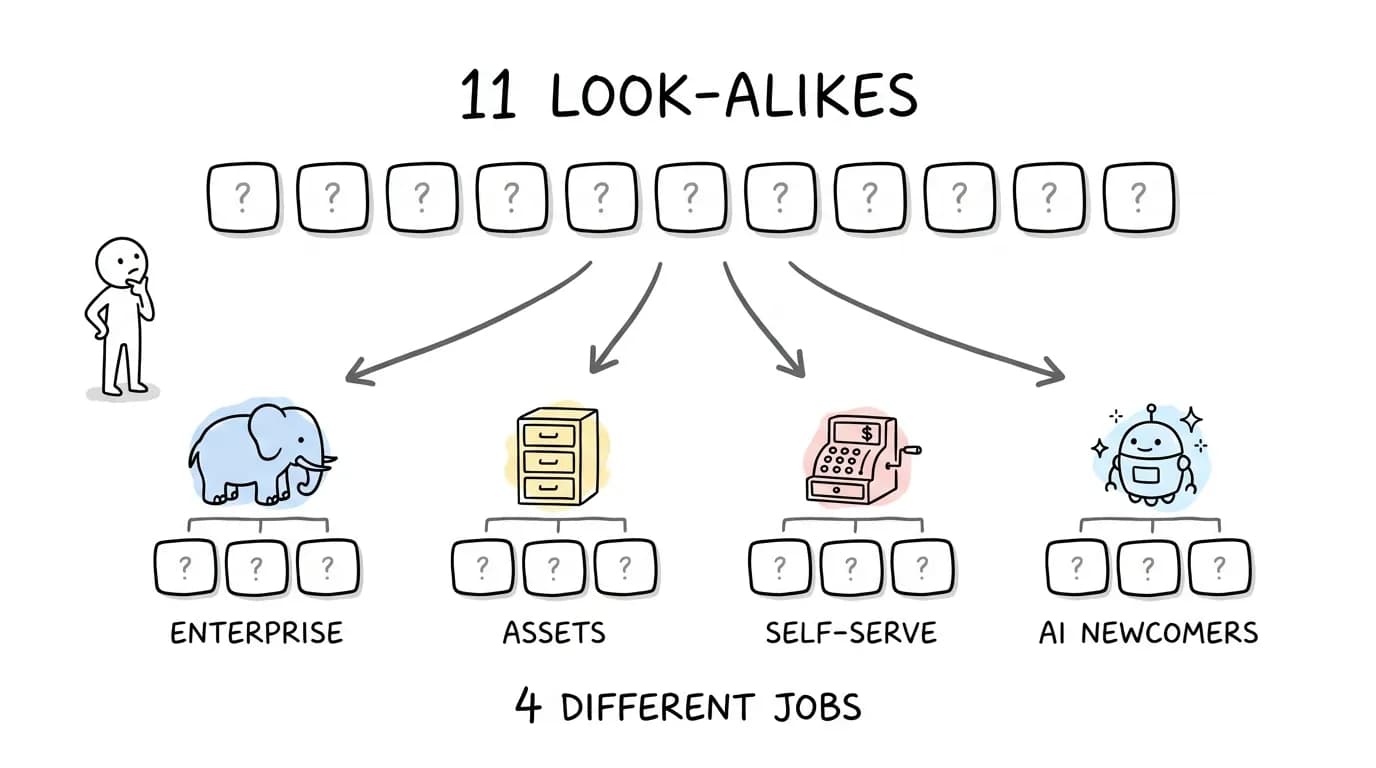
How to Pick a Creative Automation Platform: First, Figure Out What These Eleven Actually Do
A learn article sorts eleven creative automation platforms — including Bannerflow, Celtra, Smartly.io, and Storyteq — into four functional groups and proposes five evaluation questions covering publishing reach, automation depth, ease of adoption, team fit, and verifiable evidence.