
Running Meta and Google Ads with AI: I Went Through All 7 Tools
A first-person review of 7 AI tools for running Meta and Google ads, covering chat-based assistants, bulk-edit spreadsheets, and the official MCP servers, with pricing, platform coverage, and limitations noted.
A few nights ago, past midnight, a friend who runs ad campaigns sent me a message. His account had two hundred–plus ads, and he needed to adjust budgets across the board the next day. He asked whether I could help him handle it "in bulk" — anything but clicking through one by one until his hand cramped.
I told him to hold on: let me size up every tool on the market that can use AI for this, and then get back to you.
So what does "running ads with AI" actually mean?
Put simply, there are two paths.
One is chat. You connect assistants like Claude, ChatGPT, or Perplexity to your ad account; you talk, and it builds campaigns, changes budgets, and pulls reports.
The other is a spreadsheet. You open a web app, every ad laid out in a single table, and you edit in bulk like Excel.
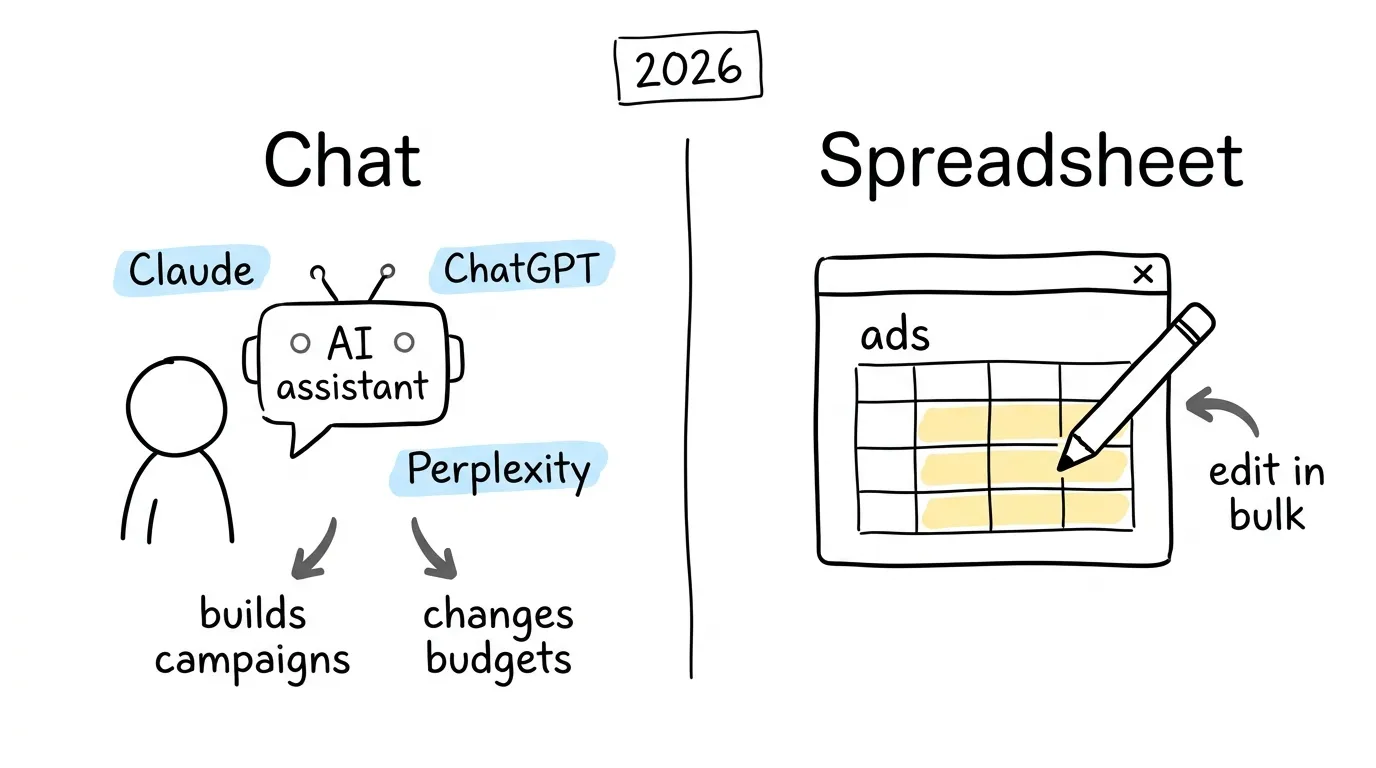
As of 2026, both paths work. Since September this year I've been digging through the official pages of these tools (every price and feature below is as of September 13), and I found 7 in total: 3 handle both Meta and Google, 2 handle Meta only, and the remaining 2 are the official ones built by Meta and Google themselves.
One tool at a time.
My Own Product First (Disclosed Up Front)
One of the 7 is called Adsap — my product. When the maker reviews his own tool, you take it with a question mark. I'm not hiding that.
What is Adsap? A web-based bulk ads spreadsheet, plus a copilot that plugs into Claude, ChatGPT, and Perplexity, with roughly 100 tools.
Its core principle fits in one sentence: every operation is created paused by default, and shown to you before anything gets written.
Think about it: what's the biggest fear when AI builds campaigns in bulk? That it goes off the rails. Adsap puts every step behind a preview gate: things are created paused, and they only go live after you've looked them over and nodded. Automation rules come with a minimum-spend threshold, and every change is traceable in an audit log.
Now the pricing math: the free tier is $0, no credit card required, 1 account per platform, 10 tasks per month. To unlock full use, Early Access is $29 a month, plus tax, with a 7-day trial.
And the weaknesses, stated plainly: it only connects to Meta and Google, and it can't generate images or videos.
The Chat-Only One
Tool number two: Adspirer.
It's the opposite of Adsap: no web bulk interface, chat only. It lives in the ChatGPT App Store and the Claude directory, and it also supports 9 MCP clients, plus a REST API.
Its platform coverage is genuinely broad: Google, Meta, Amazon, LinkedIn, TikTok — it even connects to ChatGPT Ads as a platform, 6 in total. Campaigns are created paused by default, and major actions require human approval — on that point, it landed in the same place we did.
The free tier gets 15 tasks a month. Above that: Plus at $49, Pro at $99, Max at $199, tiered by task volume, with custom enterprise pricing beyond that.
Two weaknesses. First, no spreadsheet — teammates who don't live in chat tools can't use it. Second, it advertises 400+ tools, but the numbers don't match across its different pages. Sit with that detail for a moment.
The Widest Channel Coverage
Tool number three, AdManage.ai, has the broadest channel coverage of the bulk-edit camp: Meta, TikTok, Google Ads, Snapchat, Pinterest, Reddit, X, LinkedIn, AppLovin, Taboola — 10 channels.
The interface is a web spreadsheet, paired with a Google Sheets add-on and a REST API, plus an MCP server; the page highlights 140 tools. MCP connections are read-only by default; write access has to be switched on manually.
The pricing is where it gets interesting. No free tier. The Essential tier is £199.99 a month — and it covers just 1 ad account on 1 platform. Do the math: £2,400 a year to manage one account. The In-house tier is £499.99, the Agency tier £999.99, and audit logs only arrive at the custom enterprise tier.
So its positioning is clear: agencies running 6 or more channels with enterprise budgets in hand.
The Two Meta-Only Tools
Tool number four, Rapid Ads, is the most single-minded of the 7.
Drag in a folder of creative assets and it automatically groups ad sets, applies naming conventions and UTM parameters, and, while it's at it, switches off Advantage+ enhancements. It does exactly one thing: get a pile of creatives live, fast.
The first 10 uploads are free, no card required. After that it's $39 a month with unlimited uploads and unlimited ad accounts; adding people costs $29 per seat.
Weaknesses: Meta only, and delivery only. No copilot, no automation rules, no audit log — none of that shows up anywhere on its pages.
Tool number five, Adstellar, goes to the other extreme: autopilot.
It generates images, videos, virtual avatars, and UGC, assembles campaigns with 7 agents, and then runs them on its own: automatically killing whatever wastes money, scaling whatever performs, shifting budgets. There's a $100 free credit; $100 a month buys 50,000 credits; overages run $2 per thousand.
Budgets that move on their own are a little unsettling. I couldn't find an approval gate on its pages, and I couldn't find an audit log either. Full automation feels great, but it's your money.
Oh, and it's Meta-only too.
The Two Official Ones: Free, But...
Tool number six is Meta's own Ads MCP. Open beta since April 29, 2026; when I went through it, it had 97 tools. Since July 16, portfolio admins can set rules governing what AI agents are allowed to do.
The price? Meta's page doesn't list one. Third parties say the beta is free.
Its sweet spot is narrow: reading and one-off edits on a single Meta account, at no cost. But there's no bulk interface, no Google support, and no pipeline for pulling assets from Drive or Dropbox. And the rules apply to the whole portfolio in one sweep — they can't govern each individual action.
Tool number seven is Google's official Google Ads MCP server. Open source under Apache 2.0, read-only: GAQL queries, resource metadata, and listing the accounts you can access. It's a local process that runs inside Claude Code, Cursor, VS Code, and Antigravity, and it can also run on Cloud Run.
Free. But you have to set up your own Google Cloud project and run it yourself.
Read-only means: you can look, but you can't touch. Building campaigns, editing campaigns — still manual.
Both official servers being free is great. But the free official versions are precisely the ones that leave the most finger-numbing bulk work to your own hands.
So How Do You Choose
Put the 7 side by side, and it really comes down to four questions.
Are your channels Meta only? To get live fast, Rapid Ads; for delivery plus management, Adstellar — but keep a close eye on its autopilot.
Channels scattered across Amazon, LinkedIn, TikTok, and your team lives in chat apps? Adspirer.
Six-plus channels, an agency, enterprise budgets? AdManage.ai.
Want Meta plus Google, want bulk editing, and above all want to eyeball every step first? Adsap. And yes, still my product — so take that sentence half to heart and hold half back.
Budget at zero? The two official ones. Meta's official MCP can write, one account at a time; Google's official one can only look.
Some will ask: are the official tools enough?
My answer: for reading and one-off edits on a single account, yes — and it costs nothing. But bulk editing, asset pipelines, and audit trails for every single action? The official tools have none of it. Those gaps are exactly why the third-party tools above exist. By the way, Adsap can coexist with both official servers inside the same assistant — they don't fight.
One Last Thing
Once I'd been through all 7, I finally replied to my friend with one line: figure out first whether you want "fast" or "under control" — then pick your tool. If those two answers differ, the tools will differ too.
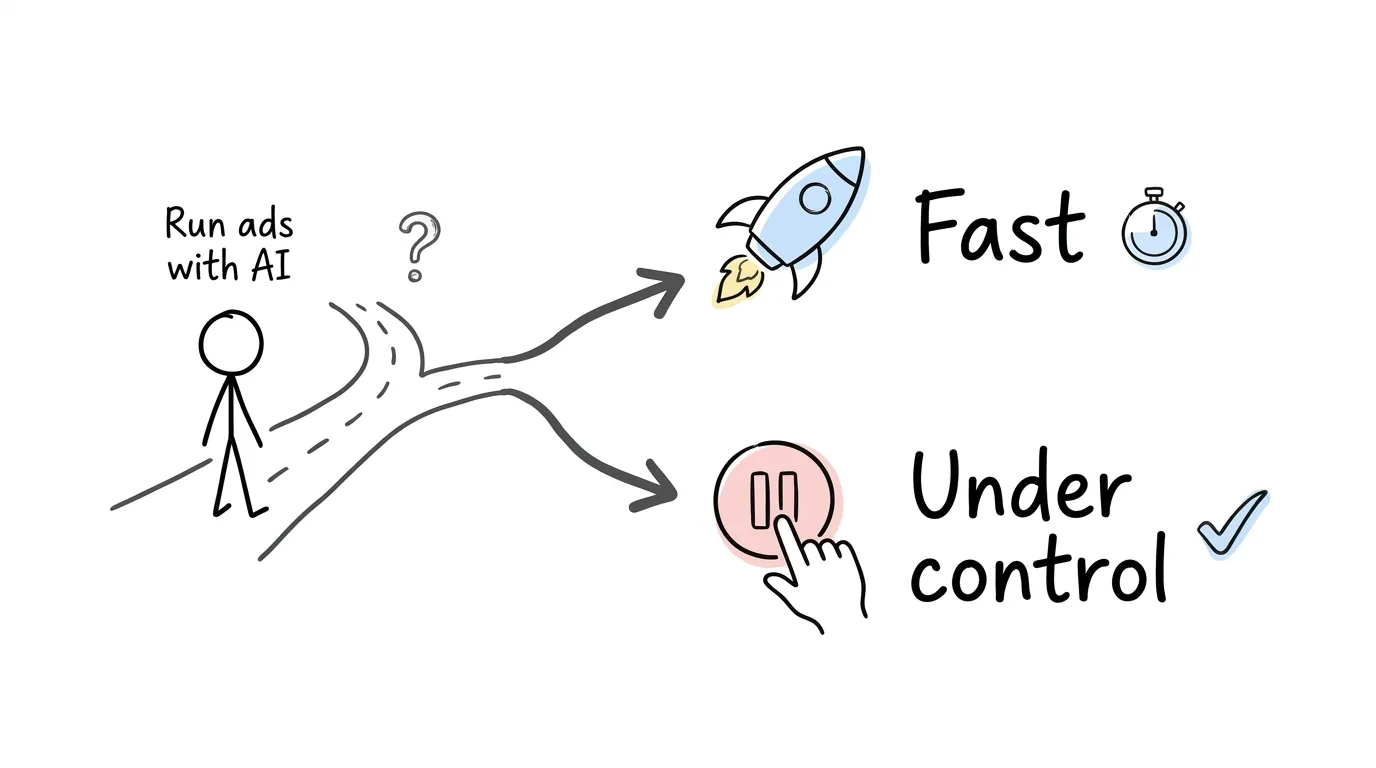
Here's wishing that in your ad account, every cent is spent only when you nod first.
Continue reading
Related articles
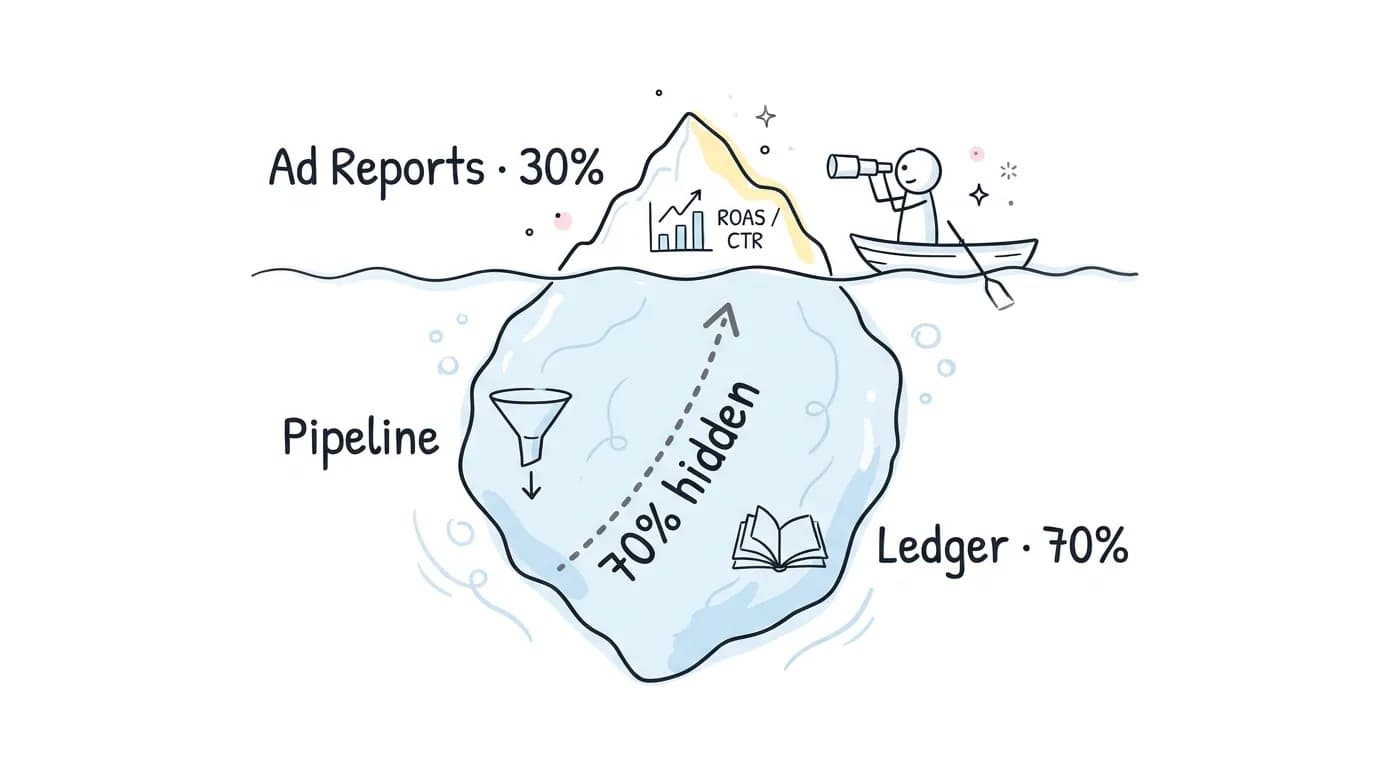
Did the Money You Spent on AI Marketing Ever Come Back?
A guide to measuring AI marketing ROI across three layers: ad reports, sales pipeline, and the financial ledger. Covers metrics such as ROAS and CPA, eight dashboard metrics, industry benchmarks, and common measurement mistakes.
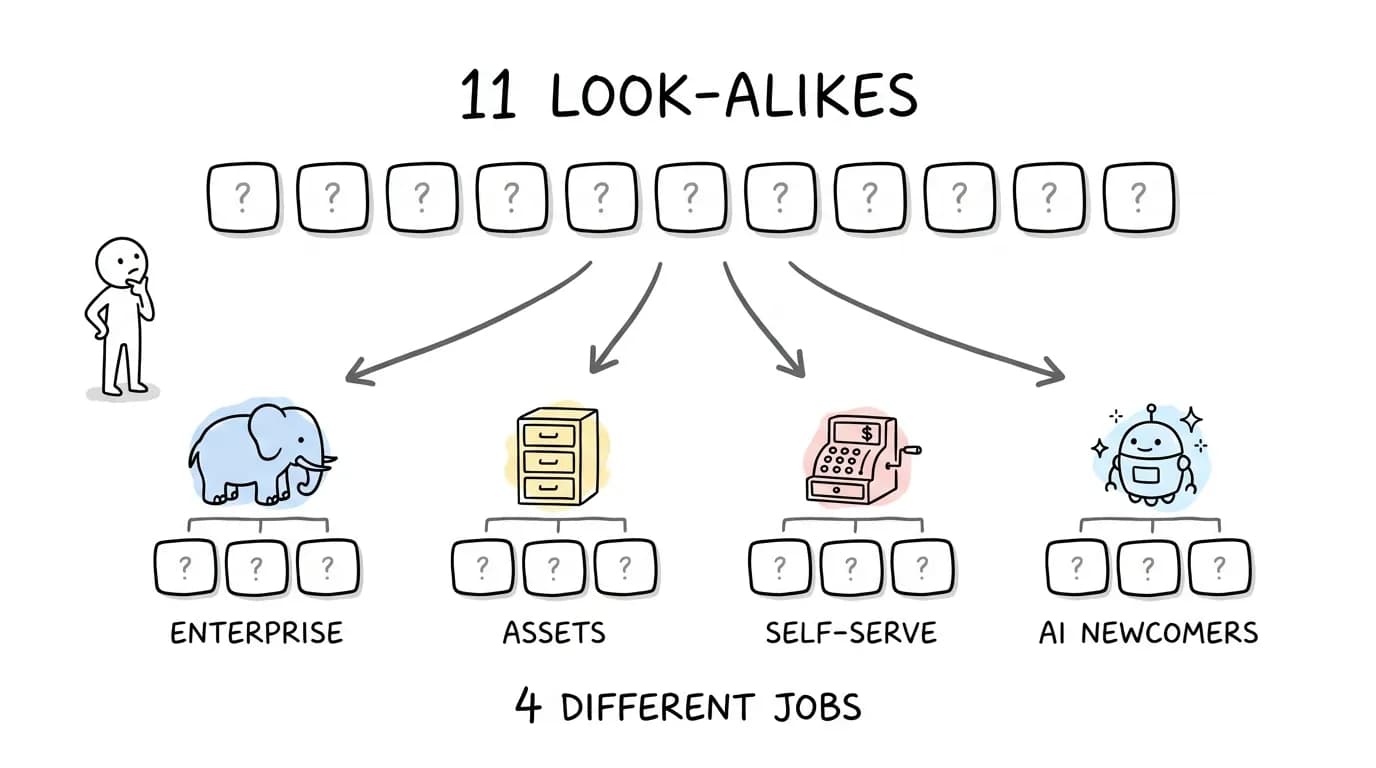
How to Pick a Creative Automation Platform: First, Figure Out What These Eleven Actually Do
A learn article sorts eleven creative automation platforms — including Bannerflow, Celtra, Smartly.io, and Storyteq — into four functional groups and proposes five evaluation questions covering publishing reach, automation depth, ease of adoption, team fit, and verifiable evidence.
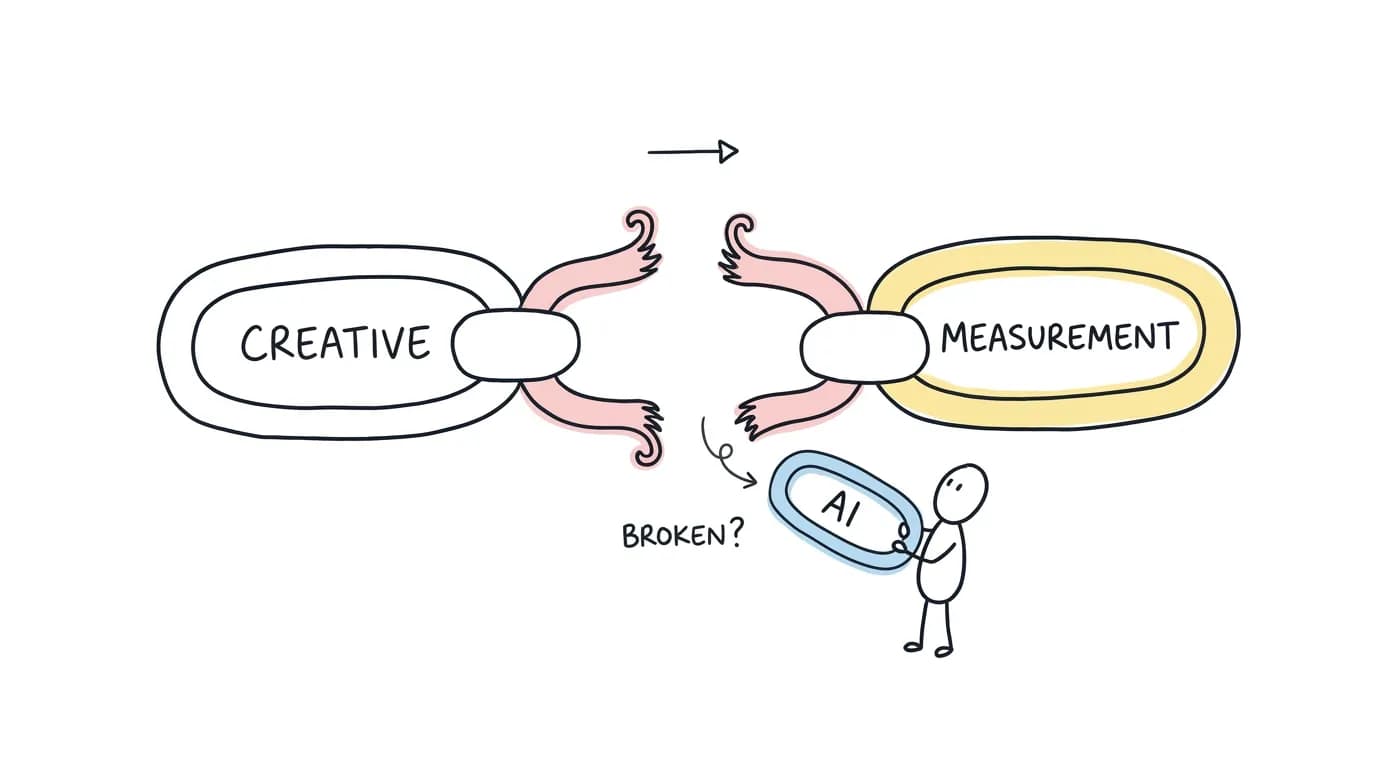
How to Choose a Creative Ad Tech Platform: Put 8 Side by Side, and the Gap Isn't Features — It's How Far the AI Actually Goes
This article compares eight creative ad tech platforms—Innovid, Smartly, Clinch, Jivox, Celtra, Bannerflow, Google CM360, and VidMob—on channel coverage, creative production, ad serving, measurement, and AI agent capabilities. It suggests matching the platform to the broken link in the creative-to-media chain.