
Running Meta Ads: Which Jobs Can You Safely Hand Over to AI?
A learn article outlining which Meta ads tasks can be delegated to AI across four stages—creative generation, rule-based monitoring, bulk launching, and account reporting—plus what should stay manual, common beginner pitfalls, and a suggested step-by-step rollout rhythm.
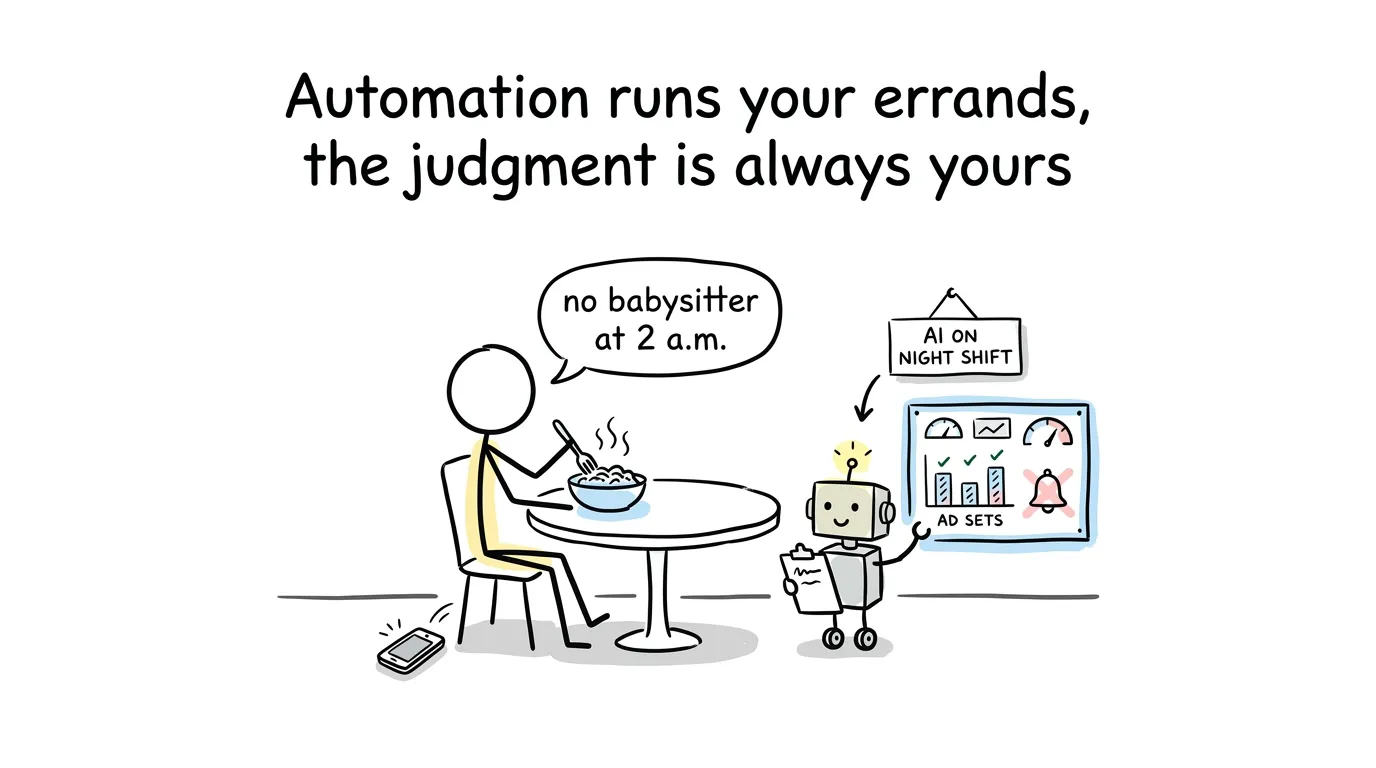
A while back, I had dinner with an old friend who does cross-border e-commerce. He runs Meta ads in five countries and manages dozens of ad sets. Halfway through the meal, he pulled out his phone, took one look, and frowned: another ad set had blown past its budget again.
I said, didn't you set up automation rules ages ago?
He said he did. But he still had to watch it every day. And the more he watched, the more paranoid he got — always convinced that one of those rules would glitch out on him one day.
After that dinner, I went and took this whole pipeline apart, piece by piece. Today I'll tell you what I found: here in 2026, when it comes to running Meta ads, which parts can genuinely be handed to AI — and which ones you should keep firmly in your own hands?
First, What Do We Mean by Ad Automation
You might think automation just means setting a bidding rule. Fair enough — a few years ago, "automation" was basically exactly that: tweaking bids, and nothing more.
Not anymore. From generating creatives, to monitoring the data, to launching at scale, to asking questions about your account in plain language — every segment of the pipeline now has tools ready to take over. I've broken them into four stations, and I'll walk through them one at a time.
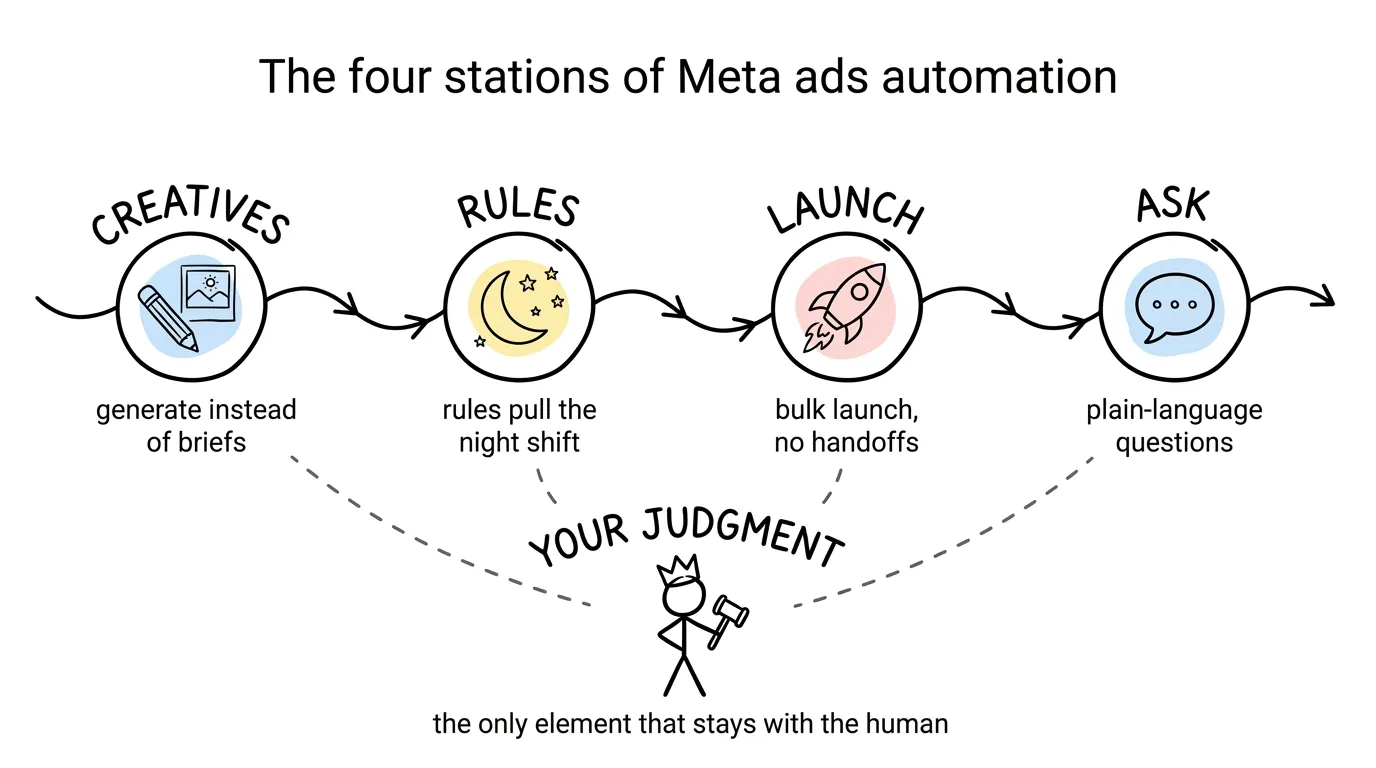
Station One: Stop Writing Briefs, Generate the Creatives Directly
The old way of producing a batch of ad creatives went like this: you write a brief, send it to design, wait three days, get a first draft, sit through three rounds of revisions, then wait two more days.
And now? You pick an ad mode: product ads, brand ads, product shoots, performance ads. Then pick a format, and generate.
Take FabFunnel's Genie, for example. When it generates, it automatically pulls in the brand guidelines and product data from your catalog. You're not starting from a blank sheet writing a prompt every time. The creatives come out already carrying your brand colors and your product shots.
Why do I put this first? Because it carries the lowest cost of trial and error. Unhappy with the generated creatives? Just don't approve them. Not a single cent has been spent yet.
Station Two: Let the Rules Pull the Night Shift for You
Once the creatives are live, that's where automation really starts saving you money.
Campaigns, ad sets, ads — all three layers can carry rules: scale up the winners automatically, pause the losers automatically, around the clock, no human required.
The value of this is measured in headcount. Twenty ad sets, you can still keep watch. What about fifty? A hundred? Watching dashboards by hand inevitably breaks down once scale gets big. Rules don't get tired, don't get distracted, and won't miss an overspending ad set at two in the morning.
Station Three: Launch at Scale — the Key Is "No Handoffs"
Creatives ready, rules in place — next comes launch. There's an easily overlooked trick at this station.
In FabFunnel there's one pathway: the creatives Genie generates go straight into the Bulk Campaign Launcher — no exporting files and re-uploading. A batch of approved creatives gets pushed live in one move with Folder Launch. Once the configuration is set, 200-plus campaigns can all be running within two minutes.
Two minutes sounds great, but that's not the point. The point is that from generation to launch, the creatives never leave the same system. The moment you export and re-upload, you've added one more procedure, one more chance for names to fall out of sync, one more stretch of queuing and waiting. Once scale gets big, all those seams are pure waste.
Station Four: Ask About Your Account Like You'd Ask a Sharp Colleague
Finally, reading the data. This station has three things.
Reporting pulls the spend, CPR, CPC, and CTR of all connected accounts into one dashboard, so you don't have to shuffle between accounts one by one.
Video Sage takes any video ad apart: what the hook is, how the scenes are sequenced, which frameworks it uses. Why one video performs and another stalls becomes crystal clear the moment you've taken it apart.
Then there's Copilot. You ask it questions about the account in plain language, and it generates the corresponding reports and charts for you on the spot. The dashboard also has a suggestions panel that puts the actions you should take right in front of your eyes.
It used to be you hunting through reports for problems. Now the problems come to you.
But There's Always a Flip Side
So with all this that can be handed off — what can't be?
Which audience to pick, which offer to lead with, how much budget is a category actually worth? Those are judgment calls, and judgment can't be substituted.
What automation takes away is the grunt work between "decided" and "done." The teams that really put this stuff to use didn't spend the saved time coasting — they moved all of it back into those judgments. The more judgments you make, and the finer you make them, the more rightly your money gets spent.
The Three Traps Newcomers Fall Into
I've watched plenty of people walk this road, and the traps basically come down to three.
The first trap: turning everything on at once. Scaling rules, audience expansion, creative rotation — all live within three days. Then when performance wobbles, you're left scrambling: which change caused it? You can't say. The right way is one switch at a time: turn one on, watch it for a week or two, confirm it behaves the way you expected, then turn on the next one. A bit slower, but at every step you can see the cause and effect.
The second trap: treating two decisions as one switch. Whether creatives should be fully auto-generated, and whether rules should fully auto-execute — these are two separate matters, and you can absolutely trust them separately. Fully generated creatives but a human glance before each launch, with rules off for now; or the reverse. If you go all-in before both sides have built up a track record on your own account, when something breaks you can't even tell which layer is to blame.
The third trap: setting thresholds and then forgetting them. When the daily budget was still $500, "pause if it overspends" was a perfectly reasonable line. After the budget has grown fivefold? After you've loosened the audience? It's still the same rule, but the world it faces has changed. Look back regularly — don't let automation quietly go from working for you to working against you.
The Rollout Rhythm I'd Recommend
The order is clear: generate creatives first, then automate pacing and audiences. As I said before, creatives carry the lowest cost of trial and error — build trust in the tools at this station first, then move on down the line.
Before full delegation, there's one step you shouldn't skip: spend a few weeks reading the dashboard manually, putting "what automation would have done" and "what I would actually do" side by side. When that comparison period ends and you finally let go, what you're relying on isn't somebody else's claims — it's the data from your own account.
The first month after launch is the window when signals are densest. In that month, rules, thresholds, and creatives are still calibrating against real account behavior. Scan it every day, don't wait a week. Focus on two trend lines: frequency and CTR. A single day's spend number will lie to you; trend lines won't. A rule that looks fine on day three may, by day ten, already be pouring money into a creative your audience has grown tired of — provided nobody has looked at the trend during those ten days.
Finally, keep a running log. What you changed, and when — a few lines a week is enough. When it's time for the post-mortem, those few lines are more reliable than any memory.
Back to That Dinner
Later, my friend added his rules one by one, steadily. In the first month, he switched to scanning the trend lines every morning, and started keeping a spreadsheet on the side.
A while ago we got dinner on the calendar again, and he never checked his phone once from start to finish.
I'm telling you this story about that dinner to make one thing clear: automation runs your errands, but the judgment is always yours to make. The errand-running part — hand it over with confidence.
Here's wishing your ad sets never need a babysitter at 2 a.m. again.
And here's wishing you many dinners finished with an easy mind.
Continue reading
Related articles
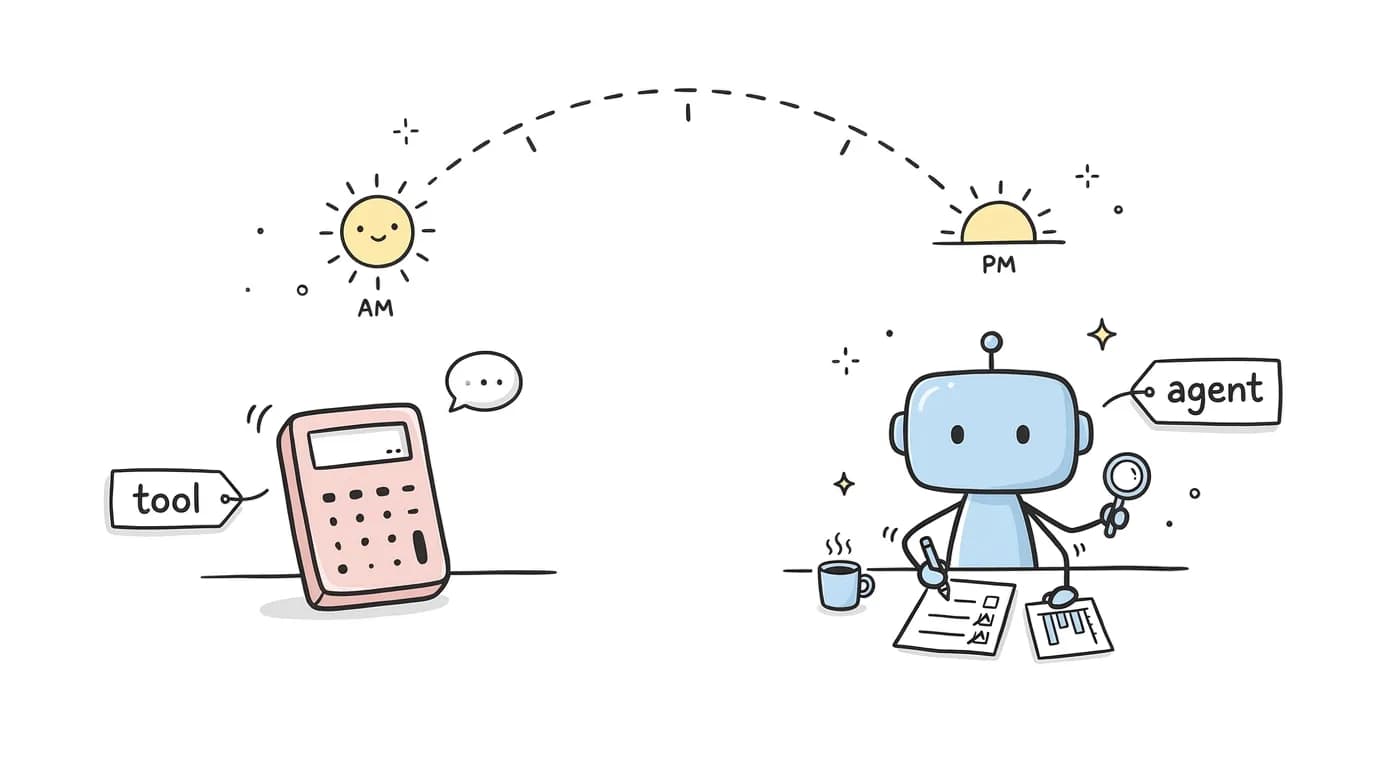
It's 2026: Stop "Buying" AI Tools for Your Marketing Team — Start "Hiring" AI Agents
This learn article explains how AI agents differ from standalone AI tools in marketing, outlines three agent categories — build-your-own platforms, CRM-native agents, and vertical tools — and covers use cases across SEO, social media, advertising, and reporting, plus criteria for choosing one.
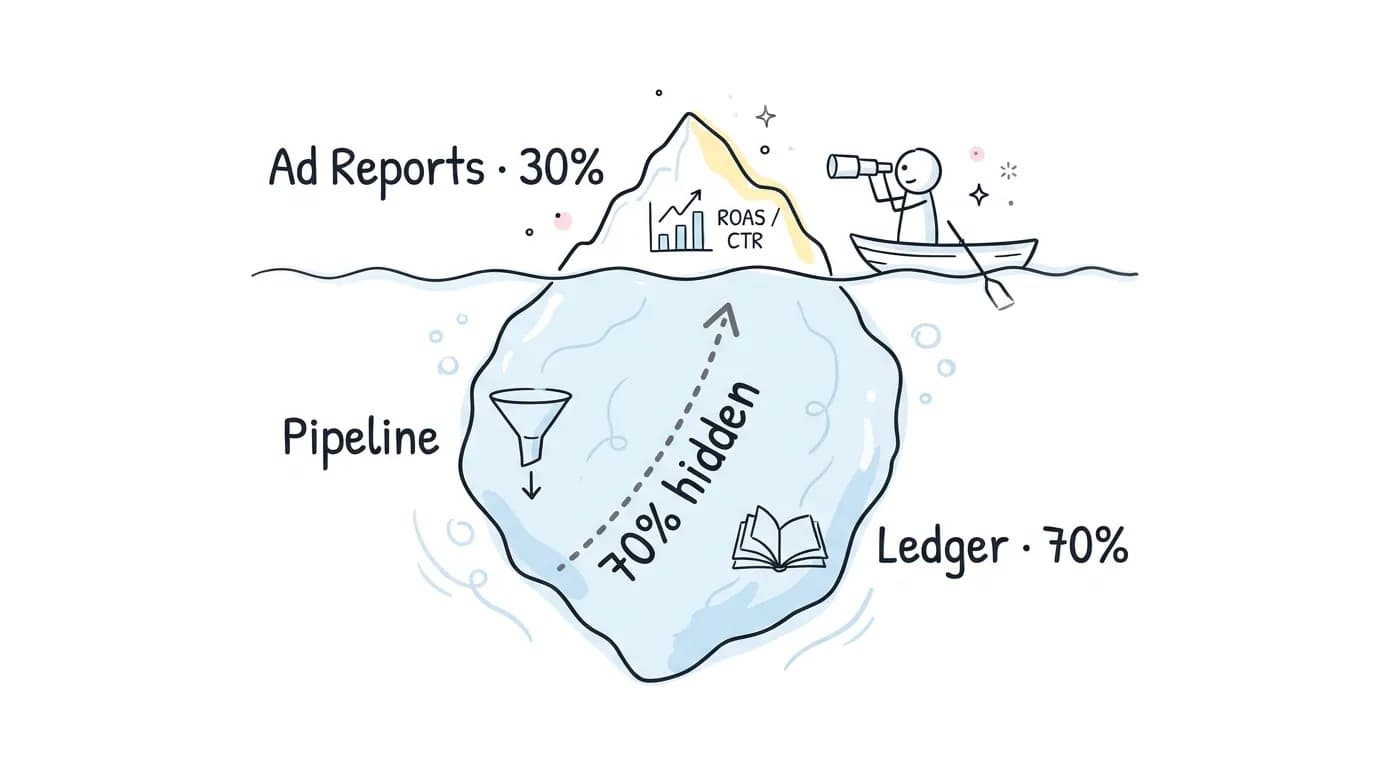
Did the Money You Spent on AI Marketing Ever Come Back?
A guide to measuring AI marketing ROI across three layers: ad reports, sales pipeline, and the financial ledger. Covers metrics such as ROAS and CPA, eight dashboard metrics, industry benchmarks, and common measurement mistakes.
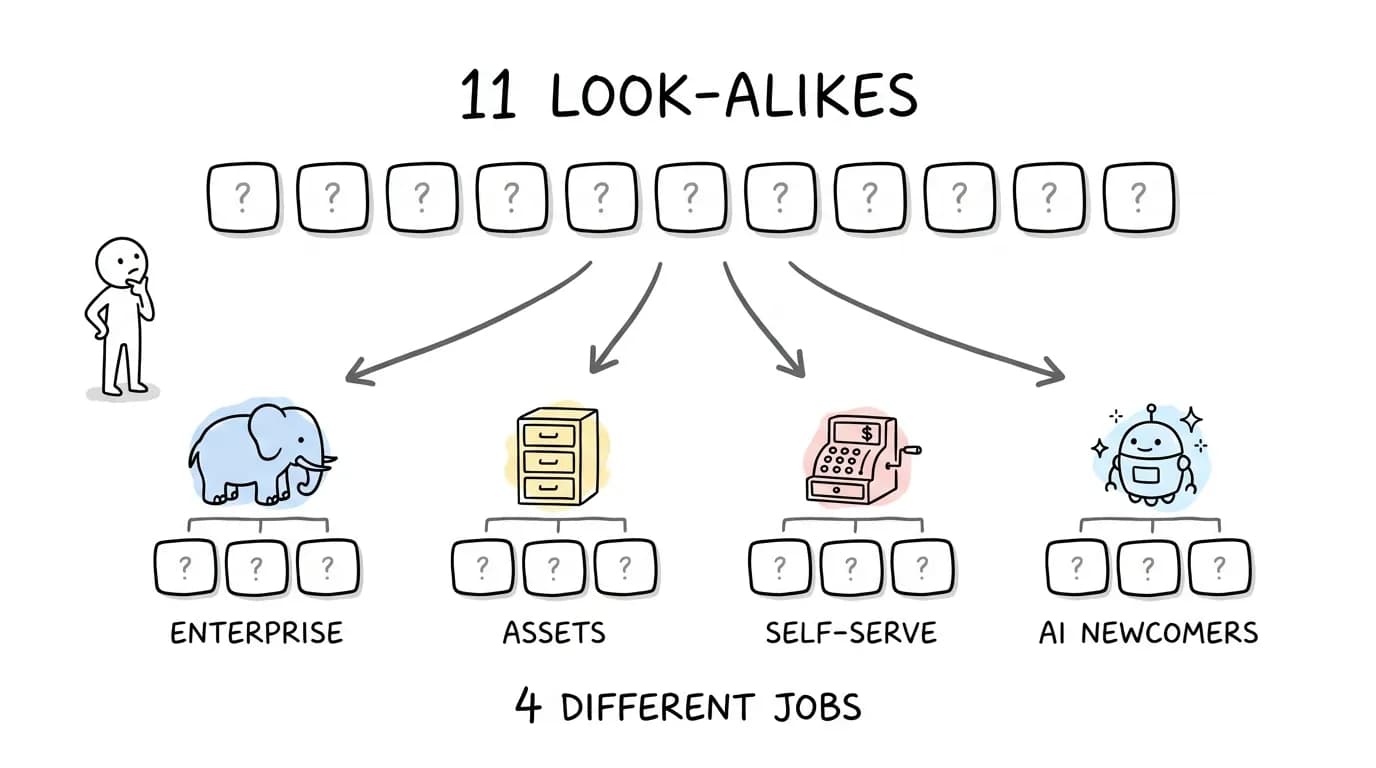
How to Pick a Creative Automation Platform: First, Figure Out What These Eleven Actually Do
A learn article sorts eleven creative automation platforms — including Bannerflow, Celtra, Smartly.io, and Storyteq — into four functional groups and proposes five evaluation questions covering publishing reach, automation depth, ease of adoption, team fit, and verifiable evidence.