
Meta's October Wave of Ad Updates: The Real Danger Isn't the New Features — It's the Defaults
An analysis of Meta's October ad updates arguing that defaults, not new features, pose the real risk, covering the Product Browsing toggle, Advantage+ Creative video generation, the Meta AI assistant, and terms already in effect, with advice to change one variable at a time.
A few days ago, a friend of mine who runs an e-commerce business texted me in the middle of the night: "Dude, something's off with my ads. People click them, but they don't land on my website anymore — they end up on some page inside the platform. I never set any of that up."
I took one look and had to laugh.
It's not that you set anything up. It's that Meta set it up for you.
There were quite a few Meta ad updates in October. But if you read them as a "list of new features," you're looking in the wrong place. The real danger comes down to one word: defaults.
New features, you can choose not to use. Defaults go live whether you say yes or not.
Looking over this batch of updates, I see three kinds: the ones already on the table ready to eat, the ones quietly deciding things on your behalf, and the ones still hanging on the menu. Each kind calls for a completely different response. Let's take them one at a time.
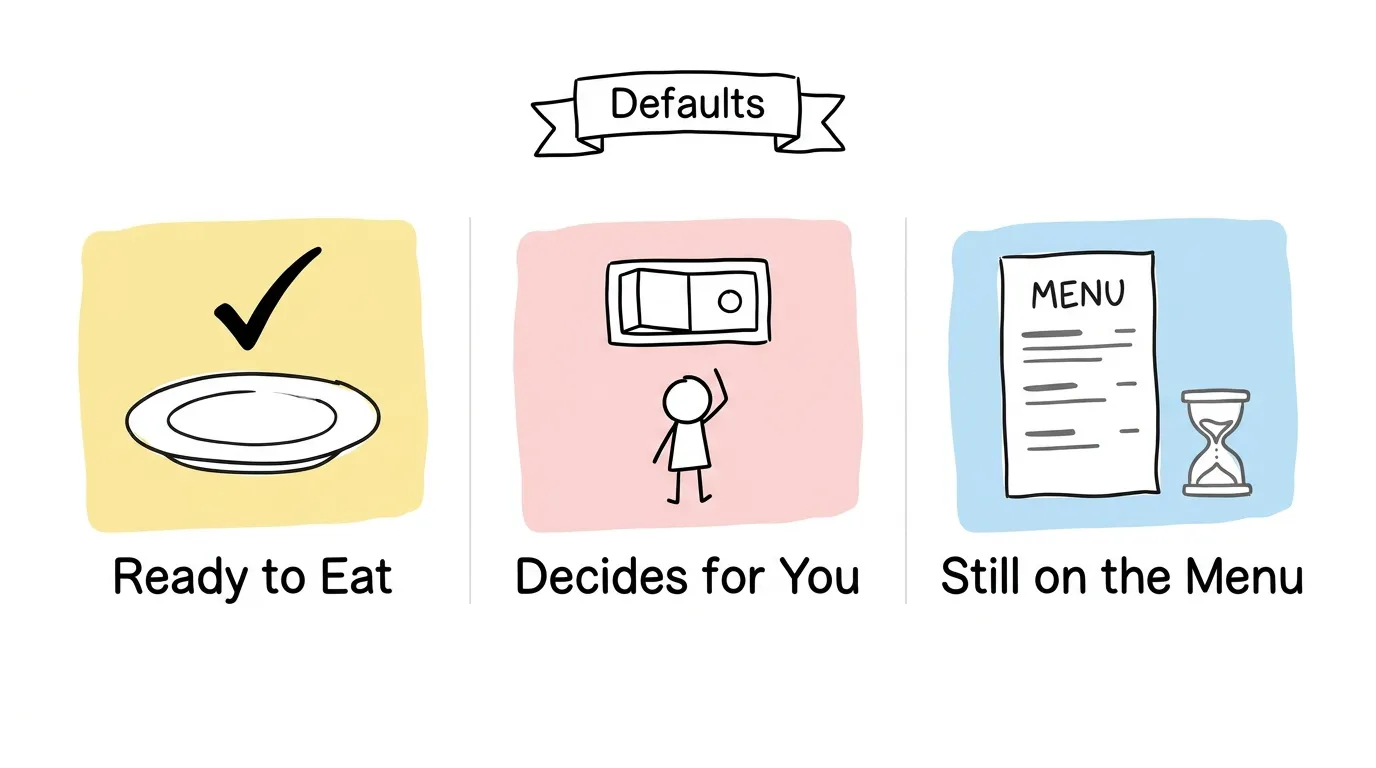
First, the One That Decides for You: Product Browsing
What is Product Browsing?
Simply put: when someone clicks your ad, they no longer land directly on your website. They land first on an in-app product page inside Meta, browse the details, and then decide whether to head over to you.
Starting October 28, this toggle flipped from Off to On by default — for ads that are already running.
And note which ads: the ones already running. Not new ads — the old ones that have been performing just fine.
Meta's justification is an August test: roughly 117,700 advertisers took part, and conversions improved by 3% on average.
3%. Doesn't sound like much, but anyone who runs paid media knows: a free 3% — who says no?
But wait. Don't take that number at face value just yet.
Meta never explained how conversions were counted, released no cost data, and said nothing about changes in average order value. Conversions up 3% — but if cost per order climbs 8%, are you winning or losing? Nobody tells you.
And for one group of advertisers, this default is pure bad news: lead generation.
What is lead generation? Your goal is to get users to fill out a form, to leave a phone number. A user who clicks your ad should land on your landing page — instead, they get intercepted at an in-app product page and start browsing. The form? Gone.
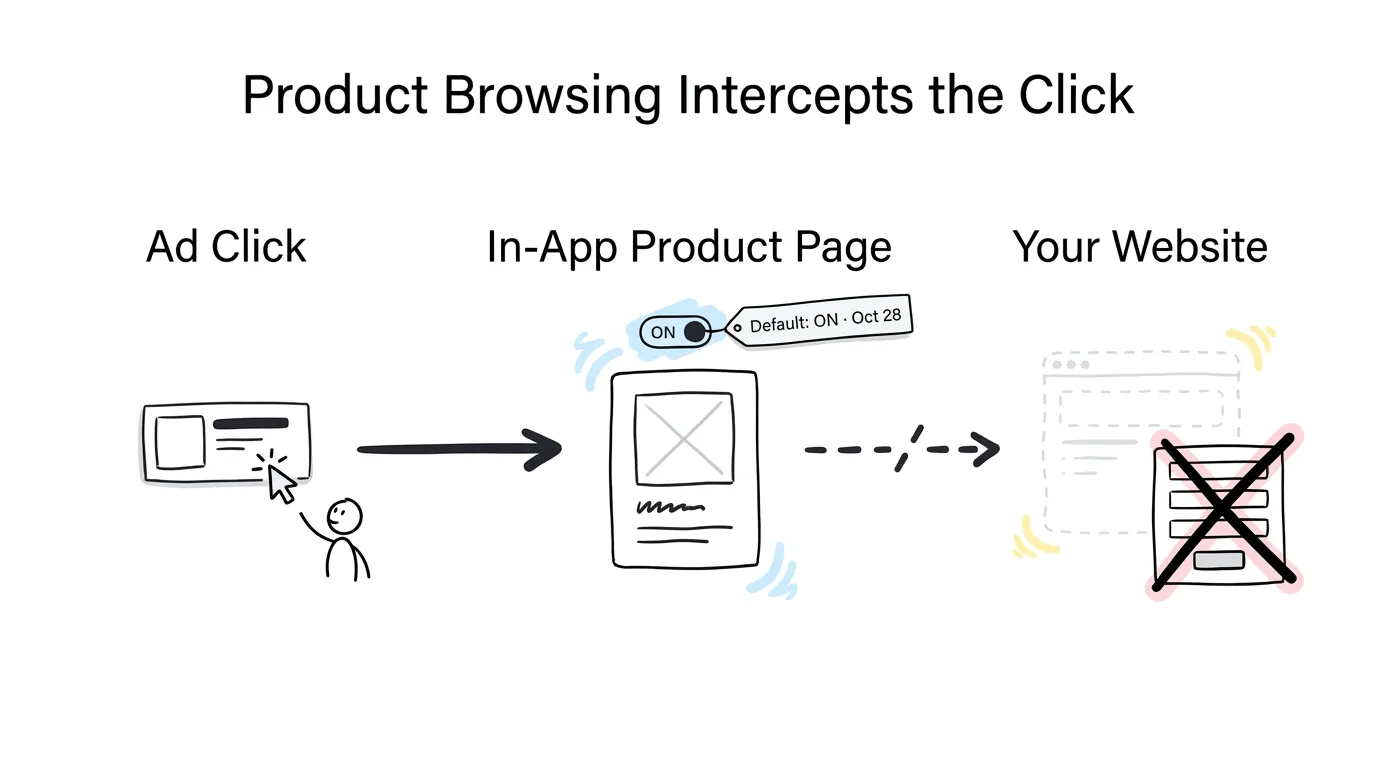
So my advice is blunt: open every ad that's still running, look for the Product Browsing toggle in the Advantage+ Creative and Destination settings, and go through them one by one. If you're selling products with a full catalog, you can leave it on and test. If you need form fills, bookings, or on-site activity, turn it off first. Meta says the toggle can be changed at any time — flipping it off a few days late isn't a disaster, but every extra day it runs is real money out of your budget.
One more trap: duplicated ads may carry the default over with them. After the 28th, remember to go back and check again.
Every default decision the platform makes on your behalf is one you pay for.
Next, What's Already on the Table: Two Things You Can Act On This Week
Two items from the October 6 batch of updates are now fully available.
The first: static images become video.
Advantage+ Creative can now take your static image ads that are performing well and generate video versions of them. Who does this help most? Brands sitting on a pile of great images but with no budget and no team for video. It's essentially a free A/B test: same budget, image version against video version, run them for a while and let the data talk.
One caveat, though: machine-generated videos tend to look cookie-cutter. Go over every version with your own eyes before you scale spend.
The second: Customer Lifecycle Strategy.
The name sounds intimidating; the logic is remarkably plain: when you tag an ad as "customer acquisition," Meta recommends excluding your existing customers from the audience, so the whole budget goes to new people.
Here's the interesting part: it's only a "recommendation." In its default state, existing customers may still be sitting inside the audience — you have to go into each ad and verify it yourself.
Think about what that default means. You're paying to acquire new customers, yet the money lands on people who were going to buy from you anyway. The conversions in the report look great; not one new customer walks in. That's exactly how acquisition budgets quietly leak out of many accounts.
Meanwhile, Ads Creative Studio is also opening up in stages. Inside, you can take one video and swap the hook, swap the audio, change the length, change the captions, change the ending — and batch-produce variations. Advertisers with a product catalog can also turn product images directly into product videos, though that part is still in allowlist testing. If you don't see it in your account yet, don't worry — it's coming.
One side note: video itself deserves to be taken seriously. Meta says that of the time users spend on Facebook and Instagram, more than 60% goes to video. How that number was measured, and over how long, they didn't say — attach a question mark. But the direction is not in doubt: Meta's traffic pool is drifting toward video.
Still on the Menu: Big-Budget Toys, and an AI That Still Owes Us Dates
On October 15, Meta held its Brand Building Summit and laid out a table of brand-oriented new dishes.
Ads Super Burst: bundles a 3-to-24-hour delivery window, with guaranteed-delivery scheduling in Reach Planner; now rolling out to everyone in batches.
First Impression Ads: lets a brand claim the very first ad in the Facebook app feed. Early testing in the US, one brand per day. One a day — that scarcity design is quite clever.
Reels Trending Ads: ads inserted right after the hottest Reels, available to everyone; custom audience exclusions to follow within the year.
Aggregated View Time: optimizes not on individual plays but on total attention over a week. Still in alpha testing.
My verdict is short: these are, for the most part, toys for big-budget players. If your budget isn't that big, keep your hands off for now — watch the report cards the first movers turn in, then decide whether to follow.
Then there's the one most worth discussing: the Meta AI business assistant.
What it can do today: hand you creative insights, and remember your data from the past few quarters, your seasonal patterns, and the goals you've set.
What it can't do yet: edit your ads for you. Changing budgets, adjusting targeting, building new ads — Meta marks all of these "coming soon," with no date.
If you buy media, your first reaction to that news shouldn't be excitement — it should be alarm. The saving grace: Meta says when those actions actually arrive, they'll come with previews and approvals; nothing moves until you nod. But three things you should do right now: decide clearly which changes you'll permit it to make automatically — say, budget swings of no more than a few percentage points; record a weekly snapshot of budgets, audiences, and creatives so you can roll back when something goes wrong; and read the numbers yourself — cost per lead, conversion rate, lead quality — always do that math on your own.
Meta also offered a number: advertisers who followed the AI assistant's suggestions saw 5% more conversions at the same cost.
How was it measured? Not saying.
Every average the platform quotes you is the version of the story it wants you to hear.
On the audience side, a few more things are still on the way — just remember their names: Audience Label, which excludes an entire group of existing customers in one step, not yet broadly available; AI audience discovery, where you describe your ideal customer in plain language and it recommends audiences for you inside Detailed Targeting, promised by year-end; and similar-product recommendations within the same brand, scaling up this fall.
Pages Already Turned: Three Dates Already in Effect
Everything above still leaves you time to act. A few things have already landed — walk through them and make sure you weren't hit.
On October 8, seven countries — the US, Canada, Egypt, Indonesia, Japan, Thailand, and Vietnam — stopped serving ByteDance-affiliated ads, including ads linking to TikTok. Ads whose links contained TikTok should have come down that day; auditing your inventory now isn't too late.
On October 27, the Marketing API removal applied to all versions. If you build your own reports or connect third-party tools, get your engineers to confirm version compatibility right away — don't wait for the day your report suddenly comes up empty to find out. The same day, US political and social issue ads entered a freeze window running to November 3: no new ads during that period, and running ads could only adjust bids, budgets, end times, or be paused. That window, too, has since closed.
On October 30, the new commercial terms and self-serve advertising terms took effect. This one is the harshest of all: by continuing to run ads, you've accepted them. No signing step — they didn't even leave you the chance to vote with your feet. If nobody in legal or finance has read these terms yet, catch up now. Not too late — but don't put it off any further.
Finally, a Word on Method
With more than a dozen items in this wave, what's the biggest taboo?
Changing everything in one go.
If today you turned on Product Browsing, launched video ads, adjusted your audience exclusions, and upgraded the API — and costs shift next week, do you know which one did it?
You don't. You never will.
Change one variable at a time and hold everything else still. After each change, let it run a full cycle, check your cost per lead, then decide the next move. Slow, but clear-headed. In media buying, speed isn't the skill. Clarity is.
Back to that friend who texted me in the middle of the night.
He turned Product Browsing off on the ads that need form fills, and left the product-selling ones on to test. Yesterday he told me the one he left on is actually costing slightly less.
I said: don't celebrate yet — let it run two more weeks.
And I wish you the same: may every change you make be one you know the reason for.
Continue reading
Related articles
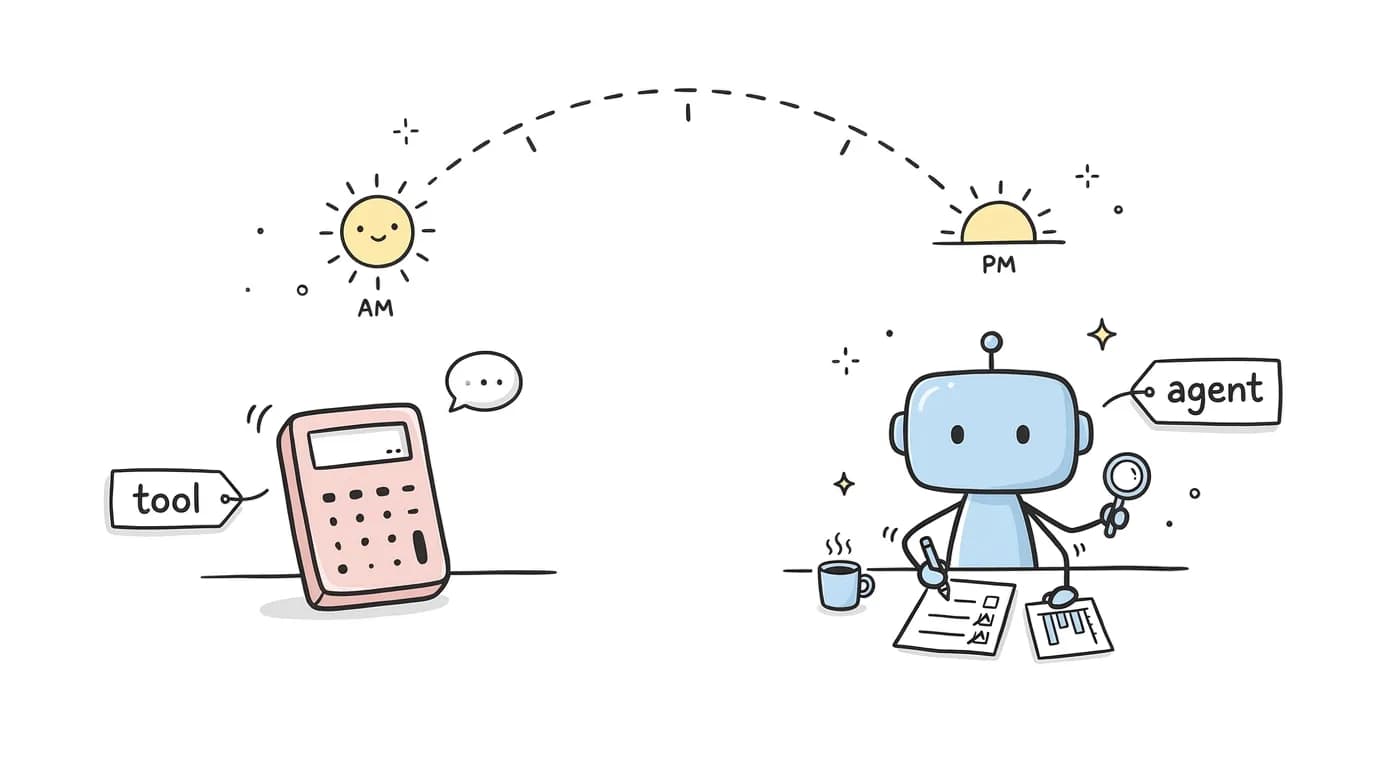
It's 2026: Stop "Buying" AI Tools for Your Marketing Team — Start "Hiring" AI Agents
This learn article explains how AI agents differ from standalone AI tools in marketing, outlines three agent categories — build-your-own platforms, CRM-native agents, and vertical tools — and covers use cases across SEO, social media, advertising, and reporting, plus criteria for choosing one.
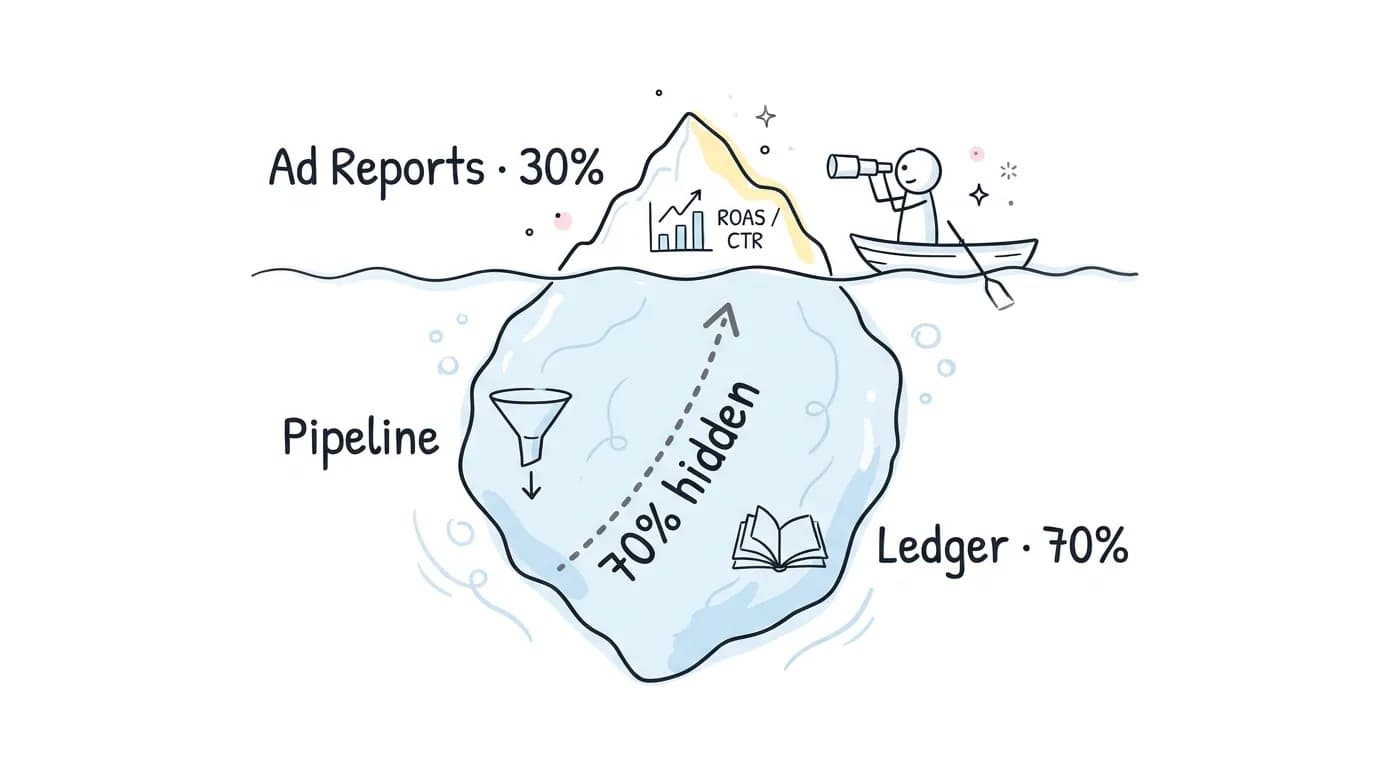
Did the Money You Spent on AI Marketing Ever Come Back?
A guide to measuring AI marketing ROI across three layers: ad reports, sales pipeline, and the financial ledger. Covers metrics such as ROAS and CPA, eight dashboard metrics, industry benchmarks, and common measurement mistakes.
How to Pick a Creative Automation Platform: First, Figure Out What These Eleven Actually Do
A learn article sorts eleven creative automation platforms — including Bannerflow, Celtra, Smartly.io, and Storyteq — into four functional groups and proposes five evaluation questions covering publishing reach, automation depth, ease of adoption, team fit, and verifiable evidence.