
Meta Quietly Changed Your Existing Ads. Have You Checked?
This article describes Meta's automatic enablement of the Product Browsing feature on existing ads and outlines opt-out steps, including locating Page Asset and Business IDs, using an opt-out link, and checking settings in Ads Manager.
The other night, a friend of mine who runs an e-commerce business messaged me on WeChat past midnight: Dude, did somebody mess with my Meta ads?
I told him he'd had too much to drink. Who could possibly touch your ads?
He said he wasn't joking. Conversions had dropped — creatives unchanged, budget untouched, audiences unadjusted. They just dropped. He spent an entire day checking everything over and over and came up with nothing.
Eventually he realized the problem might not be on his end at all. The problem was Meta.
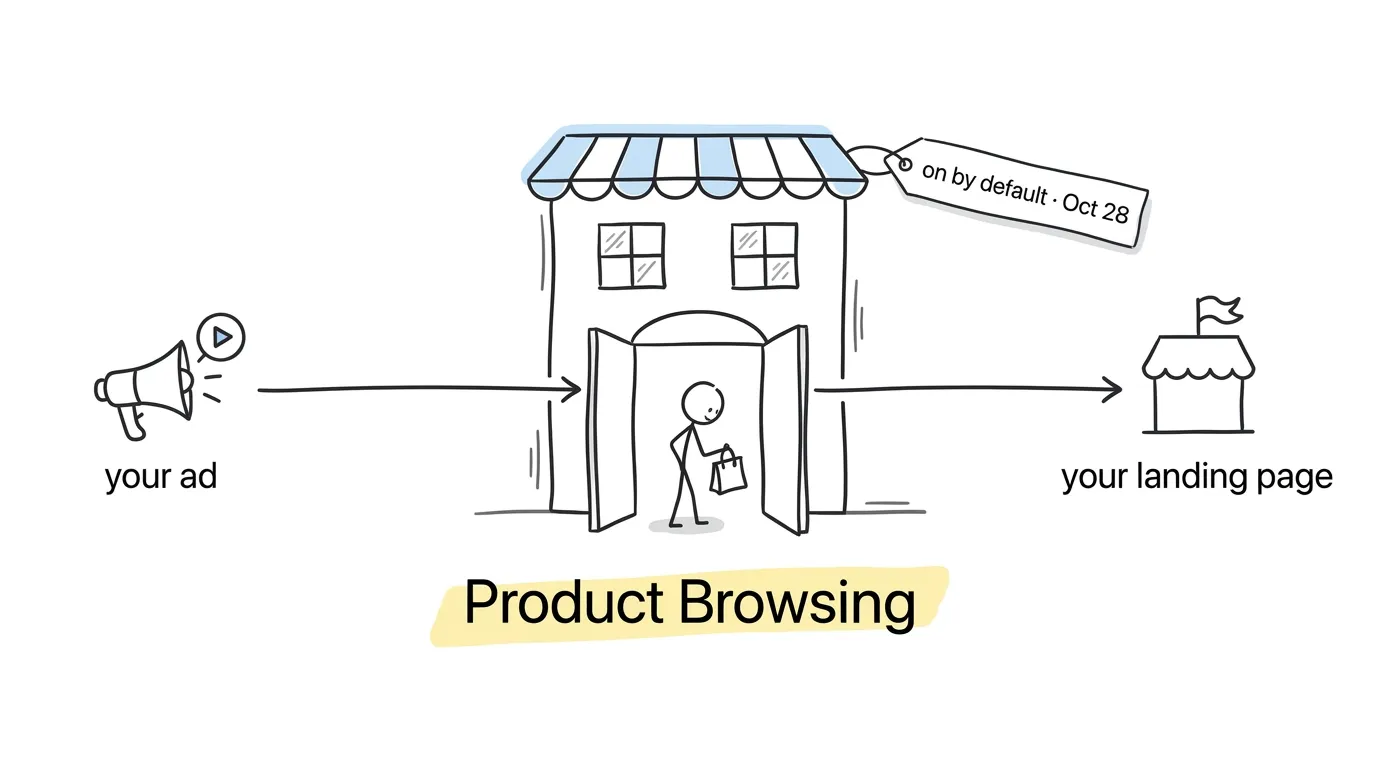
On October 28, Meta did something: it automatically switched on a feature called Product Browsing for all existing ads. You never said yes — it turned on anyway. Want it off? You'll have to opt out yourself.
What is Product Browsing?
It means when a user clicks your ad, Meta doesn't rush them off to your website. First, Meta shows them an in-app product browsing page: product details, personalized recommendations, the works. Only after that stroll does your landing page get its turn.
Sounds thoughtful, right? Let users browse around first — might even close a few extra sales for you.
But think about what you do for a living. You run ads. You grind away at creatives, test assets, polish landing pages, all betting that a user sees the ad, clicks through, and walks a smooth path all the way to checkout.
Now somebody has dropped a shopping mall atrium into the middle of that journey.
The user might finish their stroll right there in the atrium and never make it to your store. Your creative is no longer the only conversion engine. Worse, if the atrium experience doesn't show up as its own line in your reports, you can't even tell whether it's the creative driving sales or the atrium.
If you can't do the math, you can't optimize.
And on top of all that, this landed smack in the middle of the biggest sales season of the year.
So what about the ads that are already out there?
The short answer: you can opt out, but you'll have to do it yourself. Here's the path as I understand it — verify every step against your own account.
Step one, find your Page Asset ID. Open your brand's Facebook Page in a browser, right-click to view the page source, search for the word asset, and scroll down through the results until you find the long string of numbers tied to your Page.
Step two, find your Business ID. That one's easy — it's right there in Meta Business Suite or Business Settings, labeled Business Portfolio ID.
Step three, put both IDs into a link that carries the opt-out parameter — the parameter includes pb_auto_upgrade_optout=1. Open it while logged in with the correct Meta business account, follow the flow, and make absolutely sure the page confirms your opt-out has been recorded.
No confirmation on screen? Treat it as not done.
Step four: don't assume the link settles everything. Go into Ads Manager, open each important live campaign one by one, and check the settings under Advantage+ Creative and Destination — especially Product Browsing under Personalised destinations. Trust your own eyes.
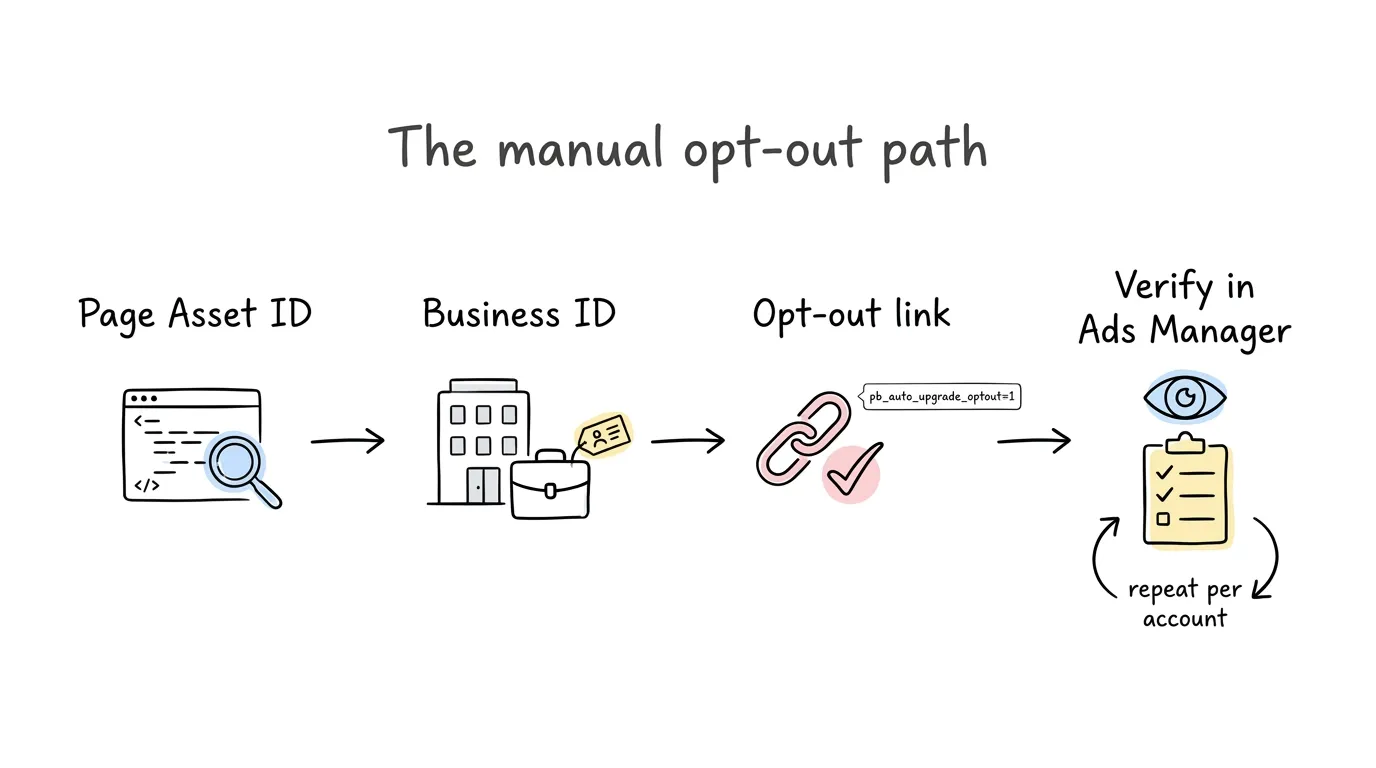
One more thing that matters: how far this opt-out link reaches is explained vaguely from account to account. If you're handling ten clients, you need to check for ten clients. Don't opt out once and assume you've covered them all.
The feedback from the real world is pretty interesting too. Some people tried it and said the link didn't work for them. Media buyers running Special Ad Categories warned that fiddling with this setting under a special category can get your ads shut down outright — think it through before you touch it. Some found they had no opt-out option at all, because they had long since turned off personalized product recommendations in their ads. Others put it more bluntly: this is essentially Meta shoving Shops in your face one more time. As for whether opting out resets machine learning, nobody can give you a straight answer — you'll have to test it yourself.
So should you turn it off?
Meta's own experiments say Product Browsing lifts conversions on average.
On average.
You know what "average" means: half the people are below it. Whether your brand is in that half, Meta won't guarantee — and your reports may not tell you either. So don't rush to pick a side, and don't rush to switch everything off. Keep it, run a test, and let your own data do the talking. Turn off what should be off; keep what should stay.
But there is one line you don't cross: Don't let a default-on setting decide your customer's journey for you.
The ad spend is your money, the landing page is your store, and the journey should be your call.
October 28 has already passed. If your ads are still running and you don't know what they look like right now, open them up and take a look today.
After you look, you might — like my friend — find yourself speechless for a long moment.
Continue reading
Related articles
It's 2026: Stop "Buying" AI Tools for Your Marketing Team — Start "Hiring" AI Agents
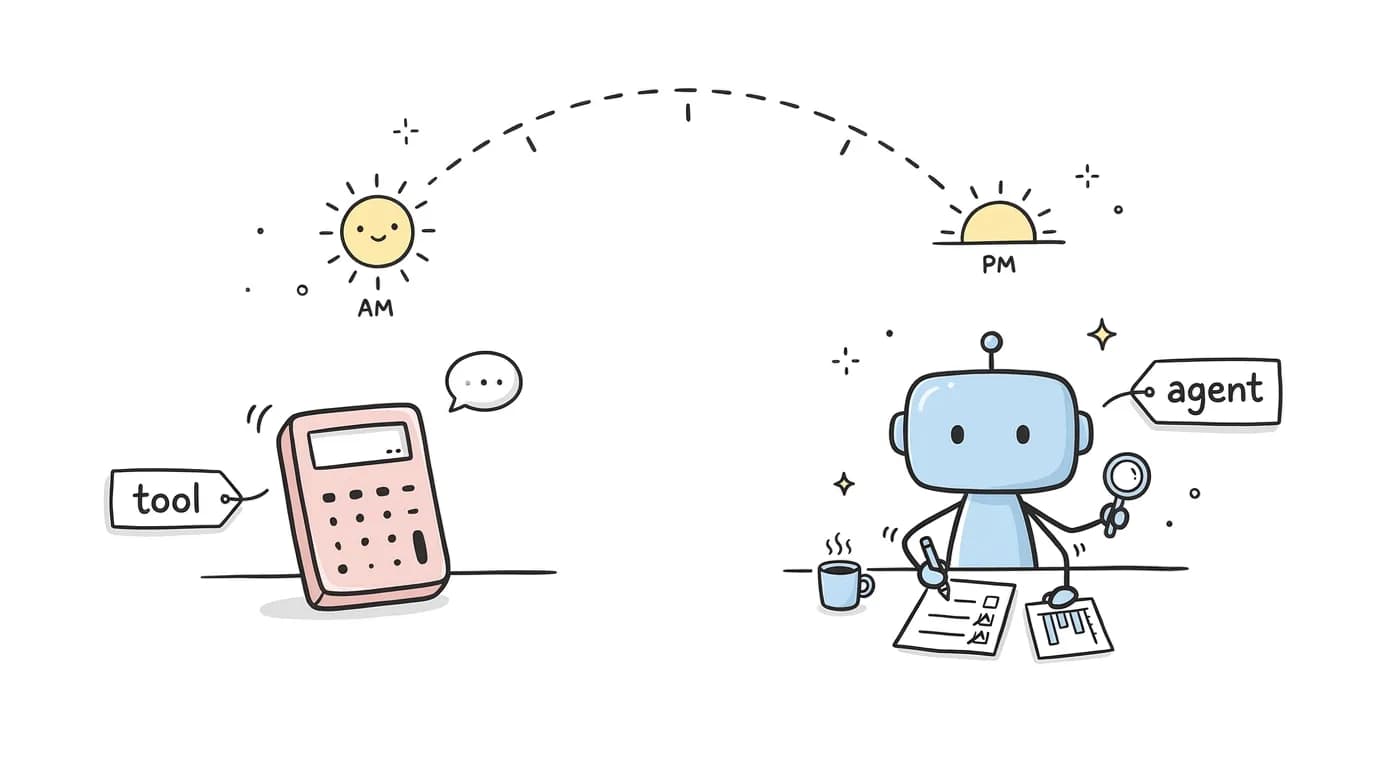
This learn article explains how AI agents differ from standalone AI tools in marketing, outlines three agent categories — build-your-own platforms, CRM-native agents, and vertical tools — and covers use cases across SEO, social media, advertising, and reporting, plus criteria for choosing one.
Did the Money You Spent on AI Marketing Ever Come Back?
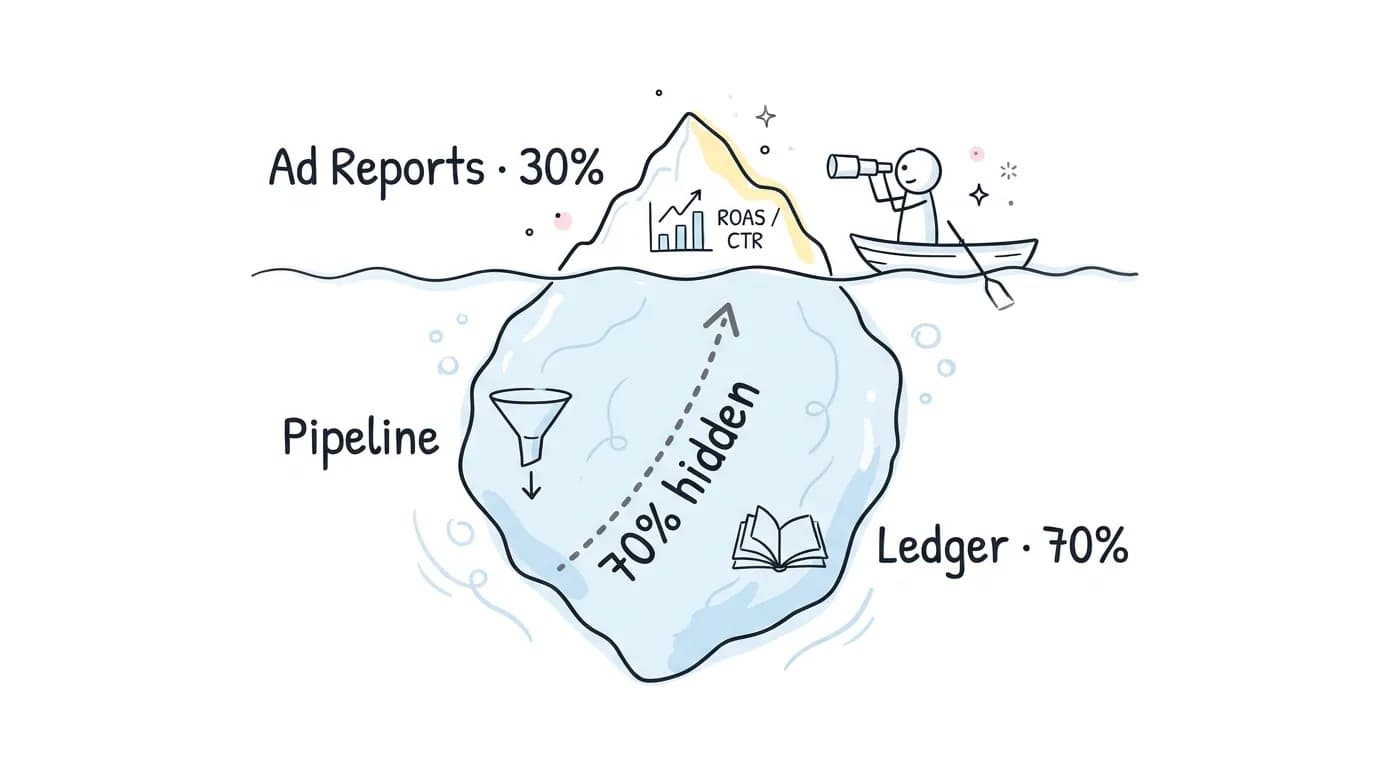
A guide to measuring AI marketing ROI across three layers: ad reports, sales pipeline, and the financial ledger. Covers metrics such as ROAS and CPA, eight dashboard metrics, industry benchmarks, and common measurement mistakes.
How to Pick a Creative Automation Platform: First, Figure Out What These Eleven Actually Do
A learn article sorts eleven creative automation platforms — including Bannerflow, Celtra, Smartly.io, and Storyteq — into four functional groups and proposes five evaluation questions covering publishing reach, automation depth, ease of adoption, team fit, and verifiable evidence.