
Meta Dropped a Whole Suite of AI Tools Last Month. But What Sets You Apart Is Your Data
A practitioner's walkthrough of Meta's October AI ad tool wave: the Ads Manager assistant now remembers your account history and brand rules, image-to-video is open to all advertisers, a lifecycle tool splits new, active, and lapsed customers, Messenger supports in-chat checkout, and the Ads MCP server lets AI tools读
A few days ago, a friend of mine who runs a home-goods business texted me in the middle of the night:
"Meta launched new tools again? I can't make heads or tails of it, but wow."
I told him: don't panic, let me walk you through it.
It all happened last month. October 6, New York, Advertising Week. Meta rolled out an entire suite of AI tools in one go: ones for creative, ones for media buying, even one for closing orders inside a chat.
Honestly, Ads Manager sprouts a few new buttons every month, and most of them aren't worth an article. This wave is different. I went through every account I run, tested what could be tested, and skipped the stuff that only lives on the marketing page. What's left is worth ten minutes of your time.
First, the Big One: The AI Assistant Has a Memory Now
What does it mean for an AI assistant to have a memory?
It's the AI assistant inside Ads Manager. Before, you asked it one thing, it answered one thing — classic goldfish memory, it remembered nothing. Now, it goes through your books.
Which ads performed well in the past, which months are your high season, what goals you've set before — it can see all of it.
And it goes further: you can feed it your brand's "house rules." What tone of voice to use, which words to avoid, how discount rules work — write it up as a document and upload it. From then on, every suggestion it gives carries your brand's flavor, instead of being a generic template that could belong to anyone.
Meta is also testing something even more aggressive: scheduled tasks. When the time comes, it sends out the weekly report and the reminders on its own — you don't have to ask.
What does that sound like? Like you hired a butler.
Exactly. But one warning: the books the butler is reading are your books. If they're clean, it's a great helper. If they're dirty, it will hold on to your mistakes with remarkable conviction.
My advice is simple: let it produce reports, fine. Let it touch the budget, no. For budget and bids, check the cost per result yourself before you nod.
Image to Video: Small Businesses Win Big on This One
This, I believe, is the most practical update of the month.
Advantage+ Creative's image-to-video feature is now open to all advertisers.
What does that mean? You have a product photo in hand — white background, clean, sells well. Drop it in, and it generates a short video ad for you, on its own.
No shooting. No editing. No team.
For a small shop that could never shoot videos every week, this is basically getting a video team for free.
The same month, Ads Creative Studio also opened up to more advertisers. It produces video concepts, and you can change the opening hook, the music, the length, the captions, the closing shot. Even better: it can read your product catalog directly and assemble videos from it.
Think about it — last year, this still took a whole team.
How do you try it? Four steps.
- Pick your best-selling product photo with a clean background.
- Spin up a test ad set and turn on Advantage+ Creative's video generation inside it.
- Open and watch every version. Any wrong text or weird motions — delete it on the spot.
- Run it side by side with your best human-made creative for five to seven days, and watch exactly one number: cost per purchase.
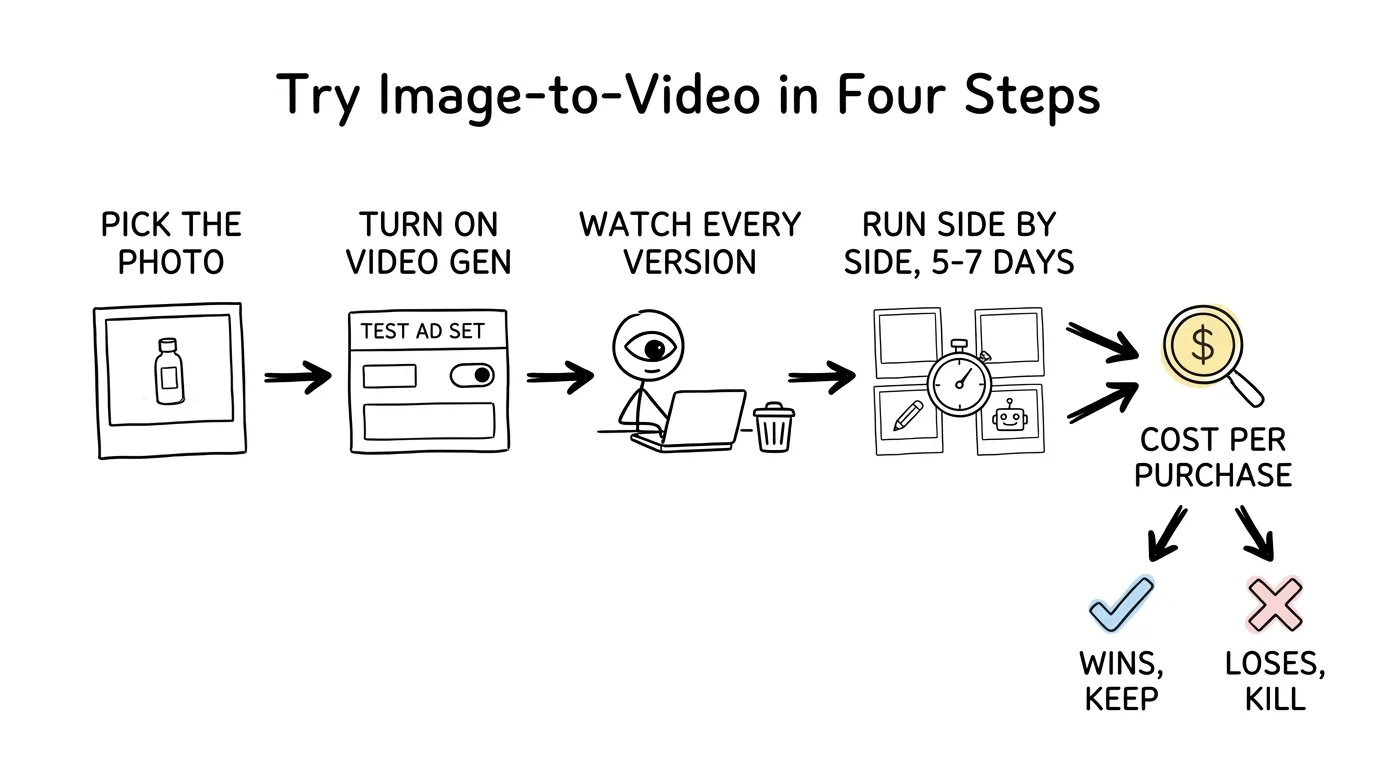
If it wins, keep it. If it loses, kill it. Trust the books, not the hype.
One Tool to Keep Three Kinds of Customers Straight
Meta also shipped a lifecycle strategy tool, fully rolled out.
The problem it wants to solve is an especially common mistake: running a single campaign that tries to acquire new customers, chase existing customers, and win back lapsed users all at once.
Think about it: it's like sending one salesperson out to cold-call new prospects, wine and dine loyal clients, and phone down the list of everyone who's gone quiet for three months. One person doing three jobs usually does all three badly.
New customers, active visitors, past purchasers — plan for them separately. Acquisition speaks through creative; win-back speaks through offers. It's that simple.
If you already split your campaigns this way, this tool just puts its stamp of approval on what you're already doing. If you're still running them mixed together, this time it's genuinely worth untangling.
Checking Out in Chat, and an AI That Can Run Your Ads
Messenger can now handle checkout directly, through Business Agent.
Before, chat was where interest got planted; then people left the conversation to buy. Every extra hop shed a chunk of buyers. Now they chat, and they pay, in the same thread. One fewer step means a whole batch fewer orders lost. If your business mainly takes orders through chat, keep a close eye on this one.
The other one is for people in my trade: Meta expanded its Ads MCP server (MCP — Model Context Protocol: a standard that lets AI tools like Claude plug directly into your ad account). What does that mean? AI tools like Claude can now read your ad account and change it.
I've already wired MCP into my reporting and quick account checkups. It saves real hours, that's the honest truth. But every single change still gets a human confirmation. AI does the work; a human decides whether the work is right.
Four Unglamorous Things That Matter
The four items below are not sexy. But behind each one is money.
First, Marketing API v24.0 expired on October 6. If you're still on old plugin versions or home-grown CAPI (Conversions API — the pipe that sends conversion events to Meta) scripts, your data may already be quietly broken. Open Events Manager, look for errors, and check whether your version is still in the support window. This takes five minutes and outranks every shiny new tool.
Second, ads made with third-party AI tools get an AI label automatically. That's fine — just make sure your marketing copy says only what it can back up. Don't let AI do the bragging for you.
Third, Reels' post-view ad placements are now fully open. More inventory — and remember to prepare 9:16 vertical creatives.
Fourth, starting December 16, signals from AI chats will feed into ad personalization. Targeting gets broader and more automatic. Translated: interest-based targeting is losing value, while creative and data are gaining it.
My Advice, Five Items
- Check Events Manager for errors first, and confirm the CAPI version you're on is still alive. Data is the foundation.
- Open a test ad set and try image-to-video.
- Feed your brand voice and rules to the AI assistant.
- Split campaigns by lifecycle — new customers with new, existing with existing.
- Whatever you do, keep one human-made creative running. It's your control. Without it, you can never calculate how much the AI actually made you.
One Last Word
The direction of this wave of updates is crystal clear: Meta wants AI doing more of your work, as much as possible.
I have zero objection to that. But one thing needs saying up front.
AI is an amplifier. What it amplifies isn't your effort — it's your current state. Clean data and solid creative, and it makes you run faster. Bad data, and it will diligently, conscientiously spend your money on the wrong people.
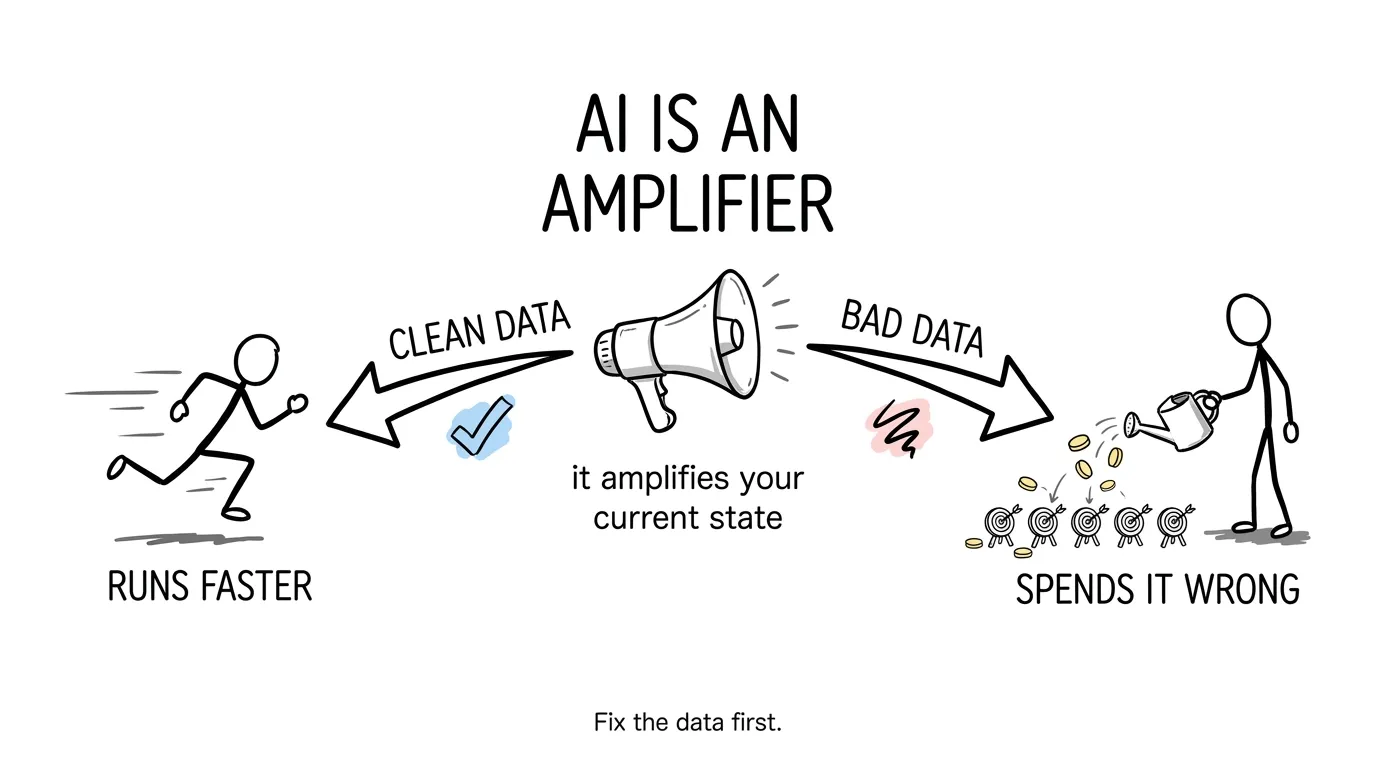
Fix the data first. Then test the new tools on a small budget.
That order. Don't flip it.
Continue reading
Related articles
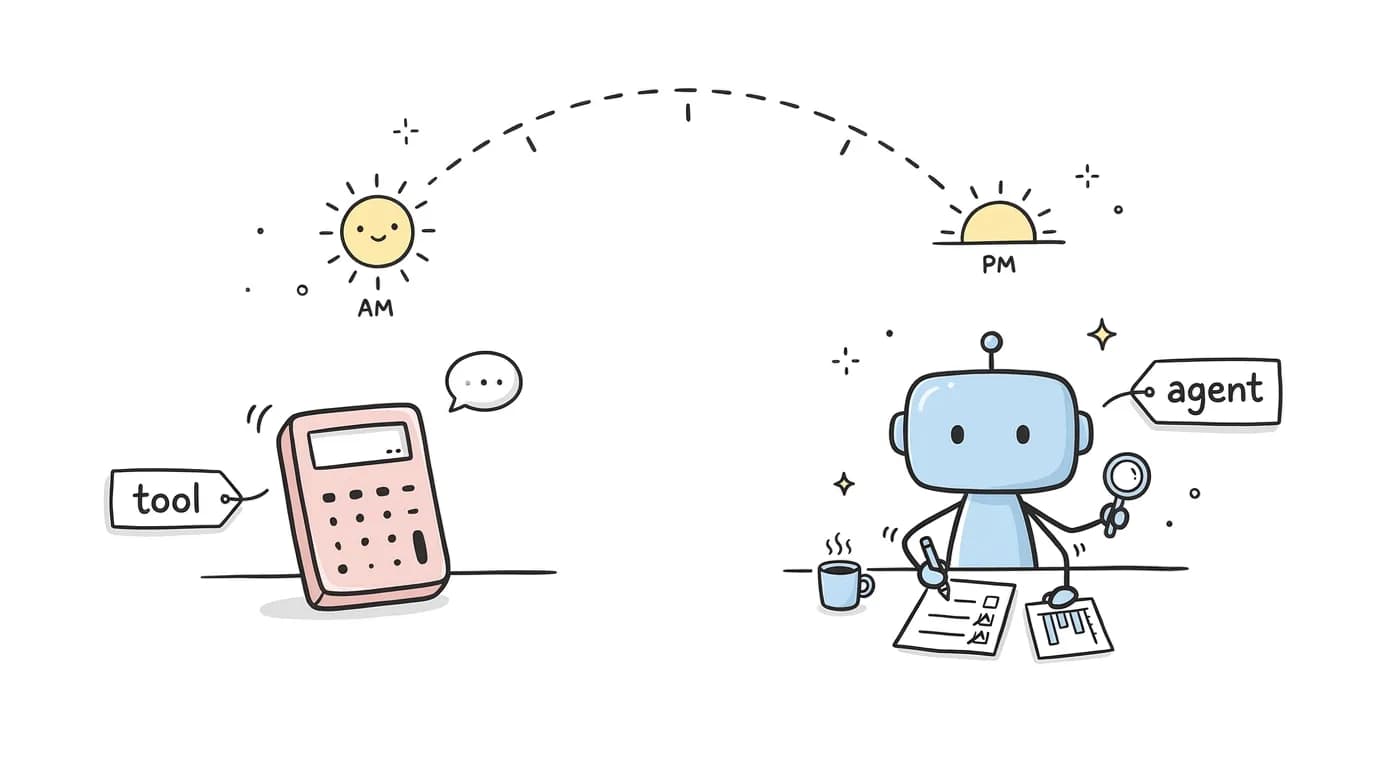
It's 2026: Stop "Buying" AI Tools for Your Marketing Team — Start "Hiring" AI Agents
This learn article explains how AI agents differ from standalone AI tools in marketing, outlines three agent categories — build-your-own platforms, CRM-native agents, and vertical tools — and covers use cases across SEO, social media, advertising, and reporting, plus criteria for choosing one.
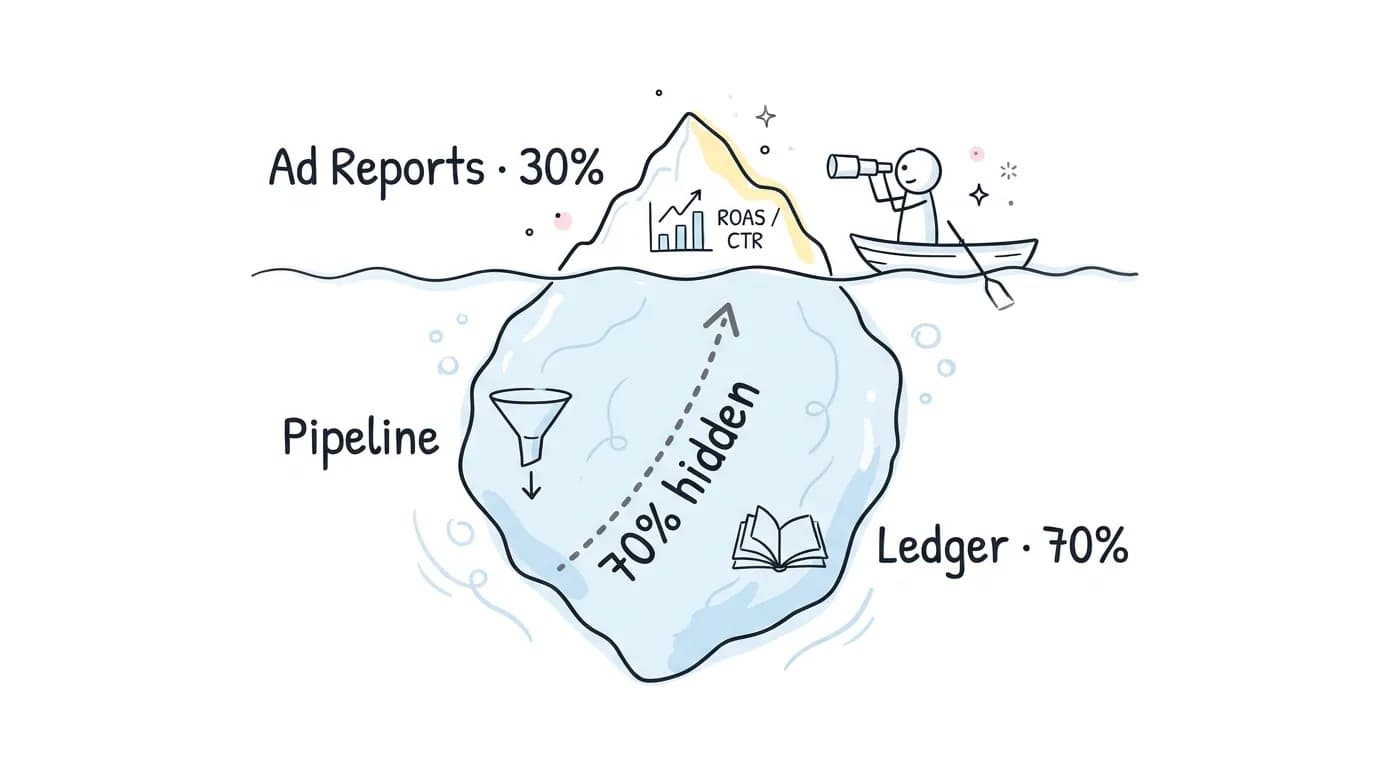
Did the Money You Spent on AI Marketing Ever Come Back?
A guide to measuring AI marketing ROI across three layers: ad reports, sales pipeline, and the financial ledger. Covers metrics such as ROAS and CPA, eight dashboard metrics, industry benchmarks, and common measurement mistakes.
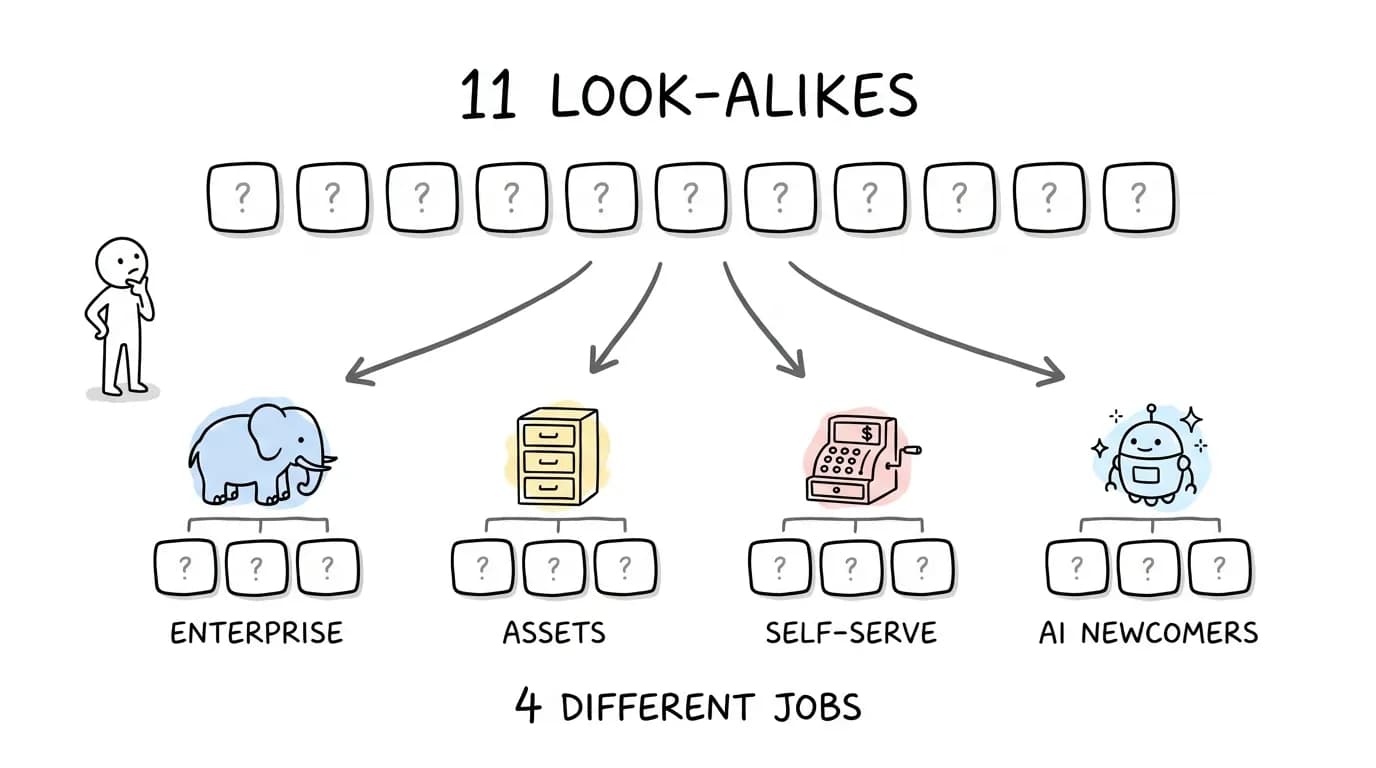
How to Pick a Creative Automation Platform: First, Figure Out What These Eleven Actually Do
A learn article sorts eleven creative automation platforms — including Bannerflow, Celtra, Smartly.io, and Storyteq — into four functional groups and proposes five evaluation questions covering publishing reach, automation depth, ease of adoption, team fit, and verifiable evidence.