
It's 2026 — How Should You Actually Use AI Marketing Agents? Run the Numbers First
A 2026 guide to using AI marketing agents, covering how they differ from traditional automation, six use cases, platform pricing for HubSpot, Salesforce, and Zapier, and a six-step rollout with ROI measurement and risk controls.
It's 11 a.m. on a Monday. You have three things on your plate: a campaign report due at noon, three demo requests nobody has answered, and a set of Meta ads burning money for reasons no one can explain.
None of these is a big deal on its own. Together, they swallow the whole day.
Is there something that could take these off your hands? Yes. It's called an AI marketing agent.
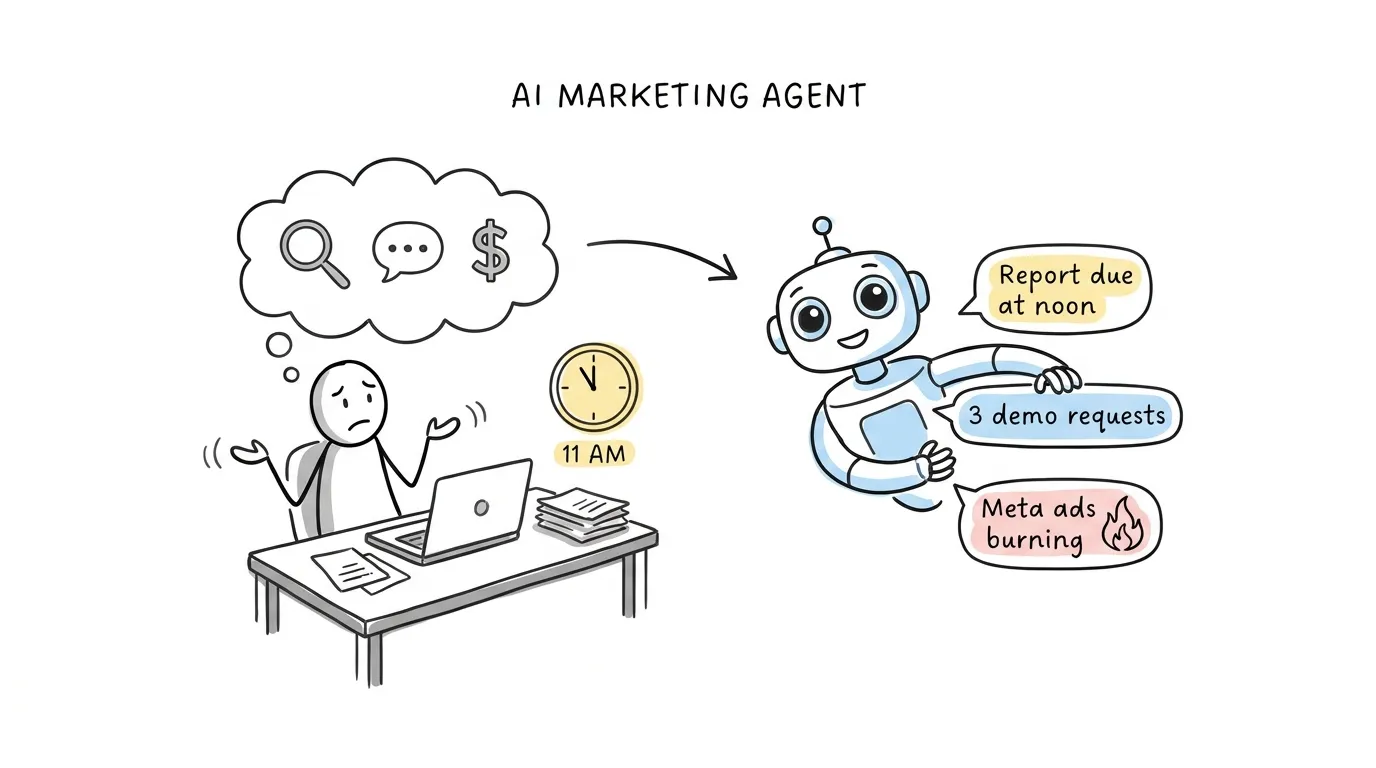
What Is an AI Marketing Agent?
Put simply: a junior colleague who never clocks out.
You give it a goal — "sort every demo request as fast as possible, and pass the promising ones to sales." It queries the CRM on its own, makes its own judgment, and takes action itself. Whenever a step needs a human decision, it stops and asks you.
Note the key phrase: "the circle you draw." It can only work inside that circle.
Consider how this differs from ordinary automation. A customer downloads your pricing guide, opens the pricing page twice more, then books a demo. What can traditional automation do? Send a thank-you email. That's it.
What can an agent do? It sees that behavior trail, matches it against your ideal customer profile, judges this to be a high-intent lead, drafts a follow-up email referencing that guide, attaches a summary, and hands everything to the most suitable salesperson.
But all of this has a precondition: your CRM, your ad accounts, and your forms actually have to be connected. An agent can't read a CRM it isn't plugged into. Most vendors' demos won't tell you that part.
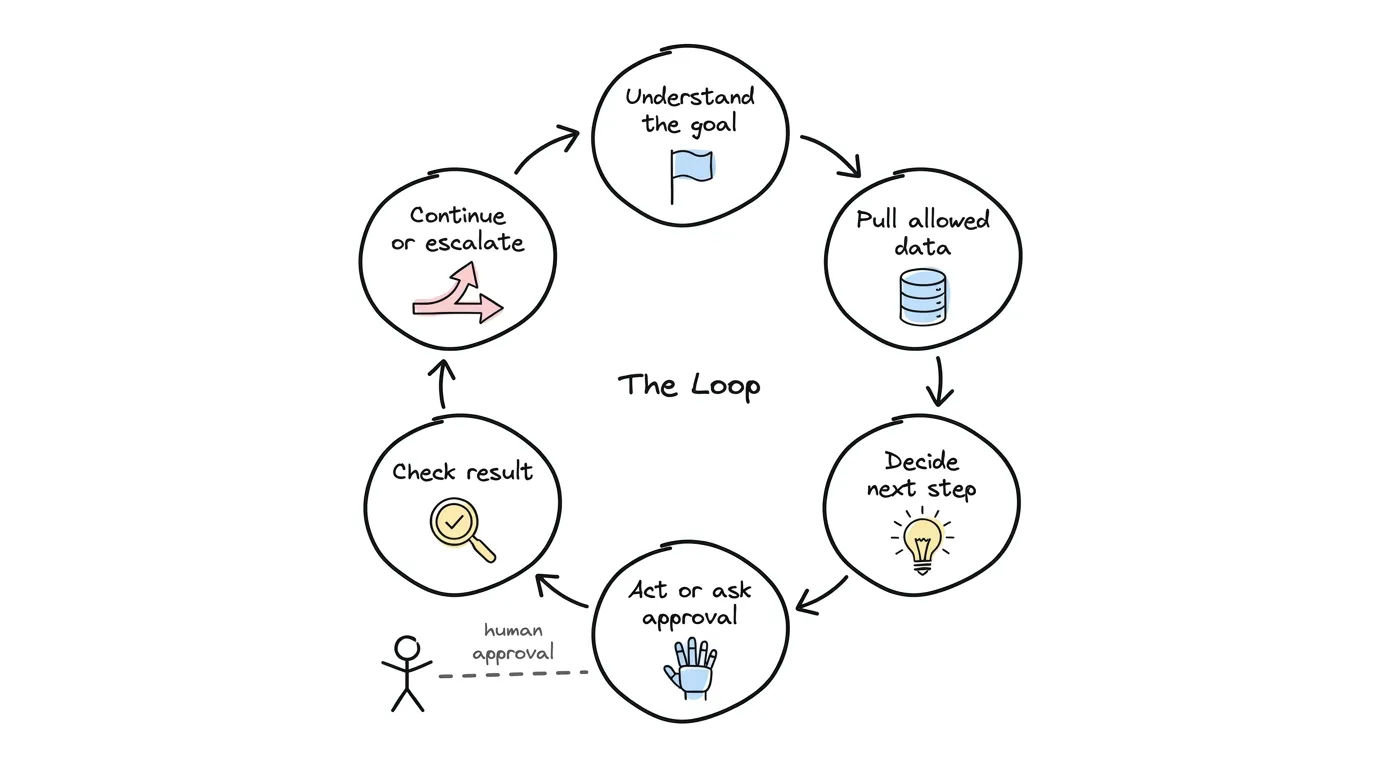
Its basic operating mode is a loop: understand the goal, pull the data it's allowed to access, decide the next step, act or ask for approval, check the result, then continue or escalate.
The loop is the whole point. It isn't a one-shot deal — it adjusts based on results.
How Does It Differ from Traditional Automation, Really?
In one sentence: rules tell you what to do; an agent is told what you want.
Break it into three tiers. Traditional automation is hard-coded rules: send an email three days after download — fine for stable, repeatable processes. An AI assistant offers suggestions: it drafts three follow-up emails for you to review before sending. An AI agent actually makes decisions: within its authorized scope, it judges which step comes next.
But don't rush to pull out your wallet.
In June 2025, Gartner warned about a term called "agent washing" — repackaging chatbots and ordinary automation as agents to sell them. Their estimate: of the thousands of vendors claiming to do agentic AI, only about 130 were genuine.
So when a tool calls itself an agent, ask one question: what, exactly, can it decide? If the answer is "nothing," it's just automation with a new logo.
What Does It Deliver? Start with Time
Salesforce ran its tenth State of Marketing report, surveying 4,450 marketers. High-performing teams expected to save roughly 8 hours per week with AI agents.
Eight hours — almost an entire working day.
But time isn't the only benefit, and it isn't guaranteed. The value shows up mainly in three places.
First, repetitive work. Weekly reports, lead routing, shuffling data between systems — these tasks follow stable patterns and are where agents fit best. You go from rebuilding spreadsheets every Friday to reviewing only the exceptions.
Second, personalization. HubSpot's 2026 research: 93% of marketers say personalization has driven leads or purchases, but only 13% use behavioral data to personalize. That 80-percentage-point gap is something agents can partially close — using "properly consented" customer data. Pay attention to those words. Data without consent is untouchable.
Third, catching problems earlier. Humans only look at dashboards when they remember to. An agent can watch for abnormal spend or sliding engagement and flag it the same day. More often than not, early detection beats fast output.
And smaller teams get more throughput too. 83.5% of marketers say their companies demand more content from them. For a three-person team, agents can widen capacity. But don't expect every workflow to save money or beat humans. Some won't.
Six Places Agents Earn Their Keep — Each with a Number Attached
Where do agents create the most value? Six places. The key isn't deploying all of them — it's starting where your team loses the most time, and attaching a number to each scenario so you can judge whether it actually works.
- Lead qualification and follow-up. Agents enrich lead data, categorize, and write a one-line handoff for sales. HubSpot's Prospecting Agent charges $1 per lead recommendation. Finding the name isn't the value — the value is in the next ten minutes. Watch two numbers: response time, and sales acceptance rate.
- Email and customer journeys. Salesforce's Marketing Cloud Next: you describe the campaign goal, it drafts the brief and previews, and a human still approves before sending. Personalized journeys no longer require redrawing the flowchart every time behavior changes. Watch reply rate and unsubscribe rate.
- Ad monitoring. Google Ads' Ask Advisor, launched on May 20, 2026, can diagnose performance drops and suggest fixes — but every step requires your approval. Keep that rule for yourself too: anything touching budget needs a human nod. Watch time-to-detection of overspend, and the waste you intercept.
- Content research. Zapier Agents works across more than 9,000 apps and can break one webinar into several pieces of content. But nothing publishes without an editor's review. Fast-and-mediocre is a disease many teams already have. Watch hours per brief, and the share of first drafts that don't need rewriting.
- Reporting. Papermaker Suzano built an agent that turns natural-language questions into SQL — Google Cloud said query time dropped 95%, covering 50,000 employees. Not a marketing scenario, but the approach transfers directly. Watch hours spent on weekly reports, and the number of errors caught in review.
- Retention and support. HubSpot says its Customer Agent resolves 65% of conversations, cuts resolution time by 39%, and serves more than 8,000 customers. Note: those are the vendor's own numbers. Watch resolution rate, the accuracy of escalations to humans, and satisfaction.
Three Platforms — How to Choose?
In 2026, plenty of tools shout the word "agent." Three deserve a serious look. There's no straight-A student: HubSpot fits CRM-centric teams, Salesforce fits large enterprises unifying customer data, and Zapier fits teams stitching a pile of apps together.
HubSpot Agent Hub. As of April 14, 2026, the Customer Agent charges 50 credits ($0.50) per resolved conversation, and the Prospecting Agent charges $1 per lead recommendation. It requires a Professional or Enterprise subscription, which includes 3,000 or 5,000 credits per month; overages cost $0.01 per credit, and unused credits don't roll over. Some agents are still in beta. Caution: credits scale with usage.
Salesforce Agentforce. The marketing suite is called Agentforce Marketing, built on Marketing Cloud Next. Flex Credits come in packs of 100,000 for $500; a standard action uses 20 credits, roughly $0.10. Customer-facing agents are billed per conversation at $2 each, and per-user add-ons start at $125 per month. On September 3, 2026, it also reorganized its core editions. One line to remember: until what was shown in the keynote actually runs in your own org, treat it as a roadmap.
Zapier Agents. Its strength is breadth — more than 9,000 apps. But note that it sells two different things: Zaps are rule-based flows, even when they include AI steps; Agents are the actual agentic product, billed by activity — 400 free per month, and the Pro plan at $50/month includes 1,500. One activity does not equal one completed task; a single research task can burn through several.
The three platforms don't use the same scorecard. So don't compare sticker prices — compare the cost per completed task.
Six Steps to Get Started
Step one: pick a repeatable, measurable task. Weekly campaign reports, for example. Don't pick something that requires talking to customers on day one.
Step two: map the existing process. Triggers, data, decisions, actions, exceptions, outcomes. It sounds tedious, but this step exposes what will actually derail your agent: the lead with no company name, the spreadsheet nobody owns.
Step three: write down the scope. Role, goal, available data, allowed actions, forbidden actions. That last one matters most. "No outbound emails without approval" needs to be on paper, not in someone's head.
Step four: connect the tools, then validate the data. Salesforce surveyed this: only 58% of marketers have full access to service data, 56% to sales data, and 51% to commerce data. Your agent will inherit those gaps. Garbage in, confident garbage out.
Step five: test with human approval in the loop. Duplicate leads, unsubscribed contacts, a customer replying in Hindi — test all the awkward cases.
Step six: scale in small increments. Run it, compare against your documented baseline, and only then expand its permissions. An agent's trust is earned one small task at a time.
The Risks All Live in Boring Places
The ways agents fail aren't glamorous at all: data permissions granted too broadly, one unsupported claim sent to a customer, costs quietly creeping upward.
In June 2025, Gartner predicted that by the end of 2027, more than 40% of agentic AI projects would be scrapped — citing rising costs, unclear value, and weak risk controls.
On data: grant only the permissions the task requires. India offers a concrete example: the DPDP rules were published on November 13, 2025, with most obligations taking effect on May 13, 2027, and fines reaching up to 2.5 billion rupees. Salesforce research also shows marketers' top concern about AI is privacy and data security, with accuracy second.
On brand: only allow the agent to use approved language and sources, and forbid it from changing prices, making promises, or sending unreviewed first-touch emails. Spot-check a batch of outputs every week. One wrong sentence to the wrong audience can cost more than a month of saved time.
On cost: count subscriptions, usage, implementation, maintenance, and human review all together. Credit-based billing makes monthly costs hard to predict, and integrations quietly break the day someone renames a field.
Before launch, ask one question: if this agent does something wrong at 2 a.m., who notices? How fast can you undo it? If you can't answer, don't launch yet.
The Trend: Still Early, but the Direction Is Clear
How many people are actually using this? HubSpot's 2026 report: 19% of marketers are using agents to automate campaign workflows.
Nineteen percent. Still early.
But the direction is already visible. Google Cloud's 2026 AI Agent Trends Report, released in December 2025, described agentic workflows spanning systems; HubSpot built Agent Hub into a central workspace, and Salesforce runs Marketing Cloud Next on its core platform; approval gates like Ask Advisor's are becoming standard; the work is shifting from "generating content" to "executing and monitoring"; and employees increasingly supervise agents rather than doing every task by hand.
Treat these as direction, not achievement. Within your AI marketing budget, set aside a slice for training — don't just buy software.
How to Calculate ROI?
The formula is simple: ROI = (incremental gain − total cost) ÷ total cost. But two preconditions apply.
First, record your baseline before launch: task time, error rates, lead quality, costs. Without a baseline, every result is just a story.
Second, count incremental gains, not output volume. "We sent more emails" is not a gain.
An example (hypothetical, not a real result): an agent saves you 20 hours a month on reporting, each hour worth $140 — that's $2,800 in gains. Total cost is $1,100, so ROI is roughly 150%.
Google Cloud's report found that 88% of early adopters saw positive ROI on at least one use case. "At least one" — those three words deserve a closer look.
Finally
Back to 11 a.m. on that Monday. The report is still due at noon, the three demo requests are still sitting there, and the Meta ads are still that same set. The difference is that these tasks now have something picking them up — well, something, not someone — and you're the one watching it.
Pick a task with clear boundaries, connect reliable data, keep human approval where mistakes are easy, and measure against a baseline.
AI marketing agents earn trust not through inflated claims of capability, but through small tasks completed one at a time.
Here's to the day you hand over the weekly report — and get to leave work on time.
Continue reading
Related articles
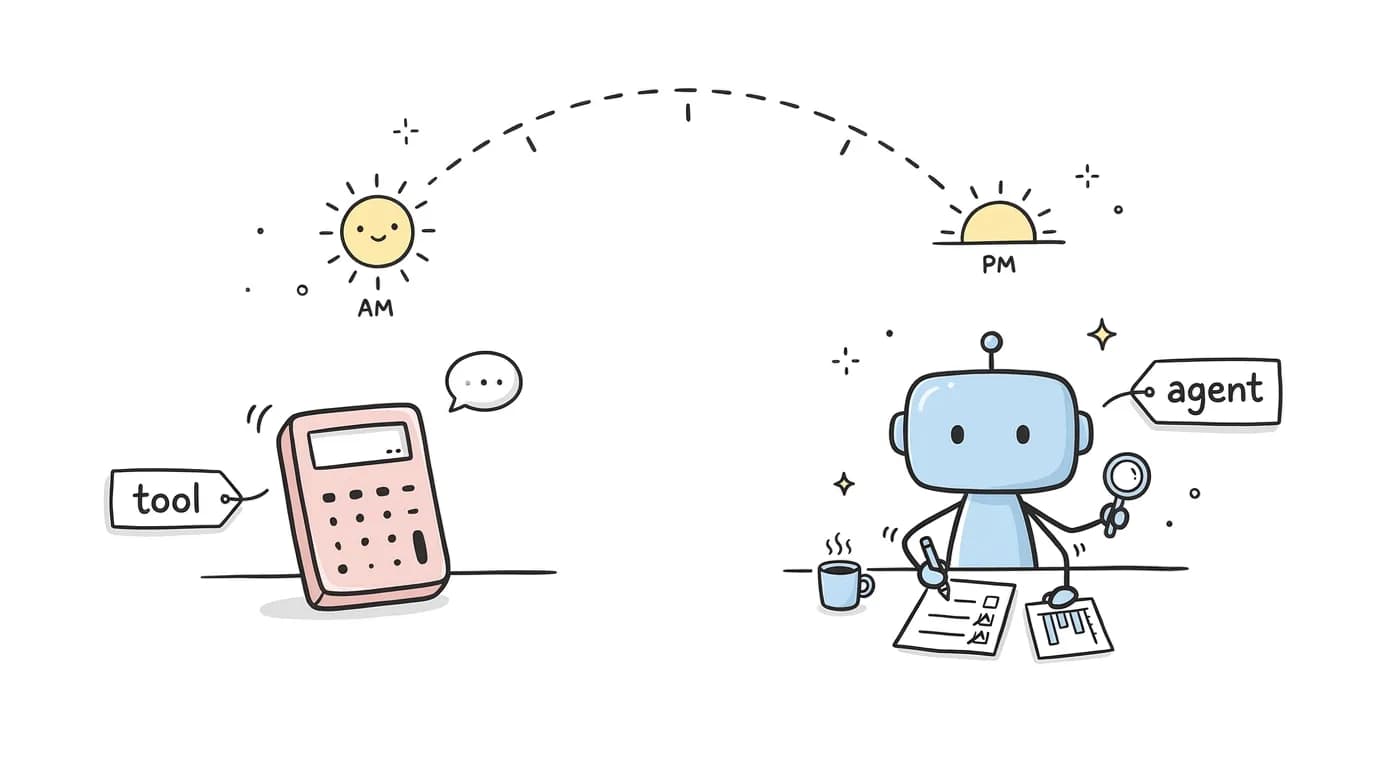
It's 2026: Stop "Buying" AI Tools for Your Marketing Team — Start "Hiring" AI Agents
This learn article explains how AI agents differ from standalone AI tools in marketing, outlines three agent categories — build-your-own platforms, CRM-native agents, and vertical tools — and covers use cases across SEO, social media, advertising, and reporting, plus criteria for choosing one.
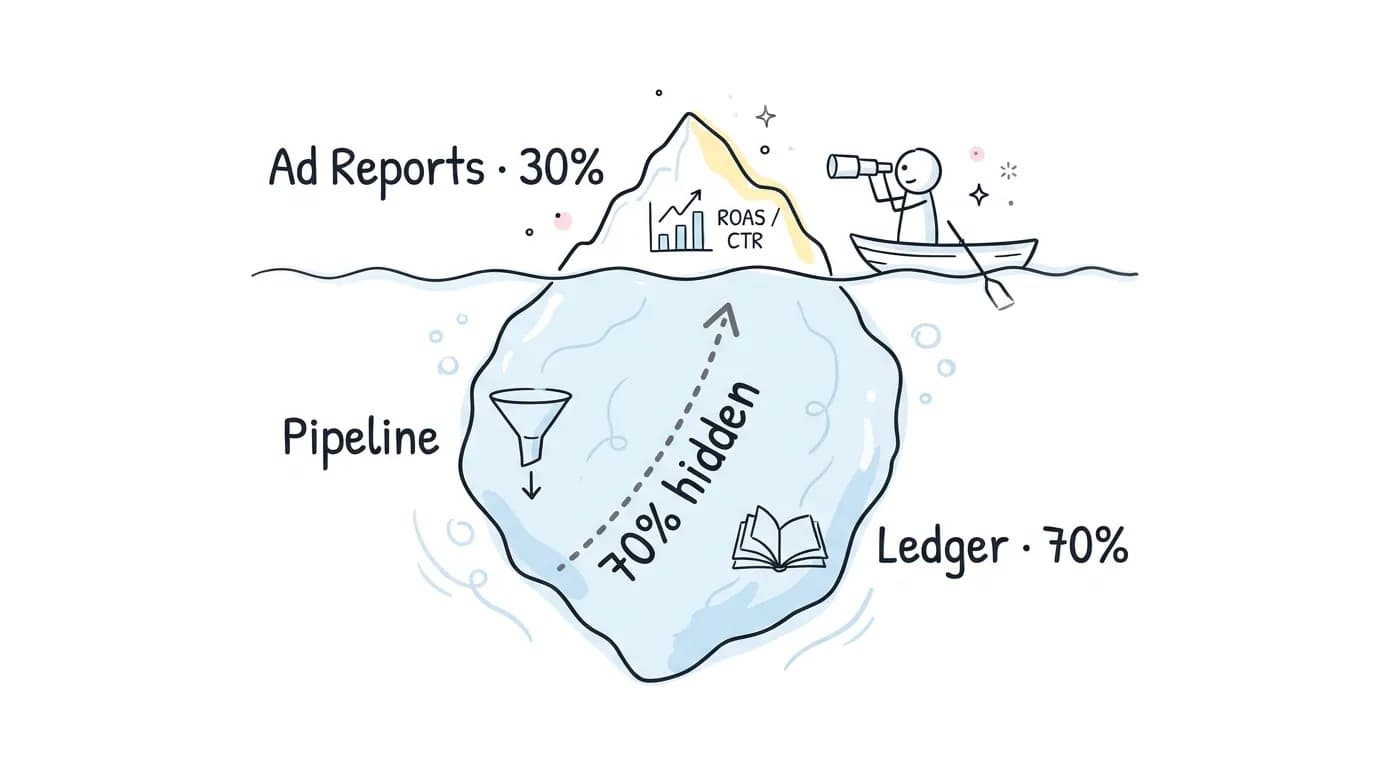
Did the Money You Spent on AI Marketing Ever Come Back?
A guide to measuring AI marketing ROI across three layers: ad reports, sales pipeline, and the financial ledger. Covers metrics such as ROAS and CPA, eight dashboard metrics, industry benchmarks, and common measurement mistakes.
How to Pick a Creative Automation Platform: First, Figure Out What These Eleven Actually Do
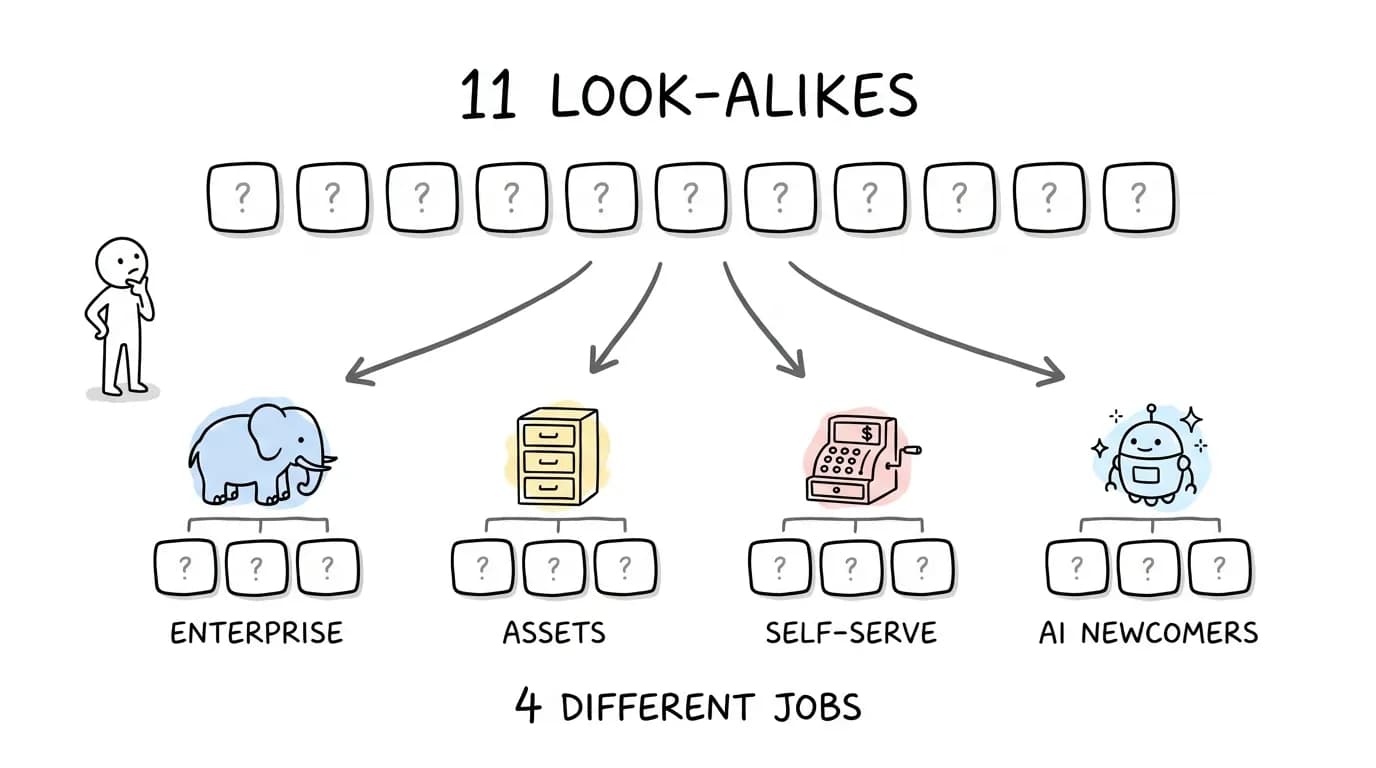
A learn article sorts eleven creative automation platforms — including Bannerflow, Celtra, Smartly.io, and Storyteq — into four functional groups and proposes five evaluation questions covering publishing reach, automation depth, ease of adoption, team fit, and verifiable evidence.