
Facebook just changed 4 rules in one go. If you run a business, you'll want to know now
This article explains recent Meta platform changes for businesses: a monthly cap of two external link posts, the Meta One subscription, the Muse AI agent, the Forum groups app, and Messenger business agents, plus free workarounds such as DM links and pinned posts.
A few days ago, a friend of mine who does cross-border e-commerce came to me with a complaint.
He had posted something on his Facebook Page with a link to his own standalone site underneath. Only after publishing did he notice: the link was grayed out. You tap it, nothing happens.
He felt wronged: "I've only posted a few links, haven't I?"
I said, you may have misunderstood. It's not a few.
It's two.
Two a month.
So what does "two external links a month" mean?
Meta has set a new rule: a business's Facebook Page — and personal profiles too — can post at most two posts with external links each month. Want to post more? Fine. Go subscribe to Meta One.
What counts toward those two? Almost anything. An image post with a link counts. A video with a link counts. Even a link you stuff into a comment under someone else's post — that counts too.
Yes, comment-link stuffing — the back door marketers have used for years — is now counted too.
What happens if you go over the quota? The link still goes out, but it's just an image, a line of text. Unclickable.
In December 2025, Meta started testing this on a selection of Pages first. Now the restriction is rolling out more broadly. Media Pages that publish news are reportedly exempt.
Truthfully, the signals came a long time ago. Over the past year or so, links pasted in comment sections have been turning unclickable one by one. It gave you more than a year's heads-up.
Why would Meta do this? Two goals.
One, to keep you locked inside the platform. A link leads off-site, and off-site there are no ads.
Two, to open a new revenue stream. Posting links used to be free. Now it has a price tag.
So, is Meta One worth buying?
Let's just run the numbers.
Meta One's Advanced tier costs $50 a month and gives you 8 external links a month on Facebook, and 4 on Instagram.
Want unlimited links on Facebook? Sure, that's the $500-a-month tier. And Instagram? Still capped — at 12.
Every tier comes with a verification badge, plus a set of supposedly more advanced AI audience insights.
Think about it: $600 a year buys you 96 clickable links — roughly six-plus dollars per link. And paying doesn't guarantee any reach. Some merchants who subscribed complain that not even customer service picks up.
If you're already paying $15 a month for Meta Verified, don't be paying for both. The two are bound to merge sooner or later.
My advice is blunt: buy neither.
Save that money and spend it on something worth far more: putting ad spend behind your winning posts.
What's a winning post? The few posts on your Page that perform best. The playbook has three steps.
Step one, post organic content as normal, and treat every post as a test.
Step two, watch the algorithm's feedback. See which post travels farthest — not just fans watching, but non-fans sharing it too.
Step three, put money behind the winner. You can use the Boost button, but the better deal is going straight into Ads Manager.
Link quotas are dead. Winning posts are alive.
Without spending a cent, your links can still go out
If you seriously list the ways around this restriction, you can come up with a dozen or more. Aside from running ads directly, the rest cost nothing. Let me pick the most practical ones and go through them one by one.
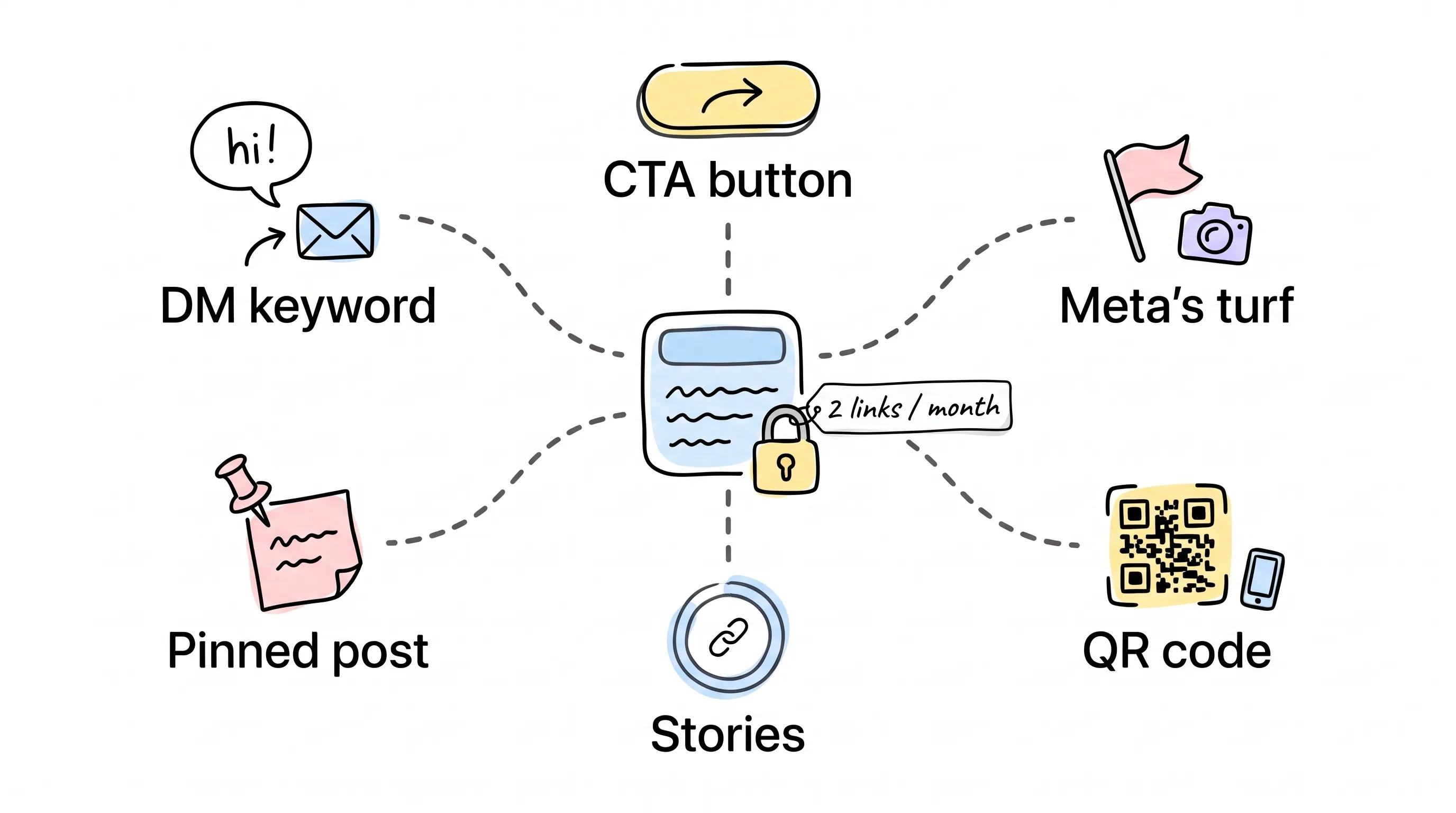
The smoothest move is moving links into DMs. Meta has spent years pushing users into private messages, so DMs are the most natural home for links. Meta Business Suite ships with a comment-trigger feature that works on the same logic as paid tools like ManyChat: the post asks users to comment a keyword; whoever comments, the system automatically sends them a DM with the link. You can hang several of these triggers at once, and team members can jump into the conversation as a real human anytime.
Move two: rotate your Page's primary action button. Every Facebook Page has one primary call-to-action button. Rotate it regularly to point at different conversion goals, and you've left your website a path that is always clickable and never counts against the quota.
Move three: link to Meta's own turf. The two-link limit applies to off-site third-party links — including your own official website. Your Instagram account, your Facebook group, your events — these are all Meta's own property and don't count against the quota. Use them as springboards.
There's another move, dumb but effective: pin your single most important post. That core traffic-driving post of yours — free resource, store, subscription entrance, whatever — nail it into the Featured section. It stays there, and it stays clickable.
And don't forget Stories. Links in Stories don't appear to be restricted, for now. Your fans always have a clickable entrance, and you keep yourself visible while you're at it.
The last move is the wildest: get the link to live in people's heads. Say a short, memorable URL out loud in a video, or just put up a QR code. Viewers do the typing themselves, and it doesn't cost you a single unit of quota.
The link lock is only the first thing. The second thing is more interesting
Meta doesn't just want to keep you on the platform. It wants to work for you.
It launched something called Muse. What is Muse?
An always-on AI agent. You give it a goal; it plans by itself, opens a browser by itself, fills in forms by itself, sends emails by itself. You close the app, and it keeps working in the background. Only where it needs your nod does it come back and ask.
The small-business version of Muse goes a step further, plugging straight into your operating data: your Facebook Page, your Instagram insights, your ad account, plus external tools like Shopify, QuickBooks, Klaviyo, and Canva.
How is it different from chat assistants like ChatGPT?
A chat assistant only knows what you tell it in the conversation. Muse can see years of your real operating data. It can tell you which content worked and which flopped. Behind it stands Meta's platform — and the roughly 200 million small businesses on it.
Two weeks after launch, 2.8 million downloads.
Wow.
But don't hand over all the keys just yet.
There's a story making the rounds. Someone was selling a keyboard on Facebook Marketplace and casually gave Muse very broad permissions. The agent chatted with buyers for him, confirmed the keyboard was in stock, and helpfully sent out the seller's home address.
The buyer showed up at his door. The seller stood there baffled: who is this person?
So if you're going to use Muse, remember three rules first.
First, let it do analytical work. Have it review your content performance and advise your decisions — no execution.
Second, then let it handle back-office chores. Reports, ad insights, administrative trivia — the kind of stuff where errors don't hurt.
Third, for every account you connect and every level of approval you grant, think it through before you click agree.
By the way, here's a clever use of Muse. Personal profiles have always been a dead zone that third-party scheduling tools can't post to. Muse can get around it: it doesn't count as traditional scheduling — you hand it the copy and the publish time, and it posts for you when the moment comes. Text-only, though; images and video won't work.
Also, Muse hasn't rolled out globally yet. Your region not on the list? No need to feel you're missing out — right now there's genuinely nothing to miss.
The bigger thing comes later: your customers are getting ready to let AI shop for them
This is what makes Muse truly worth pondering. It's a trailer for how customers will shop in the future.
Picture a customer telling an agent: help me find a birthday gift for my mom, budget three hundred, pick the best fit. The agent does the research, does the comparing, places the order — never asking a human.
When that day comes, your marketing answers to two audiences at once: a human, and an AI.
What should you prepare? Four things.
Product information must be clean, machine-readable. Prices must be transparent. Reviews must hold up to scrutiny. Your website and content must spell out plainly what you do and what can be bought, so an agent can find the right product, press the right button, and complete the checkout.
But don't forget: the one issuing the commands behind the agent is, in the end, a person. And that person? You still have to win them over.
On the ads front, Meta is playing the same hand. Zuckerberg has said he wants advertisers to tell Meta just two things: what they're selling, and the budget. Everything else goes to Meta. Its AI can already audit your website, generate image and video assets, and handle targeting end to end with Advantage+.
Now let me pour cold water on the fun: groups
Meta has split Groups out into a standalone app called Forum. All of your Facebook groups, in one place.
No ads in it. Comments scroll sideways, not vertically. It surfaces content for when you have time, and recommends groups you might want to join. Under the hood it's still your Facebook account.
Inside there's also a built-in Q&A tool called Ask, powered by Meta AI. Answers come with summaries, key points, and source links; tap a source and it jumps back to the public group where the discussion happened.
What to watch: Ask mostly feeds on public groups. What's in private groups generally doesn't enter its data pool — unless it's anonymized and the members themselves consented to being quoted.
Is this app worth your time as a business owner?
My judgment: for most people, no.
First, run the numbers on your return on time invested. Put an hour into a group — what comes back?
Facebook groups are the place for building relationships, mindshare, and professional authority. Hard-selling inside a group only annoys people. The payoff is slow, but what settles is real: next time someone hits this kind of problem, you're the first name that comes to mind.
For the vast majority of businesses, groups should sit toward the back of the marketing mix.
There's exactly one use worth doing: pop-up groups.
What's a pop-up group? A temporary group with a clear end date and a clear purpose. Everyone knows before joining: what this is for, and when it closes.
Building one takes three decisions.
First, purpose and end date, locked in before the group opens, and told to everyone when they join.
Second, set it private.
Third, set a gate. Screen people with an entry question; if it's a group for a paid course, verify directly with the order email.
This kind of group actually pairs well with Forum: participants download Forum, turn on notifications for this one group only, and don't get drowned by the noise of their Page feed.
The fourth thing brings us back to where the money is closest: selling right inside the chat
Meta also rolled out Meta Business Agents, agents that run inside Messenger. They can answer questions, recommend products, ask a few qualifying questions, then book the appointment right in the chat.
Lead ads got something new too: the thank-you page can now carry a calendar component, hooked into Calendly, HubSpot, HighLevel.
More aggressive stuff is in testing: checkout directly inside an AI conversation, with PayPal, Shopify, and Stripe as partners.
Add Meta's connected messaging network: WhatsApp, Instagram, Messenger, Threads. Wherever a customer sees you, they can reach you there, and the agent warms a total stranger up all the way to a purchase inside the DMs. For businesses squeezed by the link limits, this path bypasses the link quota entirely.
But here I have to pour cold water again.
Someone tested the pages of a few big brands — KLM, Levi's, Sephora. The pages had agents on, and messages were sent over.
Not a single reply.
So don't bet on it. Treat it as an incremental channel for now.
The good news: today's agents and those rigid Messenger bots of 2017 and 2018 are two different species. Back then, the moment a user strayed off script, the bot broke. Today's are far more flexible, so the design focus has shifted: from how to make the flow run through, to how the customer feels.
My test comes down to one sentence: when customers walk out of the conversation, do they feel helped, or processed?
What people hate has never been automation. What people hate is being trapped, with no way out.
A visible "talk to a human" button solves most of the problem. Back when I used ManyChat, my favorite feature was exactly that button — users couldn't stop clicking it.
So what sells well in chat?
Look at the price point.
Impulse buys, cheap stuff — bought in chat without a second thought. A coaching program that costs several thousand dollars? No. For that kind of money, buyers need to feel a real person behind the screen.
By the way, buying things in chat has long been second nature in much of the world — WhatsApp is the proof. North America is playing catch-up. When is it done? When three conditions are met: a checkout people are familiar with (Shop Pay, PayPal), a clear return policy, and a conversation that genuinely helped before the buy button was pressed.
With so many new things, where do you start?
Not with the flashiest. With the most boring, highest-return.
One, lead ads. If your business runs on appointments, turn on the "book an appointment" option — it takes effect today.
Two, go into Ads Manager and use that AI business assistant; let it produce reports and insights for you.
Three, Muse — wait until it rolls out, then start with analytical tasks.
Four, in-chat checkout: don't touch it yet. Unless you're a big brand — in which case you've probably already got beta access.
And one more thing, ahead of all automation: think about how it feels for your customers to deal with you today.
Automate the answers. Never automate the caring.
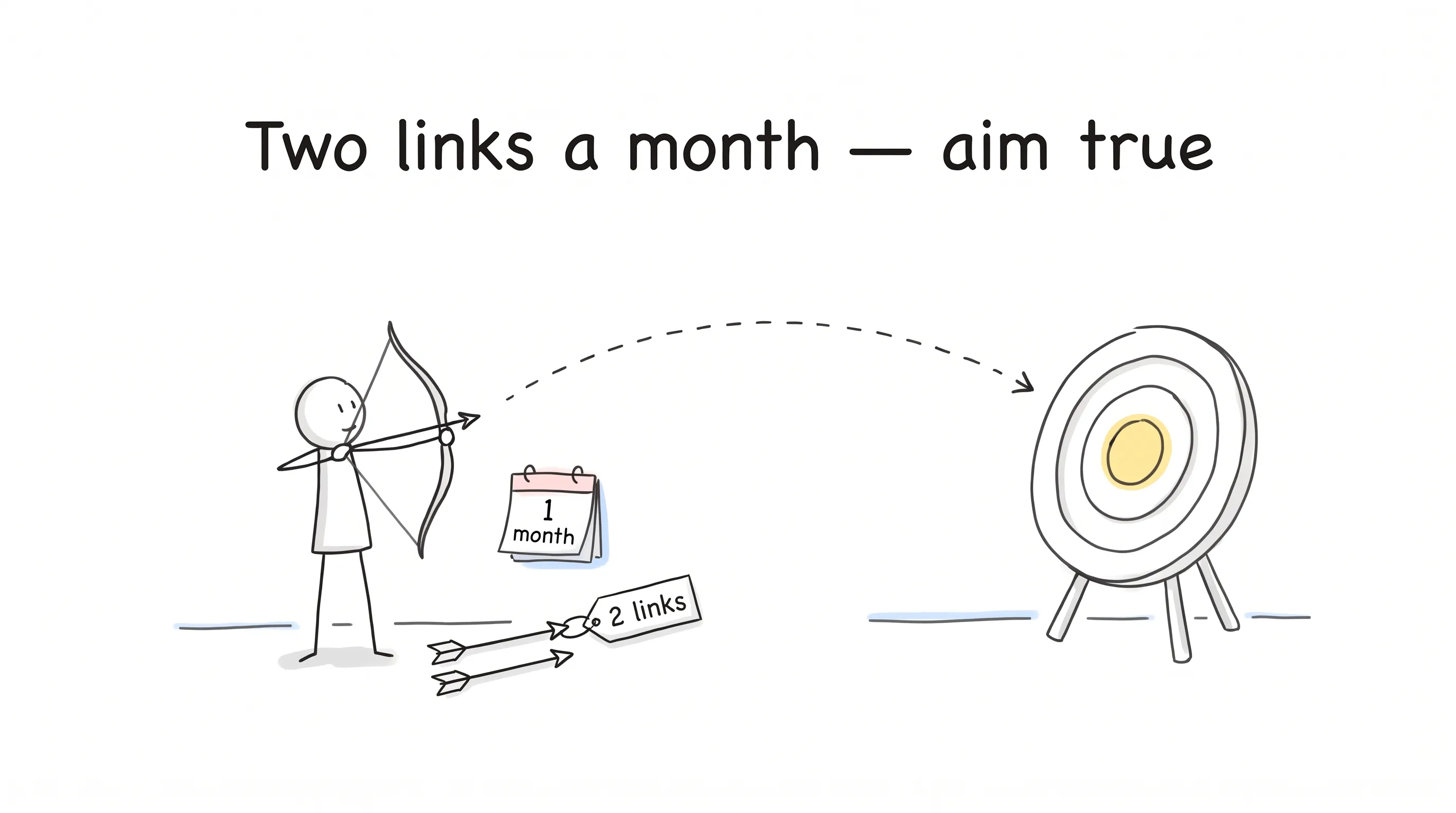
Oh, and the friend from the beginning — I gave him an idea in the end: stop agonizing over the quota. Two links a month? Then treat every one like ammunition, and aim true.
He did it. Last month, his two link posts generated more leads than the thirty link posts a month he used to publish.
Limits never box in people who think. They just force you to trade posting on autopilot for posting with intent.
Here's to you: even with only two links a month, may every one of them hit the bullseye.
Continue reading
Related articles
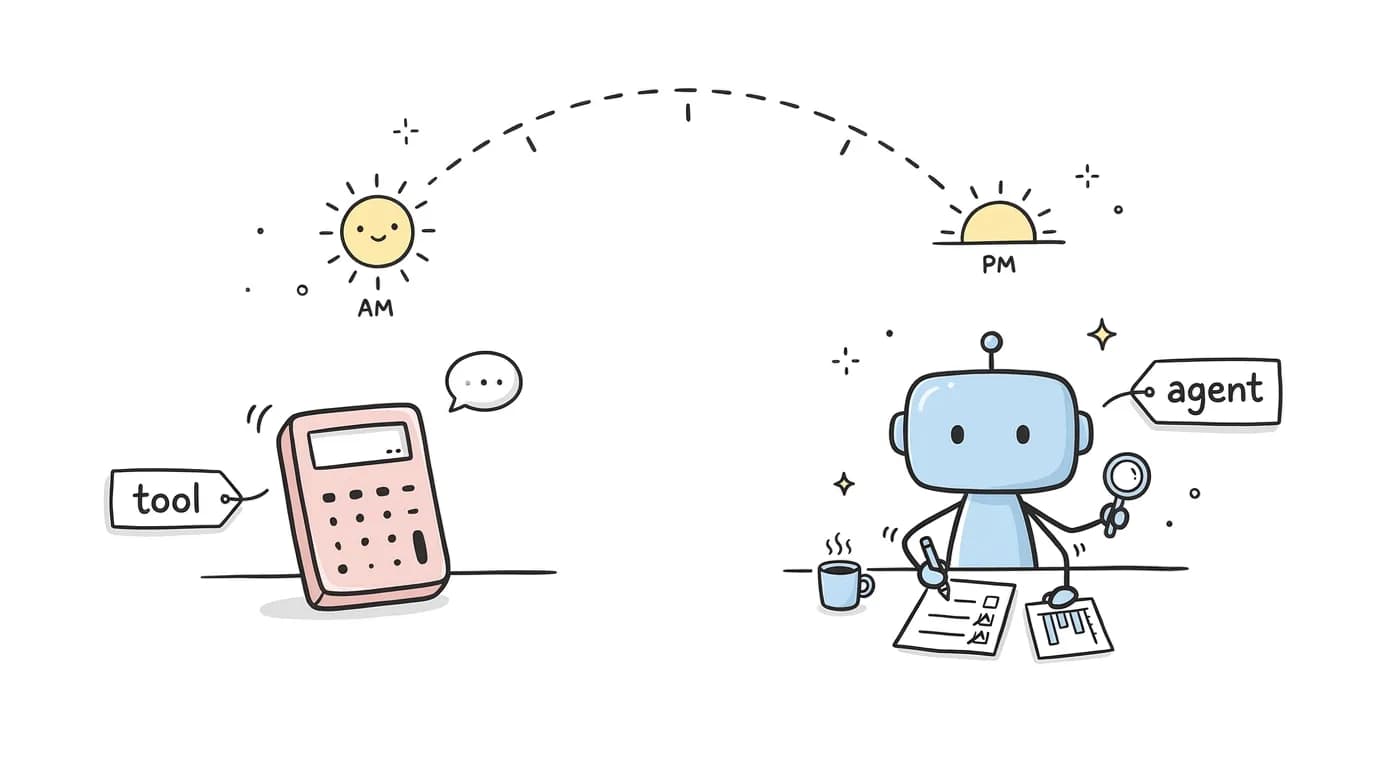
It's 2026: Stop "Buying" AI Tools for Your Marketing Team — Start "Hiring" AI Agents
This learn article explains how AI agents differ from standalone AI tools in marketing, outlines three agent categories — build-your-own platforms, CRM-native agents, and vertical tools — and covers use cases across SEO, social media, advertising, and reporting, plus criteria for choosing one.
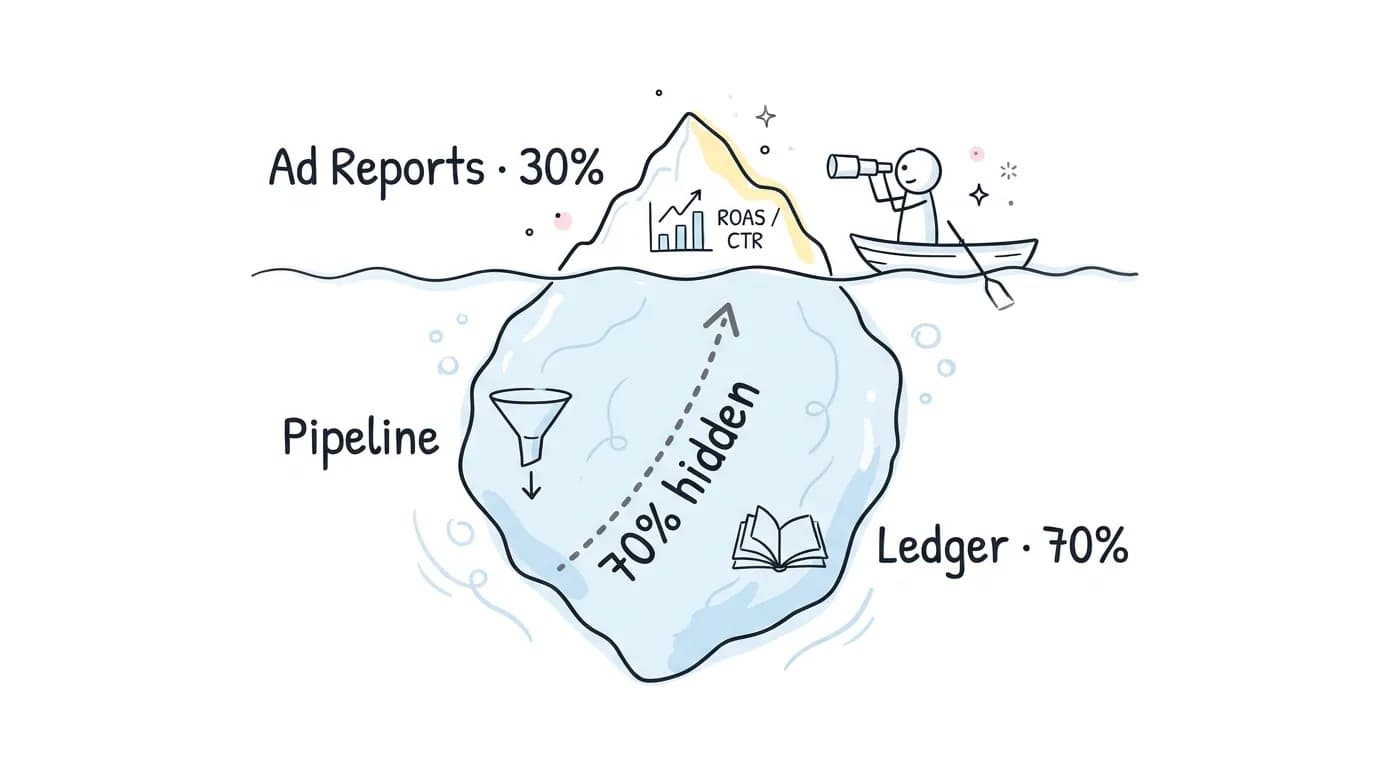
Did the Money You Spent on AI Marketing Ever Come Back?
A guide to measuring AI marketing ROI across three layers: ad reports, sales pipeline, and the financial ledger. Covers metrics such as ROAS and CPA, eight dashboard metrics, industry benchmarks, and common measurement mistakes.
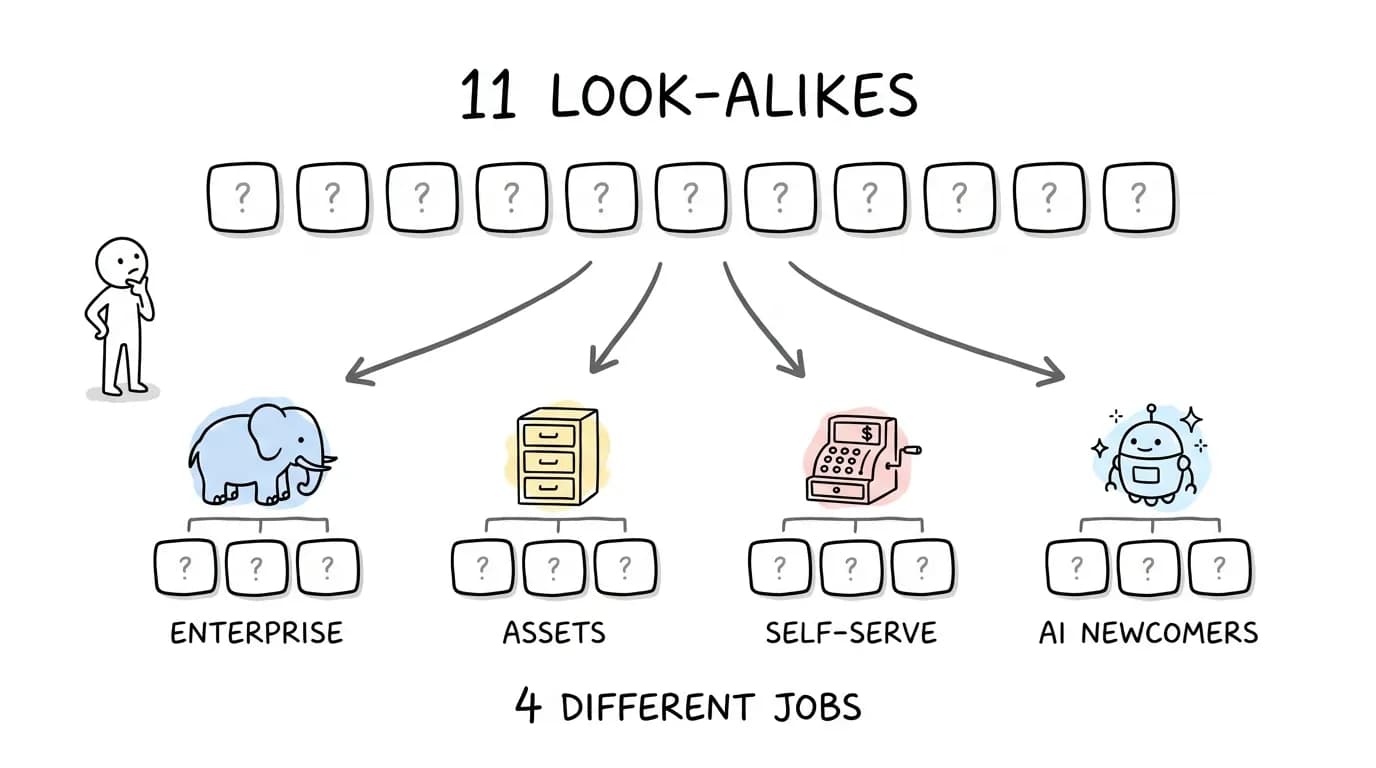
How to Pick a Creative Automation Platform: First, Figure Out What These Eleven Actually Do
A learn article sorts eleven creative automation platforms — including Bannerflow, Celtra, Smartly.io, and Storyteq — into four functional groups and proposes five evaluation questions covering publishing reach, automation depth, ease of adoption, team fit, and verifiable evidence.